
Side menu "Internal resources" → "Modifiers tables".
Click the
 button.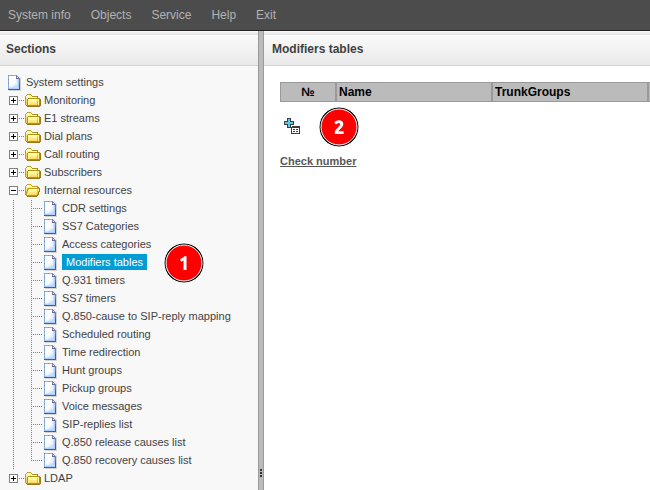
Fill in the "Name" field. Specify a name that characterizes the purpose of the modifier being created.
Click the "Next" button.
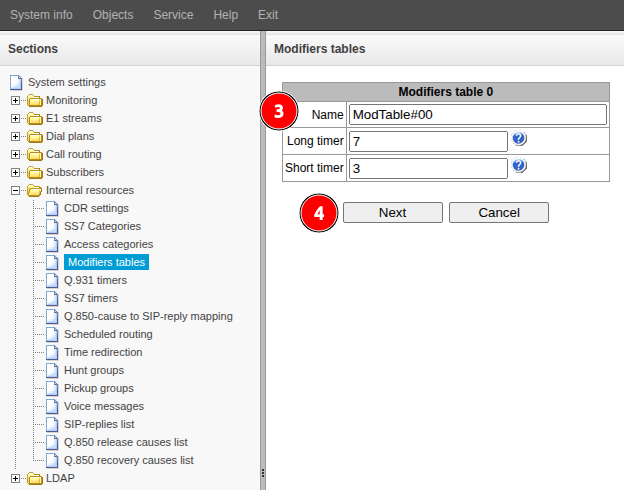
Add one or more modifiers. See the instructions starting from step 3.