
...
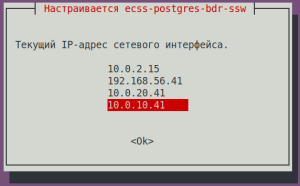
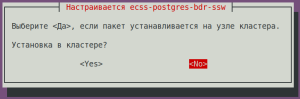
When installing the ecss-postgres-bdr-ssw package, the following questions will be asked:
| Questions ecss-postgres-bdr-ssw | Replies for ecss1 | Пример |
|---|---|---|
| Current IP address of the network interface. | Select an IP address from the list to use with Postgres |
|
| Installing in a cluster? | No (needs to be selected) |
|
| Без форматирования | ||
|---|---|---|
| ||
======================================================= ======================================================= ecss-postgres-bdr-ssw successfully installed/updated! ======================================================= ======================================================= ┏┓┏┓┏┓┏┳┓┏┓┳┓┏┓┏┓ ┳┓┳┓┳┓ ┏┓┏┓┓ ┏ ┃┃┃┃┗┓ ┃ ┃┓┣┫┣ ┗┓ ┣┫┃┃┣┫ ┗┓┗┓┃┃┃ ┣┛┗┛┗┛ ┻ ┗┛┛┗┗┛┗┛ ┻┛┻┛┛┗ ┗┛┗┛┗┻┛ |
...
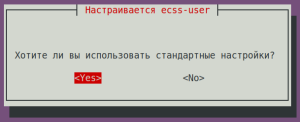
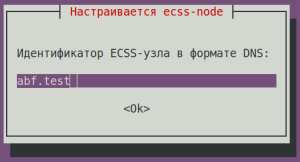
During installation, it will be prompted to configure the parameters necessary for generating configuration files. Examples of replies are below.
| ecss-user questions | Replies for ecss1 | Example | ||||||||||
|---|---|---|---|---|---|---|---|---|---|---|---|---|
| Do you want to use the default settings? | Yes (default) |
| ||||||||||
| ecss-node questions | Replies for ecss1 | Example | ||||||||||
| abf.test (needs to be entered)
|
| ||||||||||
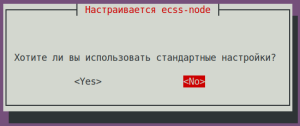
Do you want to use the standard settings? | No (needs to be entered) |
| ||||||||||
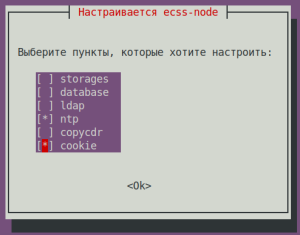
Select the items you want to configure: | ntp + cookie (needs to be entered) |
| ||||||||||
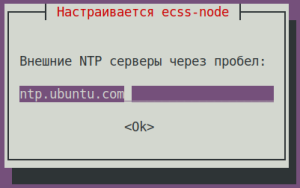
Enter external NTP servers separated by a space: | ntp.ubuntu.com (default) |
| ||||||||||
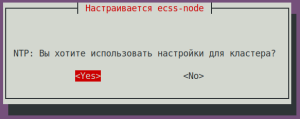
NTP: Do you want to use the settings for the cluster? | No (needs to be entered) |
| ||||||||||
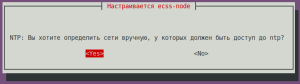
NTP: Do you want to manually define the networks that should have access to NTP? | Yes (default) |
| ||||||||||
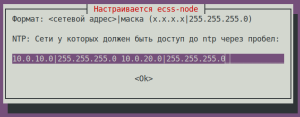
NTP: Enter networks that should have access to NTP separated by a space: (in the example: 10.0.10.0|255.255.255.0 10.0.20.0|255.255.255.0) | 10.0.10.0|255.255.255.0 10.0.20.0|255.255.255.0 (needs to be entered) |
| ||||||||||
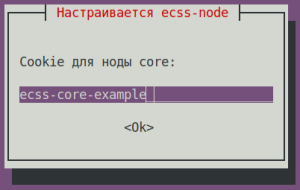
Cookie for the core node: (specify a unique cookie for the core, in the example: ecss-core-example) | ecss-core-example (needs to be entered) |
| ||||||||||
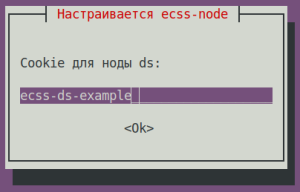
Cookie for ds node: (specify a unique cookie for the ds, in the example: ecss-ds-example) | ecss-ds-example (needs to be entered) |
| ||||||||||
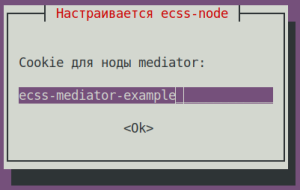
Cookie for mediator node: (specify a unique cookie for the mediator, in the example: ecss-mediator-example) | ecss-mediator-example (needs to be entered) |
| ||||||||||
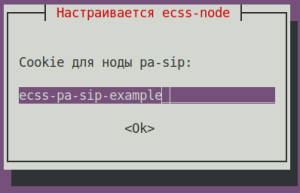
Cookie for mediator pa-sip: (specify a unique cookie for the pa-sip, in the example: ecss-pa-sip-example) | ecss-pa-sip-example (needs to be entered) |
| ||||||||||
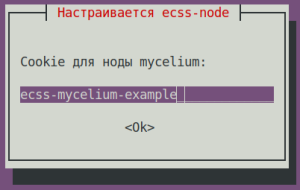
Cookie for mycelium: (specify a unique cookie for the mycelium, in the example: ecss-mycelium-example) | ecss-mycelium-example (needs to be entered) |
| ||||||||||
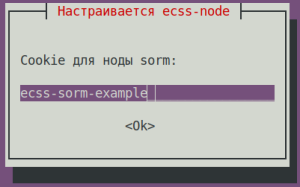
Cookie for sorm: (specify a unique cookie for the sorm, in the example: ecss-sorm-example) | ecss-sorm-example (needs to be entered) |
| ||||||||||
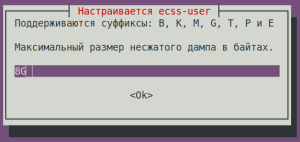
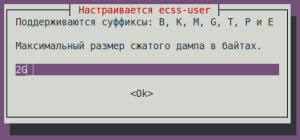
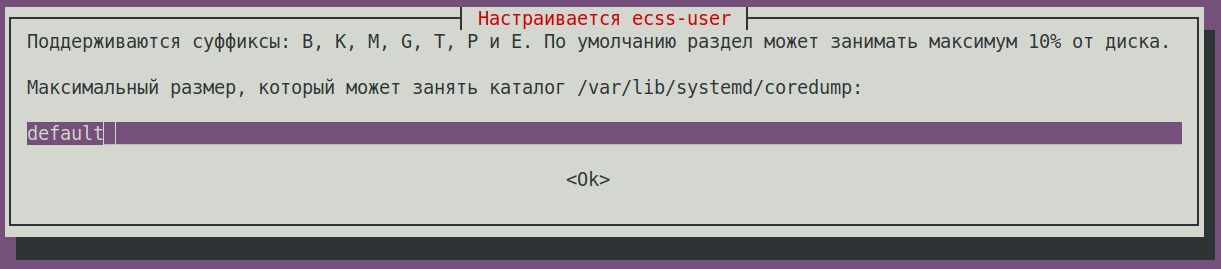
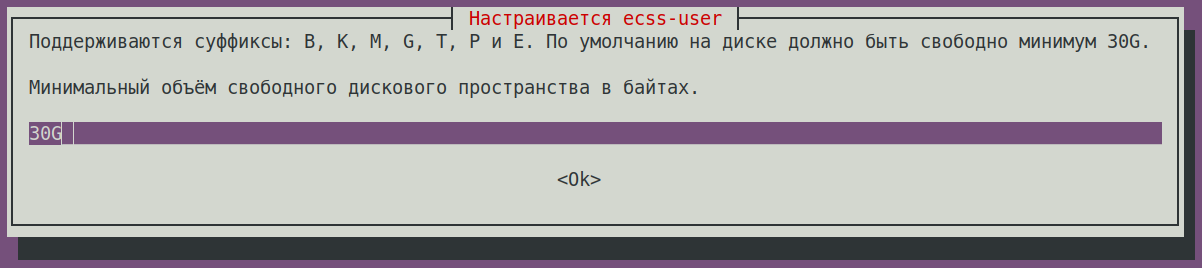
| ecss-user questions | Replies for ecss1 | Example | ||||||||||
Maximum size of uncompressed dump in bytes. | 8G (default) |
| ||||||||||
| Maximum size of compressed dump in bytes. | 2G (default) |
| ||||||||||
The maximum size that the /var/lib/systemd/coredump directory can occupy is: | default (default) |
| ||||||||||
Minimum amount of free disk space in bytes. | 30G (default) |
| ||||||||||
Save to a safe place and delete the file /etc/ecss/ssl/ecss10root.key! | Ok (default) |
| ||||||||||
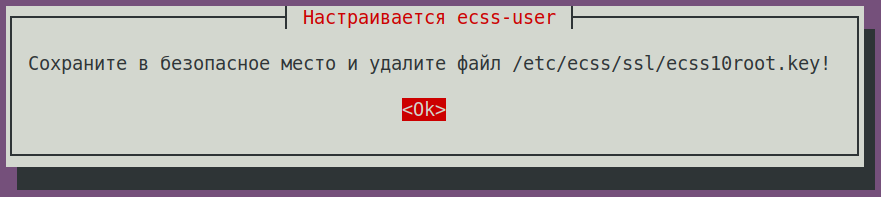
Check the status of services with the following command:
...
Installing ecss-restfs. During installation, you'll be asked a series of questions to create the necessary configuration files. The installer will also prompt you to install and configure the Text2speech package from Yandex.
| ecss-restfs questions | Replies | Example |
|---|---|---|
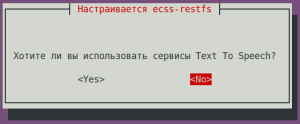
| Do you want to use Text To Speeh (TTS service)? | No (default) |
|
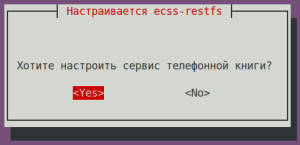
| Do you want to configure phone book? | Yes (needs to be selected) |
|
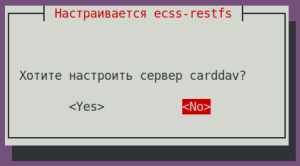
| Do you want to configure carddav server? | No (default) |
|
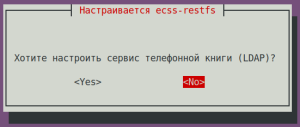
Do you want to configure phone book (LDAP)? | No (default) |
|
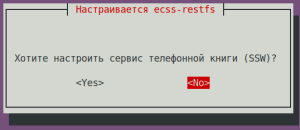
| Do you want to configure phone book (SSW)? | No (default) |
|
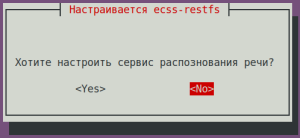
| Do you want to configure speech recognition service? | No (default) |
|
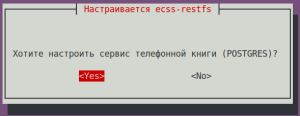
| Do you want to configure phone book (POSTGRES)? | Yes (default) |
|
| POSTGRES: postgres service: | localhost (default) |
|
| POSTGRES: Connection port: | 5439 (default) |
|
| POSTGRES: Login: | postgres (default) |
|
| POSTGRES: Password: | postgres1 (default) |
|
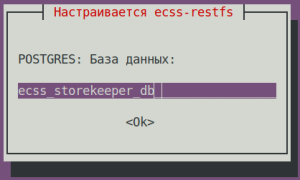
| POSTGRES: database: | ecss_storekeeper_db (default) |
|
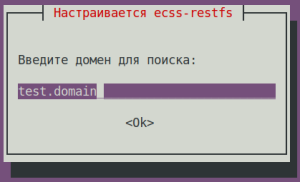
| Enter a domain to search: | test.domain (default) |
|
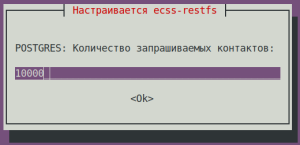
| POSTGRES: Number of contacts requested: | 10000 (default) |
|
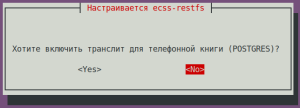
| Do you want to enable transliteration for your phone book (LDAP)? | No (default) |
|
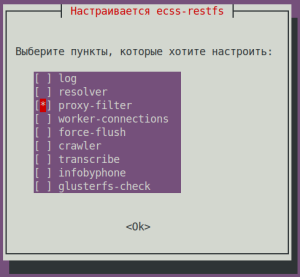
| Select the items you want to customize: | proxy-filter (needs to be selected) |
|
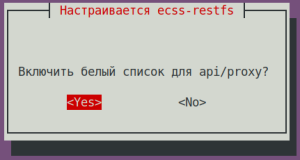
Enable whitelist for api/proxy? |
|
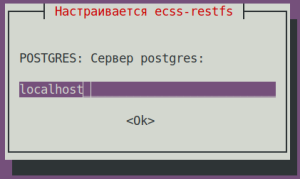
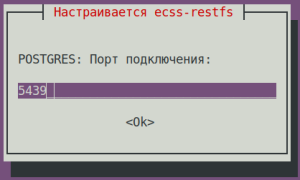
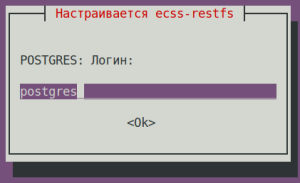
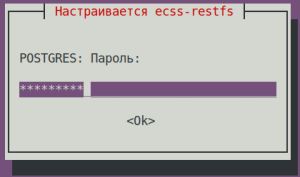
| Подсказка | ||
|---|---|---|
| ||
# ------------------------------------------------------------------- |
...
For the media server (ecss-media-server/MSR), initial configuration is possible by writing parameters to a configuration file. To do this, configure transport bind-addr,mcc bind-addres:
| ecss-media-server questions | Replies for ecss1 |
|---|---|
| [ MSR SIP ] Enter bind-ip address | 10.0.20.41 (needs to be entered) |
| [MSR Control-Channel] Enter bind-ip address | 10.0.20.41 (needs to be entered) |
After creating the default configurations, perform a check:
...
Installing the ecss-web-conf package also automatically installs the ecss-subscriber-portal-ui package. The ECSS-10 Subscriber Portal application allows subscribers to independently manage services, view information on completed calls and active conferences, and configure their own IVR scripts for incoming calls.
| ecss-web-conf questions | Replies for both hosts | Example |
|---|---|---|
| Do you want to use the default settings? | Yes (default) |
|
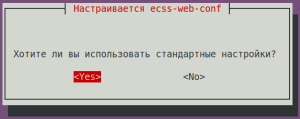
Check the connectivity of the web interface http://10.0.20.41,user/password: admin/password. Not all functions are available at the moment, but the web interface should be working and the login successful.
...
Specify the port and address to which the server can be accessed in the configuration file:
| Configuring ssh for ecss1 (/etc/ssh/sshd_config) |
|---|
# This is the sshd server system-wide configuration file. See # This sshd was compiled with PATH=/usr/bin:/bin:/usr/sbin:/sbin # The strategy used for options in the default sshd_config shipped with Port 2000 <...> |
Restart ssh:
| Блок кода | ||||
|---|---|---|---|---|
| ||||
sudo systemctl restart ssh.service |
...