
...
- Main menu buttons — to group menus by categories.
- Menu tabs and submenus — to manage the main information field.
- Edit Mode.
- Interface language selection button (Russian and English versions of the web-interface are available) and exit button — to terminate the web-interface session under this user.
- Main information field — to view submenu data.
- Information field — to display the software version installed on the controller.
Scroll Pagebreak
Interface main elements:
| Element | Action |
|---|---|
| Create new obkect |
| Remove object |
| Choose one or several objects |
| Menu for work with selected object |
| Update the information displayed on a page |
| Unregister all |
| Register all |
| Terminate all Airtune sessions |
| Enable Edit Mode |



Monitoring
Menu "Wireless" Якорь беспроводные беспроводные
| беспроводные | |
| беспроводные |
...
- IP Address – IP address of the connected device;
- Host name – network name of the connected device;
- SNR, dB – signal-to-noise ratio;
- Transmit Rate – modulation and channel rate when transmitting;
- Receive Rate – modulation and channel rate at reception;
- Режим IEEE 802.11 – wireless network standard;
- Authorized – client's authorization status;
- Domain – domain to which the user belongs;
- link Quality – parameter that displays the status of the link to the client, calculated based on the number of retransmitted packets sent to the client. The maximum value is 100% (all transmitted packets were sent on the first attempt), the minimum value is 0% (no packets were successfully sent to the client). The value of the parameter is calculated for the last 10 seconds;
- Link Quality Common – parameter that displays the state of the link to the client, calculated based on the number of retransmitted packets sent to the client. The maximum value is 100% (all transmitted packets were sent on the first attempt), the minimum value is 0% (no packets were successfully sent to the client). The value of the parameter is calculated for the whole time of client connection;
- Actual Transmit Rate, Kbit/s – actual speed of traffic transmission at the moment;
- Actual Receive Rate, Kbit/s – actual rate of traffic reception at the moment;
- Transmit, bytes – number of bytes transmitted to the connected device;
- Receive, bytes – number of bytes received from the connected device;
- Transmit, packets – number of packets transmitted to the connected device;
- Receive, packets – number of packets received from the connected device;
- Uptime – time of connection with Wi-Fi client;
- Transmit Bandwidth, MHz – channel frequency bandwidth on which the radio interface operates during transmission;
- Receive Bandwidth, MHz – channel frequency bandwidth on which the radio interface operates during receiving.
Scroll Pagebreak
RRM ReportsЯкорь rrm rrm
| rrm | |
| rrm |
The page displays optimization reports. By default, the last report is displayed. Select the required report date using the calendar.
...
- MAC Address – MAC address of the unregistered access point;
- Status – operating status of the access point;
- IP Address – IP address of the unregistered access point;
- Board Type – model of the unregistered access point;
- SW Version – firmware version of the unregistered access point;
- HW Version – hardware version of the device;
- Serial Number – serial number of the device set by the factory.
Scroll Pagebreak
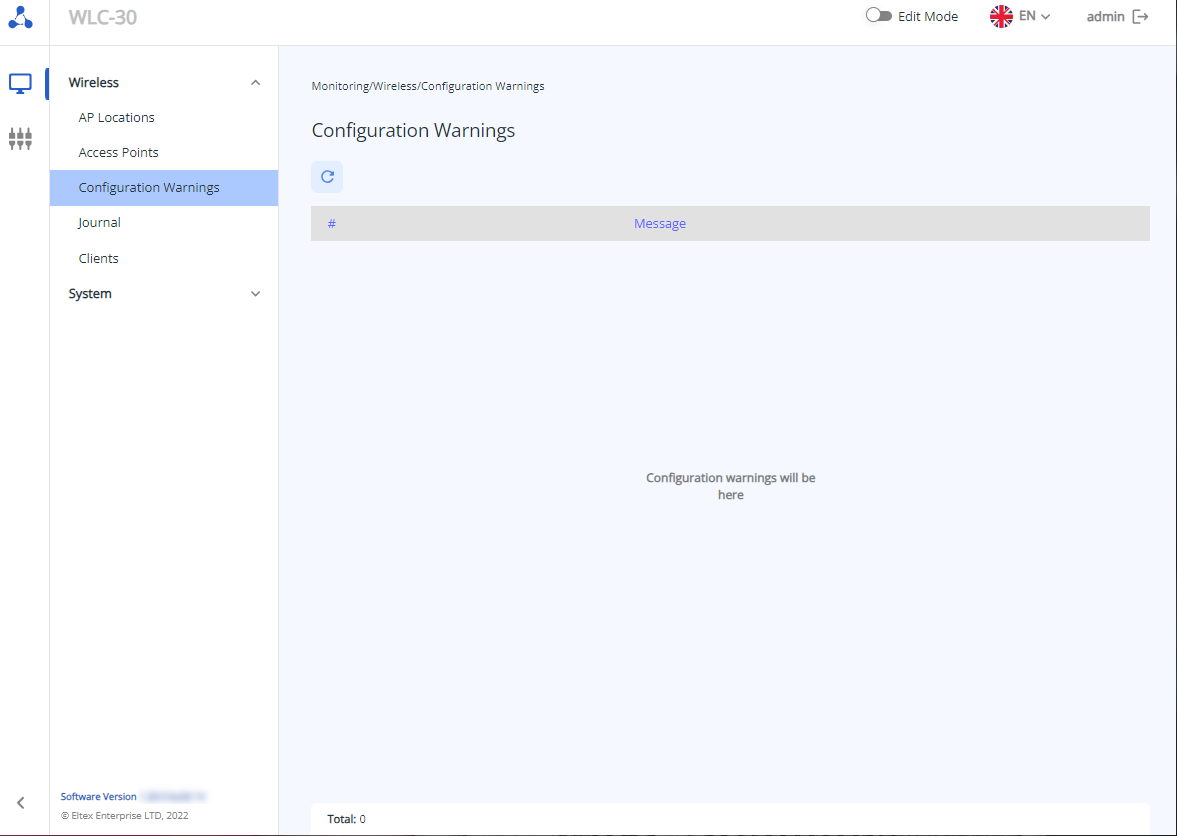
Submenu "Configuration Warnings"
...
The "Total" parameter displays the number of configuration warnings/errors.
Scroll Pagebreak
Submenu "Journal"
The «Journal» submenu displays events and activities with access points and clients.
...
| Информация |
|---|
The password is a obligatory parameter and must be set when creating the AP profile. The other parameters will be created with default values if no changes are made. More detailed information can be found in section "AP profile configuration" and "AP Trace". |
Scroll Pagebreak
AP profile configuration configuration Якорь AP profile config AP profile config
...
| Примечание |
|---|
If an airtune profile is added to a location, some parameters of the AP radio interfaces in that location will be controlled by airtune (if airtune is also enabled globally on the "General settings" page). Accordingly, when airtune is enabled in a location, it is not reasonable to change parameters related to power and radio channels in the radio profiles of that location, as they will not be applied on the AP because these parameters are automatically configured through airtune. If you want to change the channel width or channel list for auto-selection on the APs, you must first disable airtune, apply the changes, and then re-enable airtune to automatically manage the channels according to the new settings. |
Scroll Pagebreak
The table contains the basic settings for each profile, such as:
...
The compliance of the power parameter values for each radio interface of the AP depending on the AP model is presented in the table:
| 2.4 GHz | |||||
|---|---|---|---|---|---|
| AP | minimal | low | middle | high | maximal |
| WEP-1L | 3 | 6 | 10 | 13 | 16 |
| WEP-2L | 3 | 6 | 10 | 13 | 16 |
| WOP-2L | 3 | 6 | 10 | 13 | 16 |
| WOP-20L | 8 | 10 | 12 | 14 | 16 |
| WEP-200L | 4 | 7 | 10 | 13 | 16 |
| WEP-30L | 0 | 4 | 8 | 12 | 16 |
| WOP-30L | 0 | 4 | 8 | 12 | 16 |
| WOP-30LS | 0 | 3 | 6 | 9 | 11 |
| WEP-3ax | 6 | 8 | 11 | 14 | 16 |
| WEP-2ac | 5 | 8 | 11 | 14 | 16 |
| WEP-2ac Smart | 5 | 8 | 11 | 14 | 16 |
| WOP-2ac:rev.B/rev.C | 5 | 8 | 11 | 14 | 16 |
| 5 GHz | |||||
| AP | minimal | low | middle | high | maximal |
| WEP-1L | 11 | 13 | 15 | 17 | 19 |
| WEP-2L | 11 | 13 | 15 | 17 | 19 |
| WOP-2L | 11 | 13 | 15 | 17 | 19 |
| WOP-20L | 11 | 13 | 15 | 17 | 19 |
| WEP-200L | 8 | 11 | 14 | 17 | 19 |
| WEP-30L | 0 | 5 | 10 | 15 | 19 |
| WOP-30L | 0 | 5 | 10 | 15 | 19 |
| WOP-30LS | 0 | 3 | 6 | 9 | 11 |
| WEP-3ax | 10 | 12 | 15 | 17 | 19 |
| WEP-2ac | 1 | 6 | 10 | 15 | 19 |
| WEP-2ac Smart | 11 | 13 | 15 | 17 | 19 |
| WOP-2ac:rev.B/rev.C | 1 | 6 | 10 | 15 | 19 |
Limit Channels – list of radio channels for automatic selection depending on the radio air.
By default:
...
- 36, 40, 44, 48 – for 5 GHz.
Scroll Pagebreak
Possible values:
- 1, 2, 3, 4, 5, 6, 7, 8, 9, 10, 11, 12, 13 – for 2.4 GHz;
...