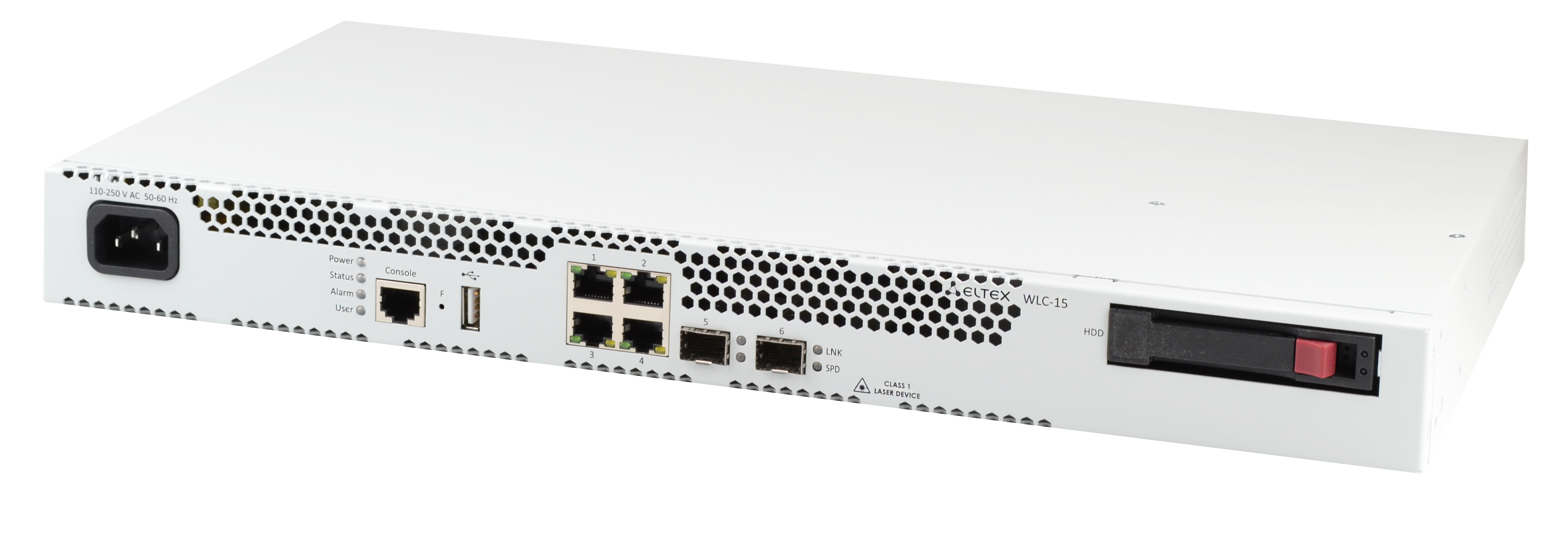

WLC-15
WLC-30
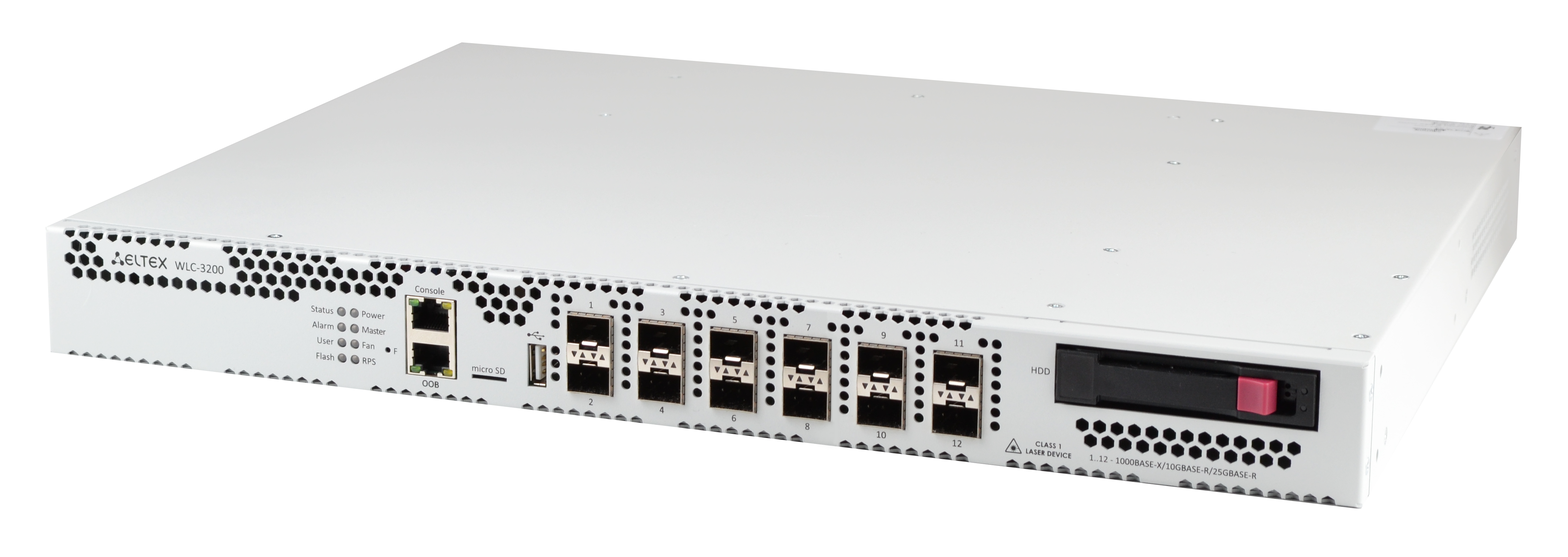
WLC-3200
WLC-15, WLC-30 and WLC-3200 are controllers for self-management of enterprise-level wireless networks for small and medium-sized businesses. The devices allow to quickly configure a Wi-Fi network and add Eltex access points (AP) of different performance and purpose.
Controllers provide monitoring of all AP, analyze traffic statistics and session time, perform Wi-Fi settings.
Enterprise-authorization of users with traffic encryption is by login/password.
Be sure to read this if you are using the controller for the first time!
Thank you for using our controllers! And if you're doing so for the first time, here's what you need to know to fast configuration.
Initially, the factory configuration of a WLC controller is not completely blank. It contains the most basic set of parameters that allow quick connection of AP to the controller and running Wi-Fi on it. If you connect an Internet link to the controller with the factory configuration in the first port and an Eltex AP in the second port, the AP will receive an IP address from the controller, automatically register on it and receive default configuration profiles. These profiles contain the default SSID, so you'll see it in your smartphone under Wi-Fi networks. And that's without a single command on the controller! If you do connect to the controller and set up a Wi-Fi user account, you can also authorize to this SSID.
This entire process is described in more detail in section Quickstart. This will allow you to get a basic service very quickly without having to study the documentation for a long time.
So, you already have your Wi-Fi working and have a starting point for its development. But you don't really understand how the controller is managed yet. And in order to study its work more deeply, but at the same time quickly enough, you need to read the section WLC configuration. It describes in much more detail an example of configuring a Wi-Fi network with GRE tunneling of subscriber traffic between the AP and the controller. All the commands that are necessary to create such a scheme are given. This will give you a full understanding of which part of the configuration is responsible for what, and what each line of the configuration is responsible for.
It is also important for you to know that at the moment configuration of the controller is possible not only through CLI, but also through WEB interface. At the moment the configuration of all Wi-Fi settings is supported. However, we have not yet had time to support configuration of settings in the service router part (because WLC is based on ESR service router), such as bridges, vlans, object-groups, etc. This is a work in progress. You can learn about configuring the controller via WEB at the following section Management via WEB interface.
These resources are sufficient for a basic understanding of WLC controller configuration. Links to the full controller documentation are provided below.
Documentation for firmware version 1.30.6: