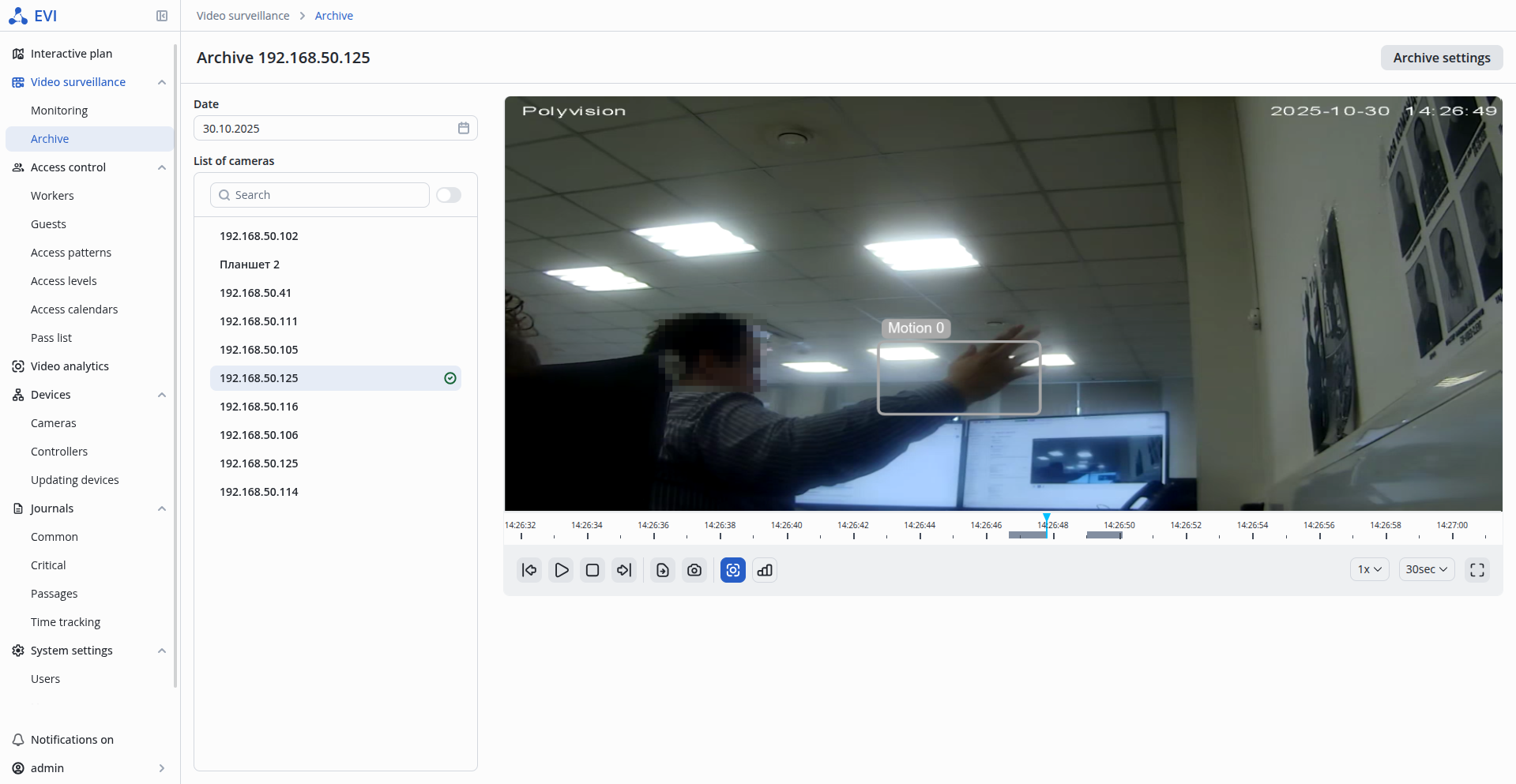
Metainformation is information in a frame from any type of analytics that visually displays the work of analytics.
Viewing the result of the Motion detector is available in two locations:
To display the Motion detector operation, right-click on the camera broadcast and select Display analytics.
Select Motion detector from the next menu to display the operation of the motion detector.
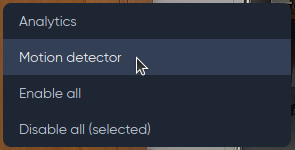
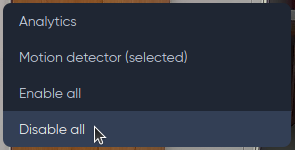
To disable the display of Motion detector operation, select Disable.
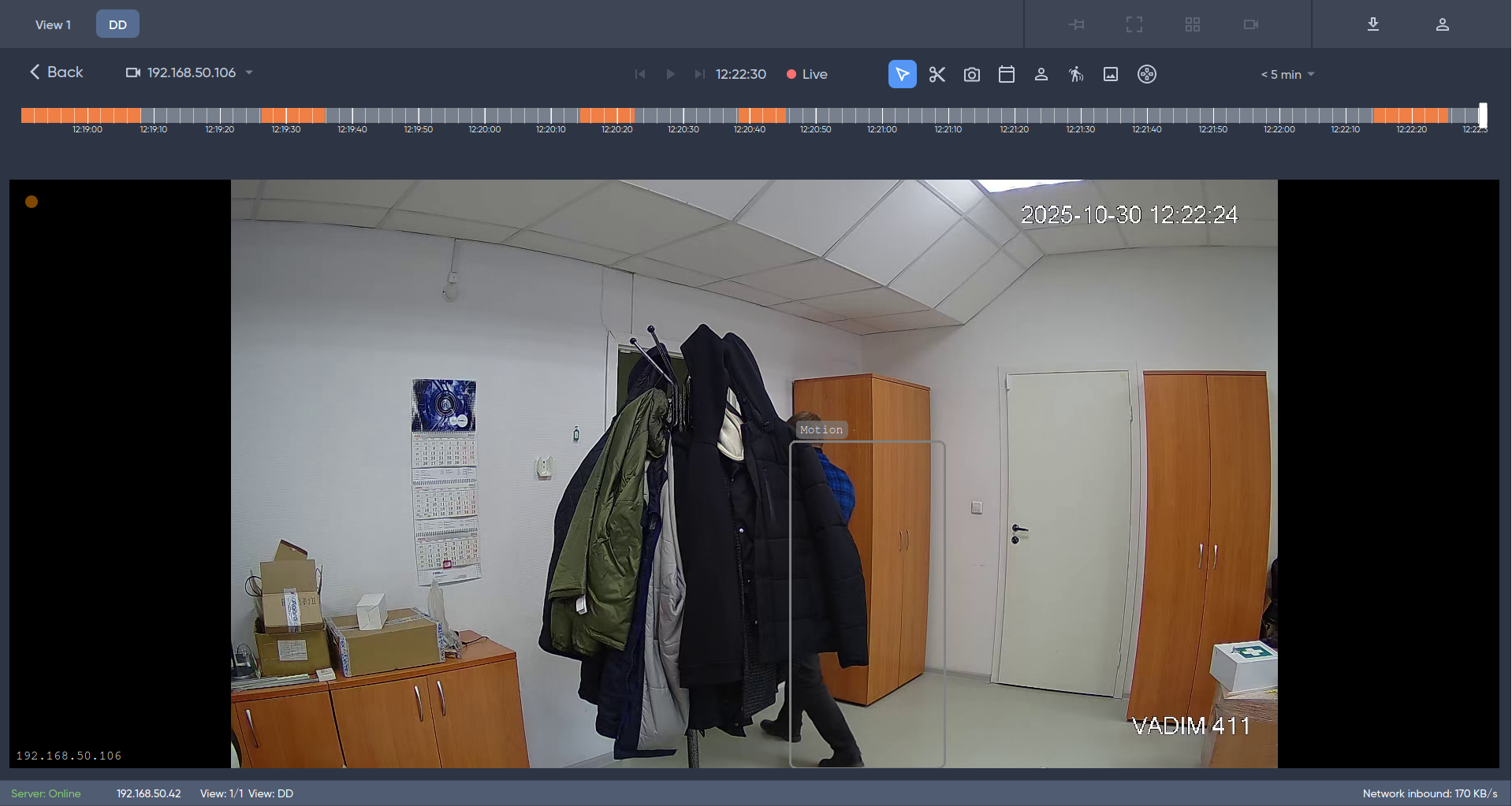
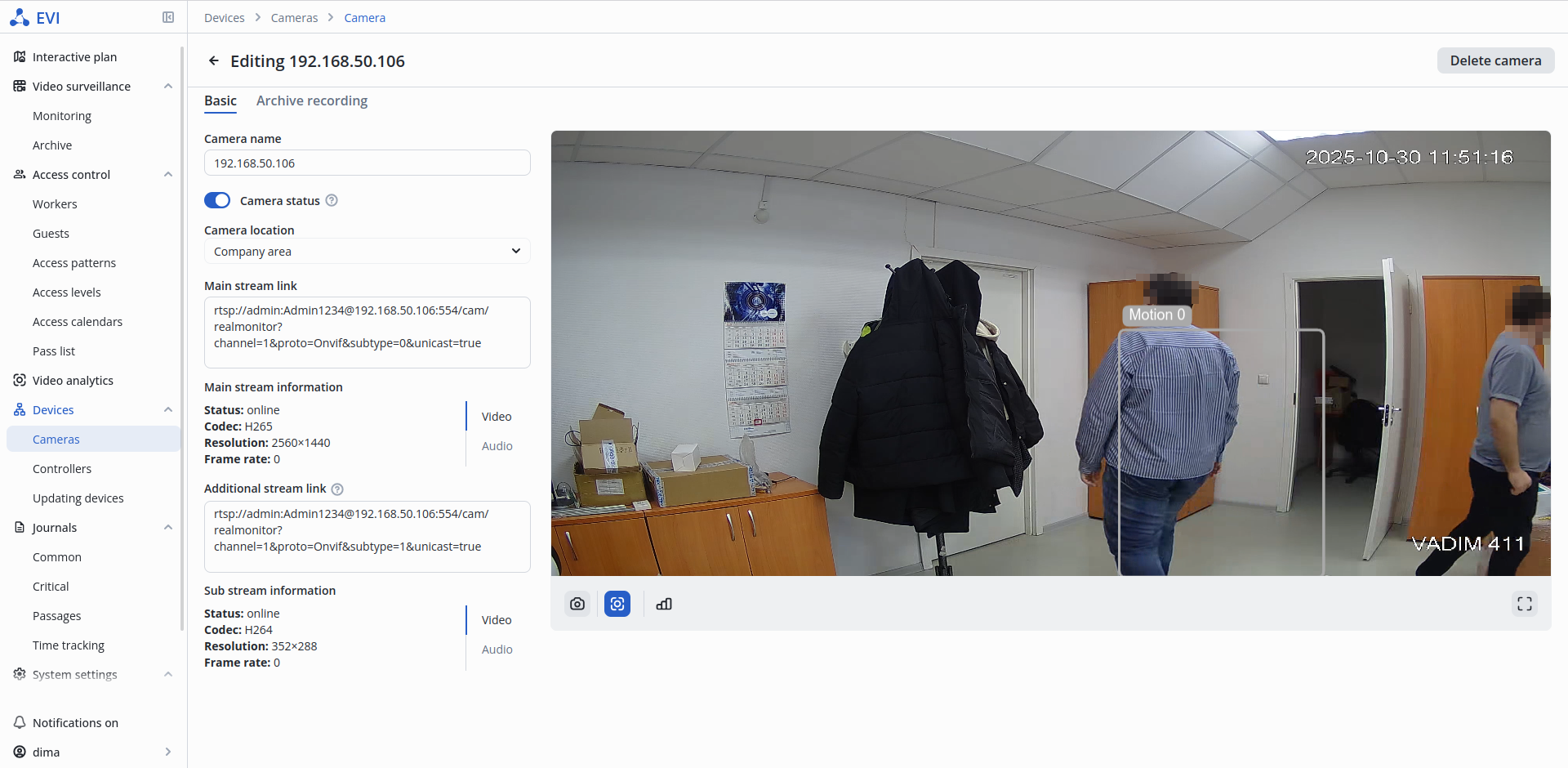
Displaying the operation of the Motion detector on the camera broadcast.
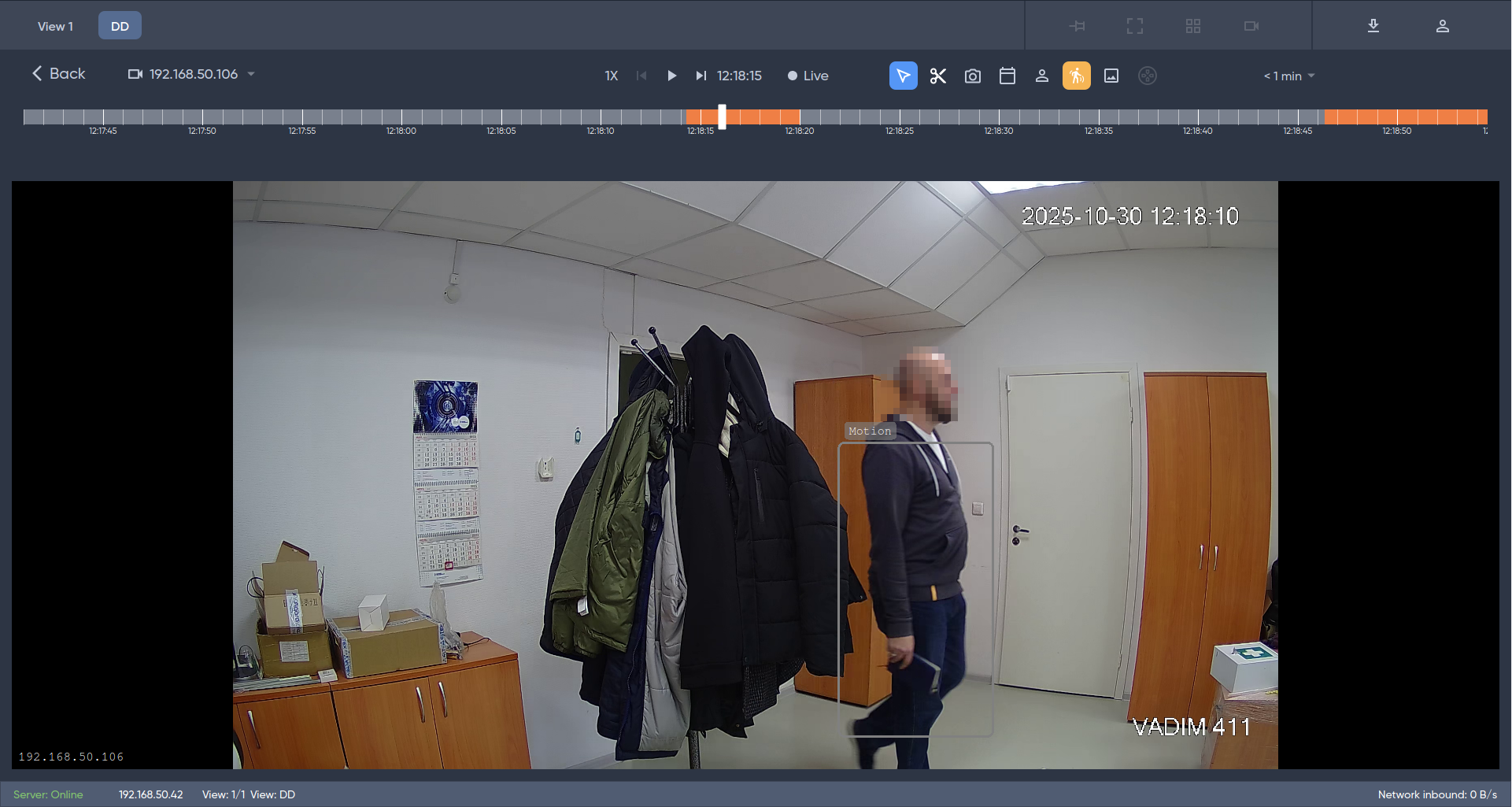
To view metainformation about the motion detector's operation in the archive, activate the Motion display button and select a fragment of the archive on the timeline.
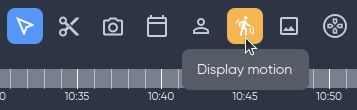
Displaying the Motion detector operation in the camera archive.
To view the Motion detector operation, click on the Meta info off button on the broadcast page of the selected camera.
The platform remembers the last position of the button. When disabling meta information, the state of the button will be retained when switching to other cameras. |

Operation of the Motion detector display.
The Motion detector operation is displayed in the default archive. To disable the display, use the Meta info off button.