To download the installation file, please click here. |
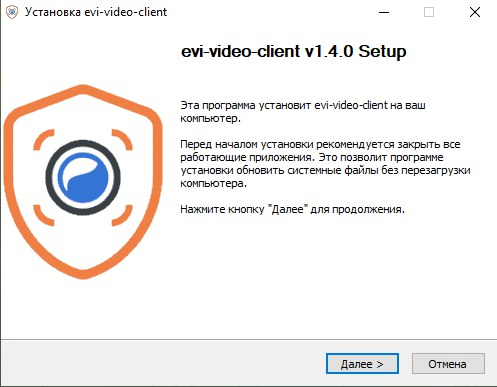
Run the installation program and click Next.
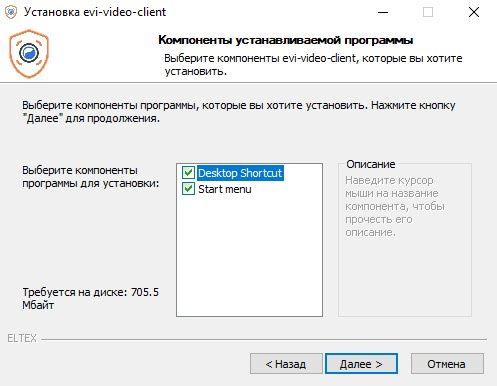
Select the necessary program components, click Next.
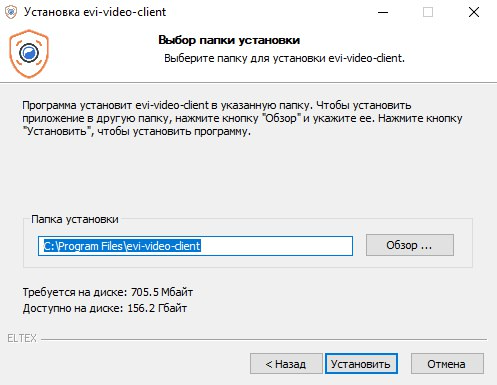
Select the installation folder and click Install. By default, the installation will be performed in C:\Program Files\evi-video-client.
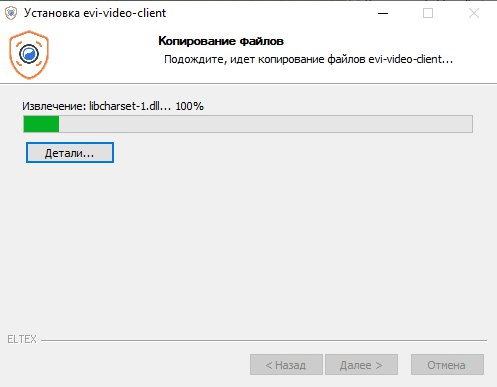
Wait until the installation is complete.
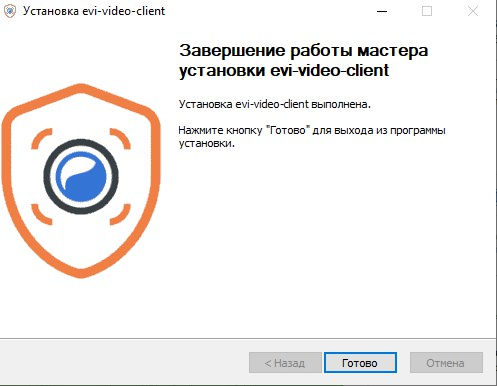
Click Done.