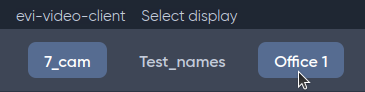
To navigate between views, use the panel with view names located at the top of the screen.
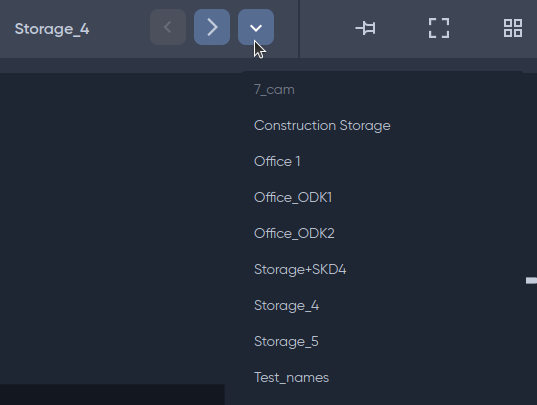
If the list of items extends beyond the edge of the panel, additional control buttons appear: move right/left through the list, and a drop-down list button.
 When clicking on the drop-down list button, a list of all available types appears.