Authorization on the EVI Platform
In the browser address bar, enter https://IP address for the server or https://name for the host.
When using self-signed certificates, it is necessary to add the website to exceptions or add the certificate to the browser, as well as prescribe it in the configuration files of services. |
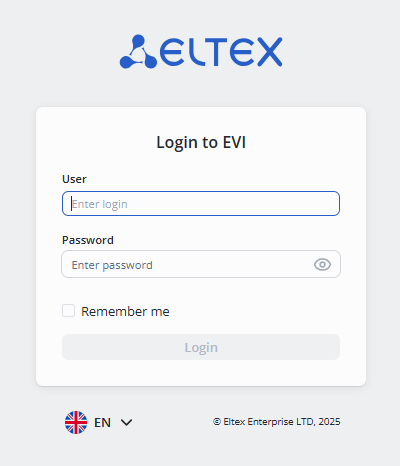
In the authorization form, enter:
- User — admin;
- Password — password.
To continue the work, it is required to change the default password with the administrator.
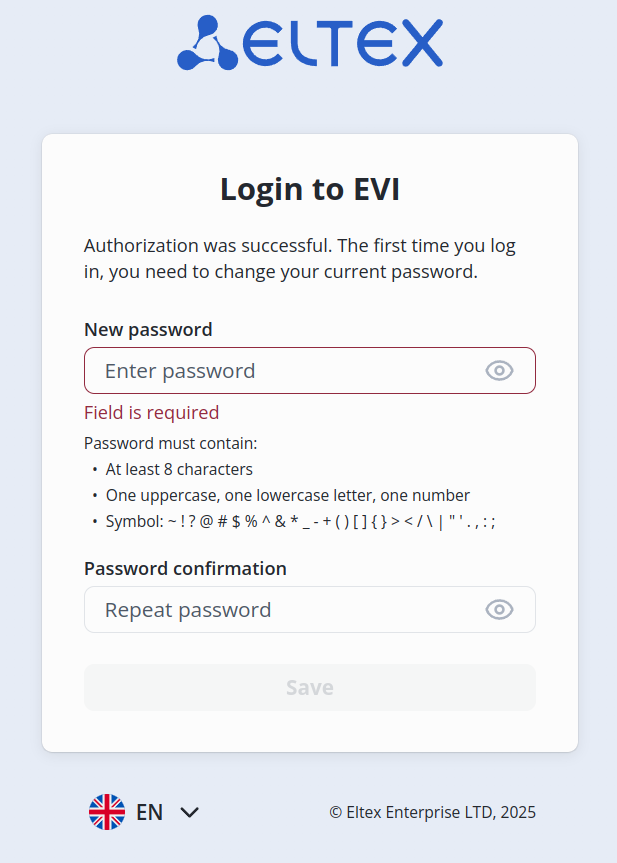
After specifying a new password, it is possible to continue working.
Product activation
To obtain a license, contact the Eltex commercial department. |
After the first login, it is necessary to download a license to continue working.

Click the Upload license button and select the file in the file manager.
After downloading the license, the functionality will be activated and the left side menu will appear.
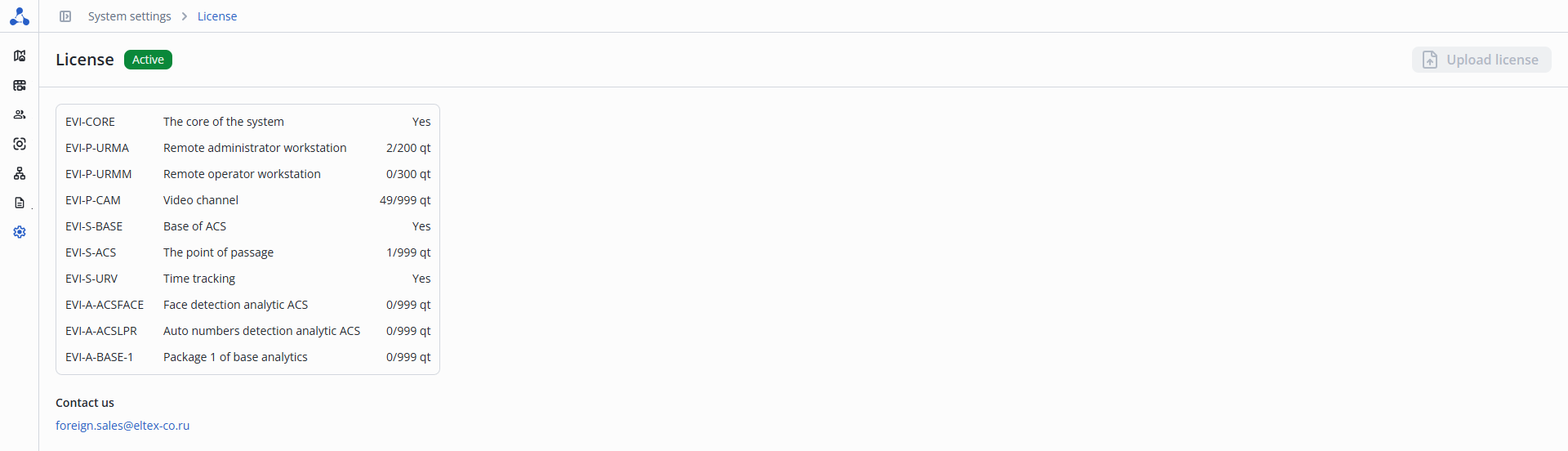
- The core of the system — system core module;
- Remote administrator workstation — number of users with administrator rights who are provided with access to the EVI Platform web interface;
- Remote operator workstation — number of users with limited rights (Security role) who are provided with access to the EVI Platform web interface;
- Video channel — number of cameras added to the EVI Platform;
- Base of ACS — PACS module;
- The point of passage — number of passages for organizing an access control and management system (door, turnstile, barrier, gate, actuator);
- Time tracking — module for tracking working hours;
- Face detection analytic ACS — number of face recognition passes for organizing an access control and management system (door, turnstile, barrier, gate, actuator);
- Auto numbers detection analytic ACS — number of passages made using license plate recognition within the PACS (barriers, gates);
- Package 1 of base analytics — number of camera video streams with basic object detector analytics. Person, vehicle, or any object for: Line crossing, entering/exiting the zone.