
Filters provide a quick way to search for information within a section.
Filters are available in the following sections:
Each section has default filters — preset, most frequently used values.
To search for a certain filter, left-click on the filter name.
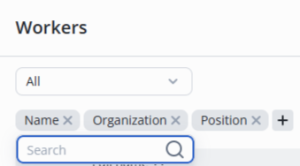
Start typing text to filter — the list on the page will update automatically.

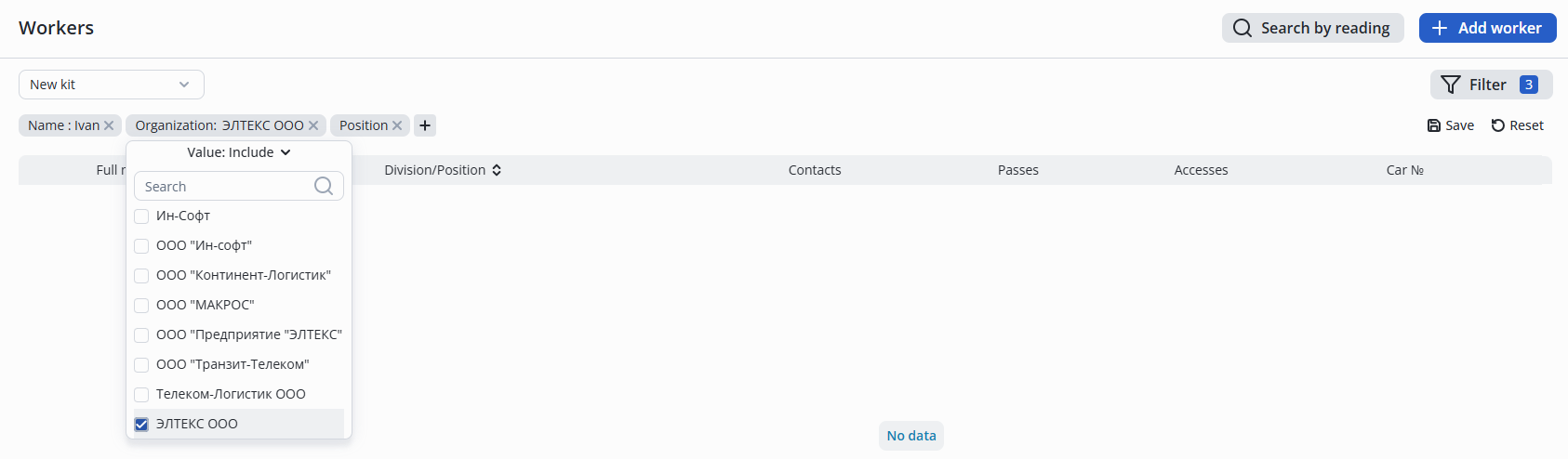
The division/position filters allows to select an organization or position from the list, and then the list will be updated according to the selected filters.
To add additional filters, left-click on the + and select the required one from the drop-down list.
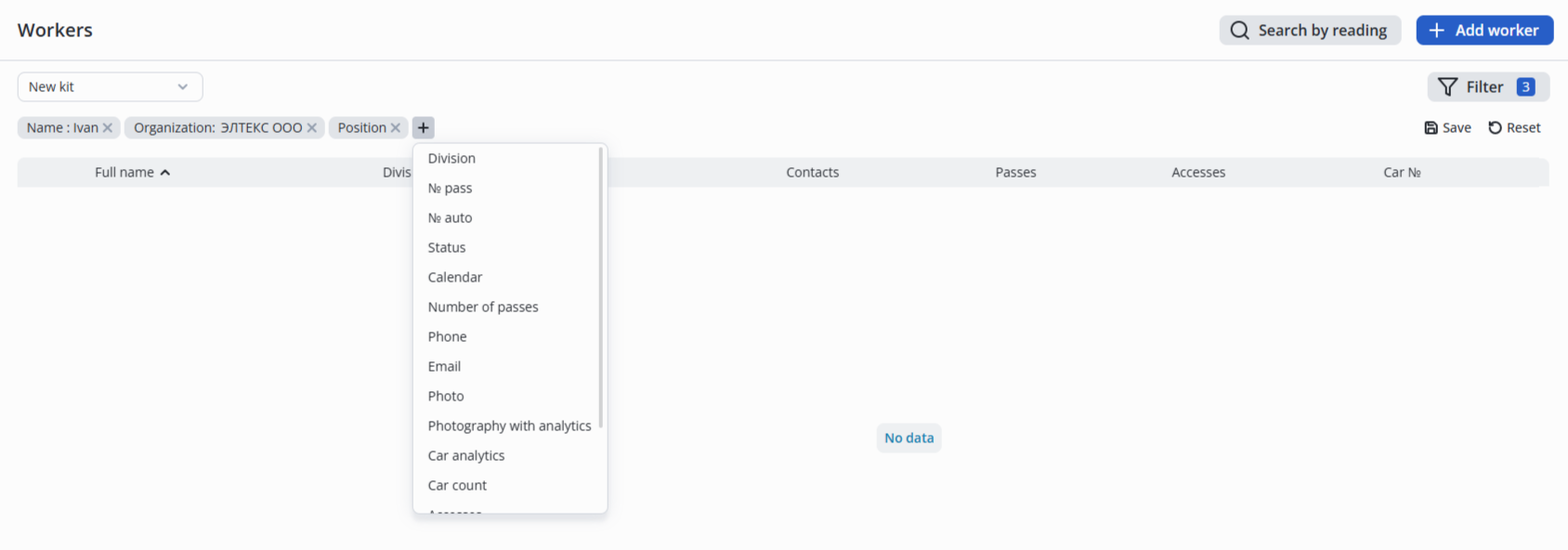
A filter can be removed by left-clicking on the X next to the filter.

In Platform version 1.4 , filters are stored in the browser cache. |
To create a set of filters, it is possible to add a new filter or set parameters from scratch, then click the Save button.

In the pop-up window, specify a name for the filter set and click Create.
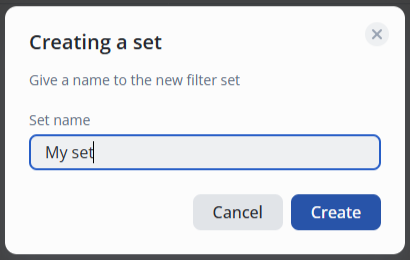
The created filter set can be selected in the top left corner in the drop-down list.
