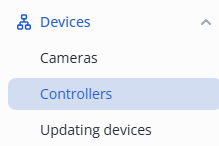
To edit a controller, select Controllers from the side menu in the Devices section.
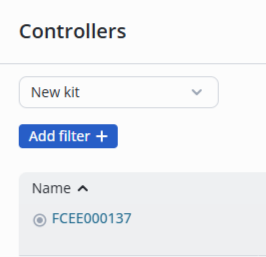
Click on the name of the controller.
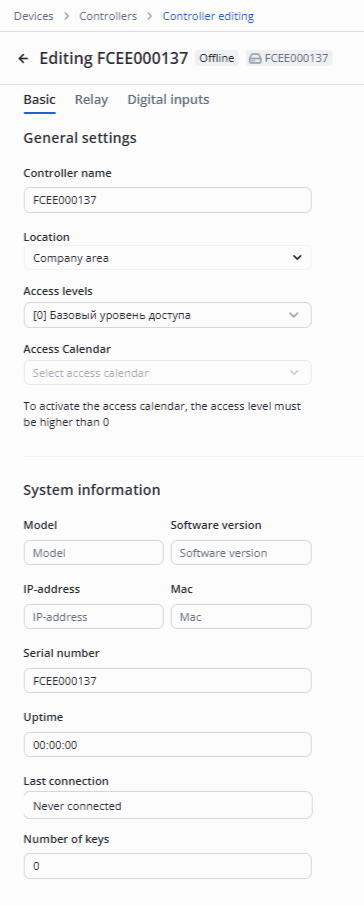
This tab provides general information about the controller.
This tab is used to configure the control mode, readers and relays.
There are 8 types of controller control:
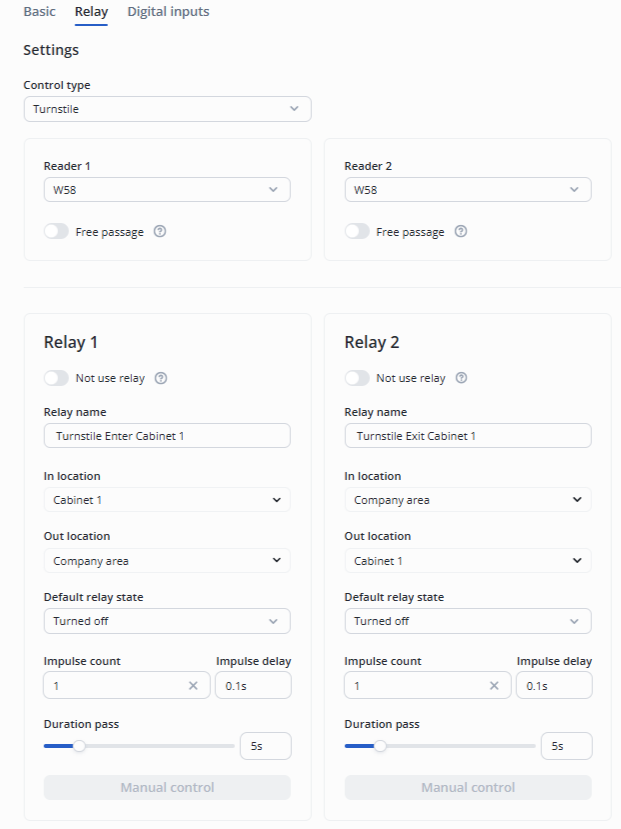
Enabling the Free passage mode provides access to any worker at any time. |
To disable a relay, use the Not use relay switch and the relay will no longer be displayed in the device list. |
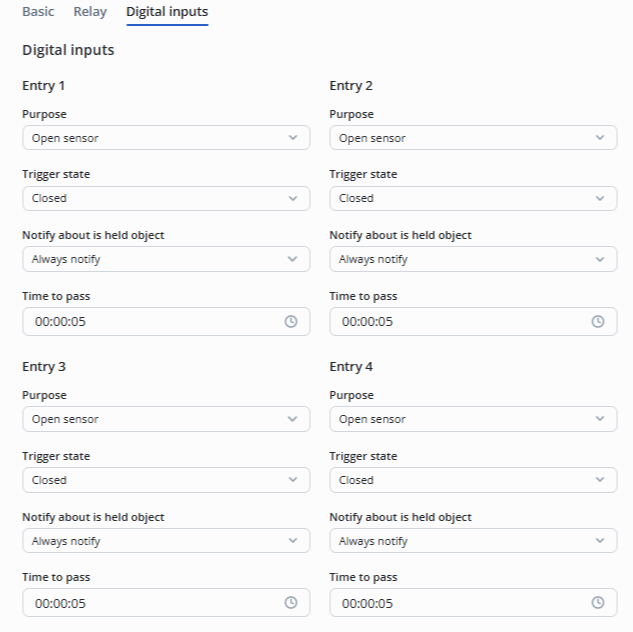
There are 4 digital inputs on the tab, by default Input 1(Di1) and Input 1(Di3) must be Open sensor, to Input 1(Di2) and Input 1(Di4) it is possible to assign a button or sensor and change the trigger state to open or close.
It is also possible to configure Notification of object being held (Always notify by default) and Time to pass (5 seconds by default).
When configuring the Door or Turnstile mode, the digital inputs are configured automatically. |
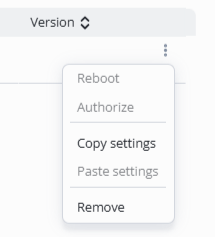
There are two ways to reboot:
2. Click on the name of the required controller, on the edit page click More and then Reboot.
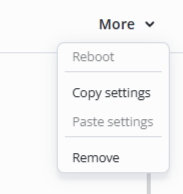
There are two ways to transfer settings — on the Controllers page and on the Edit controller page.
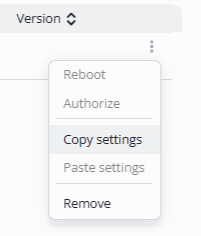
2. Then call the context menu (three dots) of the other controller and click Paste settings.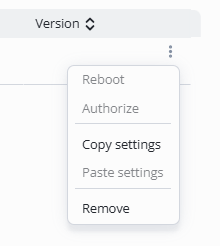
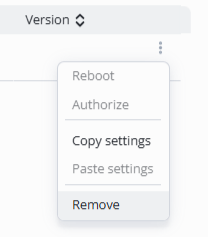
To remove a controller, click on the three dots next to the Version of the desired controller.

Select the Remove option.
 In the appeared window Removing controller, click the Delete button.
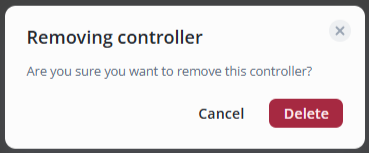
The controller will be considered unauthorized and will continue to appear in the controller list. |