Access pattern — a set of locations to which a worker is permitted access.
There are 2 types of access patterns on the EVI Platform:
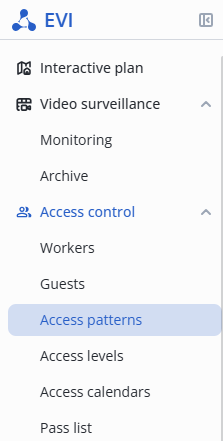
Enter the Access control section, and select the Access patterns item in the menu.
Click the Add access button, select the Worker pattern option.

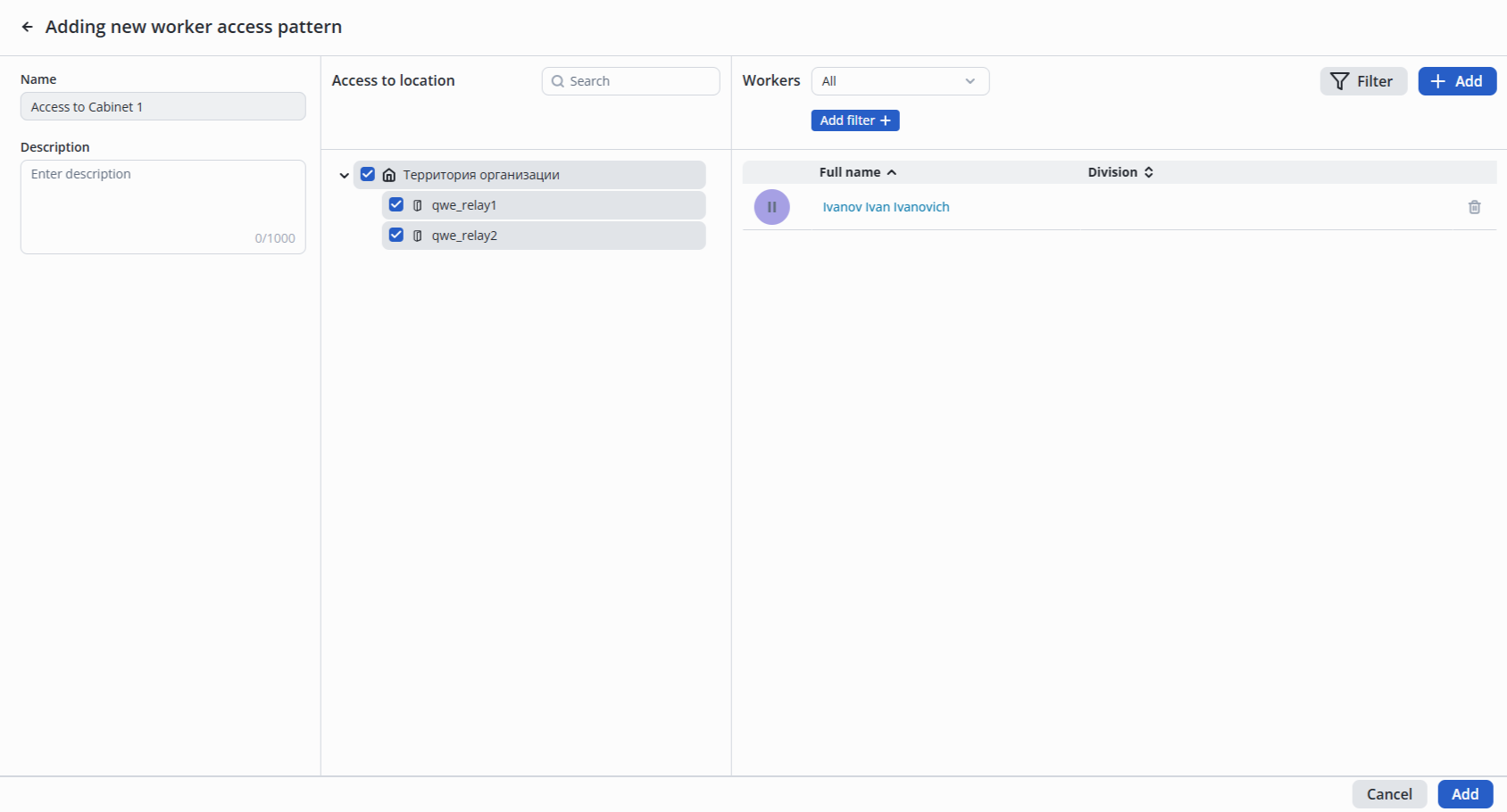
Fill in the fields:
Mark in Access to location the access objects that can be passed through in this access pattern.

Click the Add button in the far right column to select from the list of workers who are permitted to have access to the locations within this pattern.

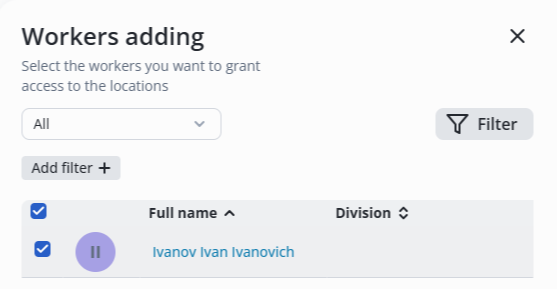
In the appeared list select workers and click the Add button.
After adding workers, click the Add button in the bottom right corner.
To edit an access pattern, click on the pattern name in the table.

Make the required changes.

Click the Save button in the lower right corner.

Left click on three dots in the pattern line.
Select the Remove option.

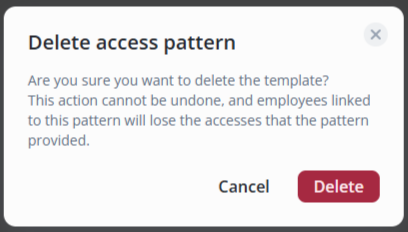
Click the Delete button.