With access levels it is possible to create and specify access levels for controllers and workers.
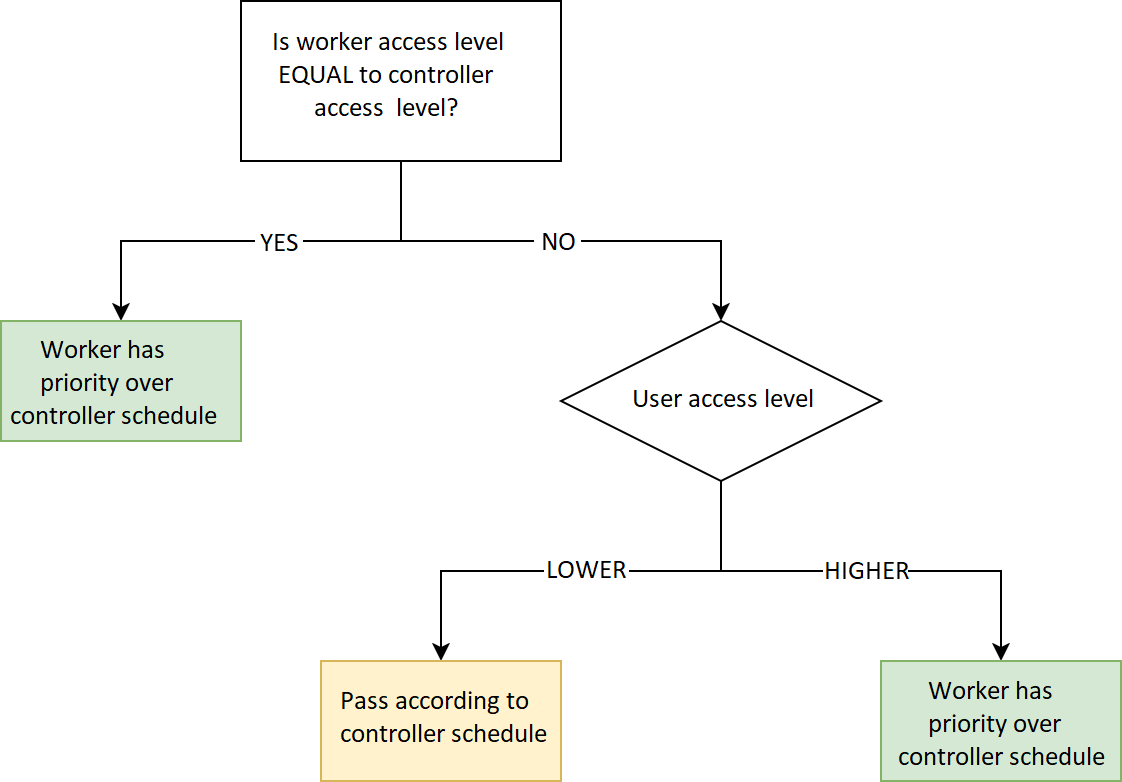
The diagram below shows the different levels of worker access.
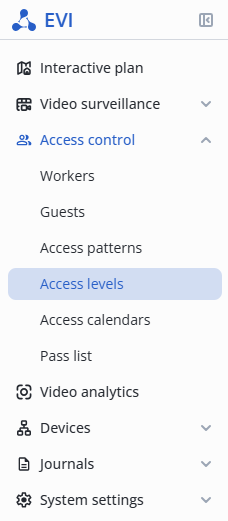
Enter the Access control section, and select the Access levels item in the menu.
Click the Add level button.

In the pop-up window, specify the following:
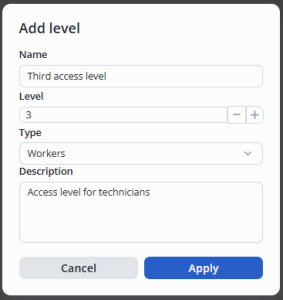
Click the Apply button.
Left-click on the three dots in the level line.
Select the Edit option.

In the Edit level window, make the necessary changes in the name and description.
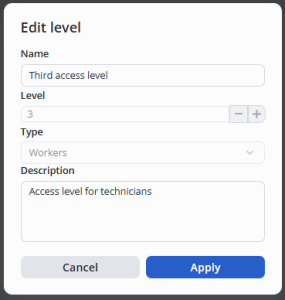
Click the Apply button.
Left-click on the three dots in the level line.
Select the Remove option.

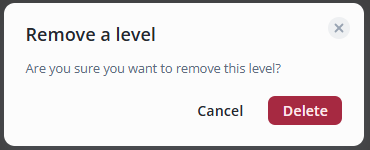
Click the Delete button.