The following pages are available to view for the security role:
- Interactive;
- Video surveillance (Video view);
- Workers;
- Guests;
- Journals.
Adding a new Guard user
Switch to the Users page in the System settings section.
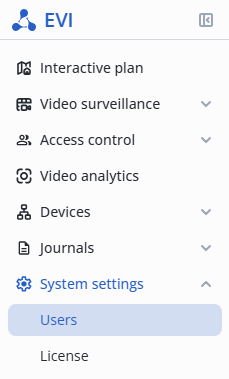
Click the Add user button in the upper right corner.
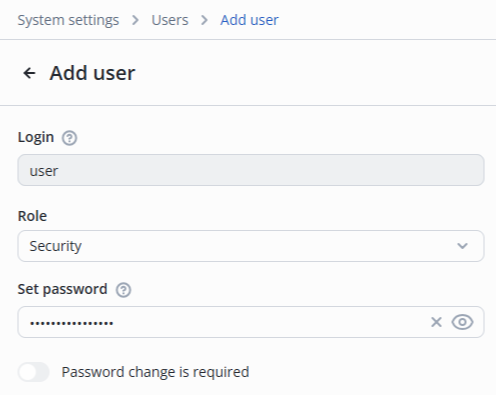
- Fill in the Login and Set password fields;
- Select the Security role.
Click the Add button in the lower right corner.

Created user will be displayed in the System users list.
Editing Security user
Switch to the Users page in the System settings section.
Click on the system user login.
Change the required fields:
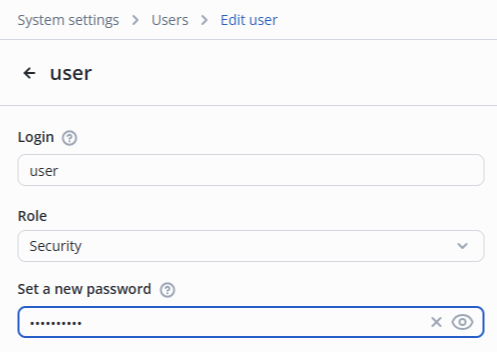
Click the Save button in the lower right corner.
Pages available for viewing
Interactive plan
A user with the Security role has access to:
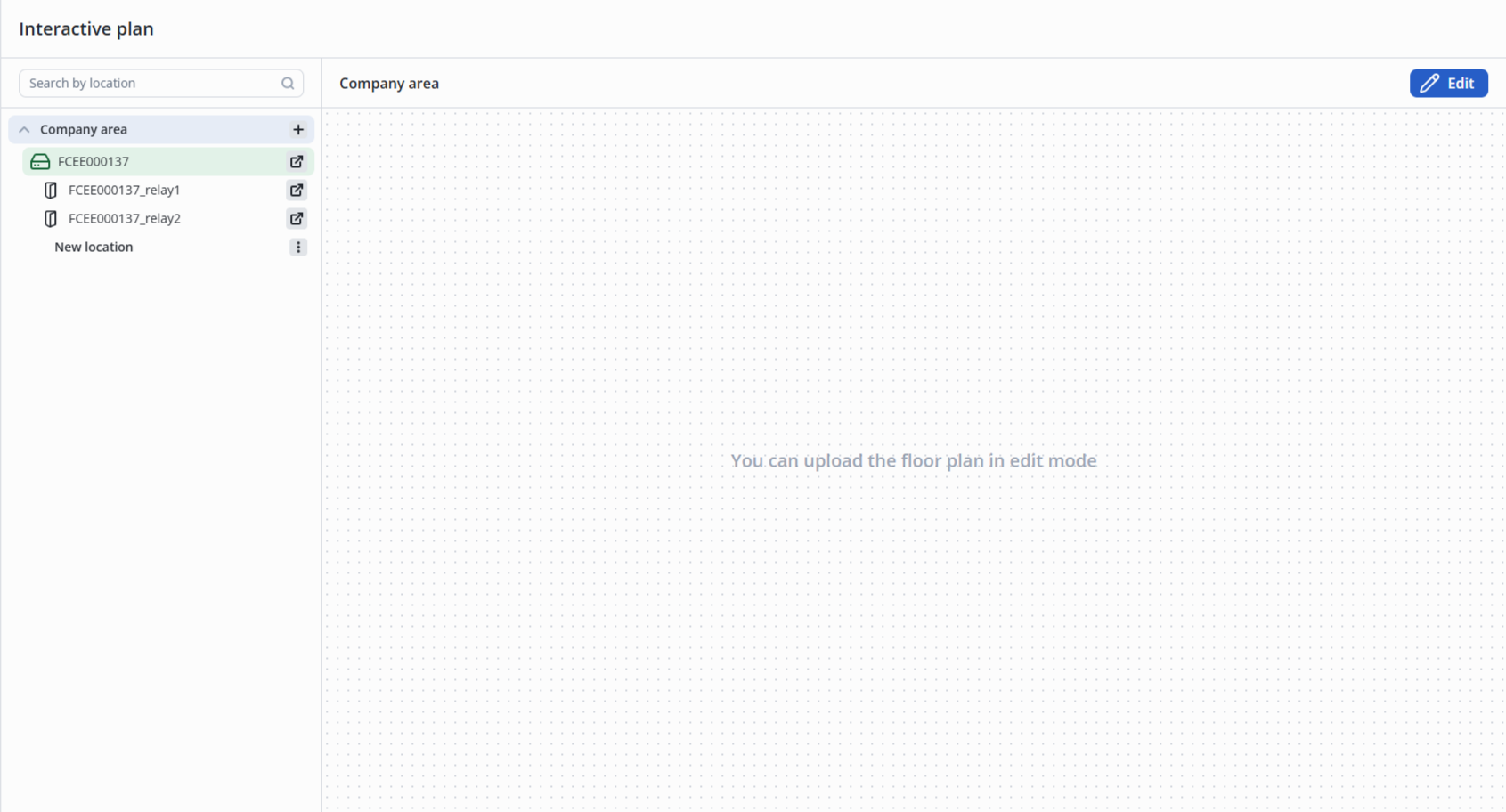
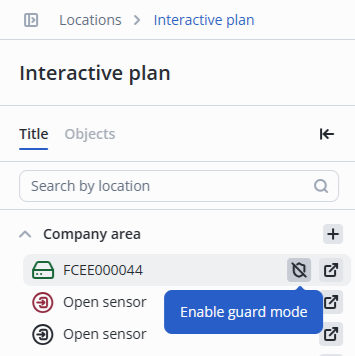
- Enable/disable the guard mode for controllers in the Guard mode;
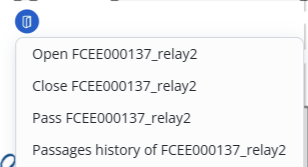
he following options are available for relays on the interactive plan:
- Open — opens the door or turnstile;
- Close — closes the door or turnstile;
- Pass — provides a single pass according to the relay settings;
- Passages history — open a general log for the selected relay with the following default filters (device type (as in the controller settings), device name (relay name), period (last hour)).
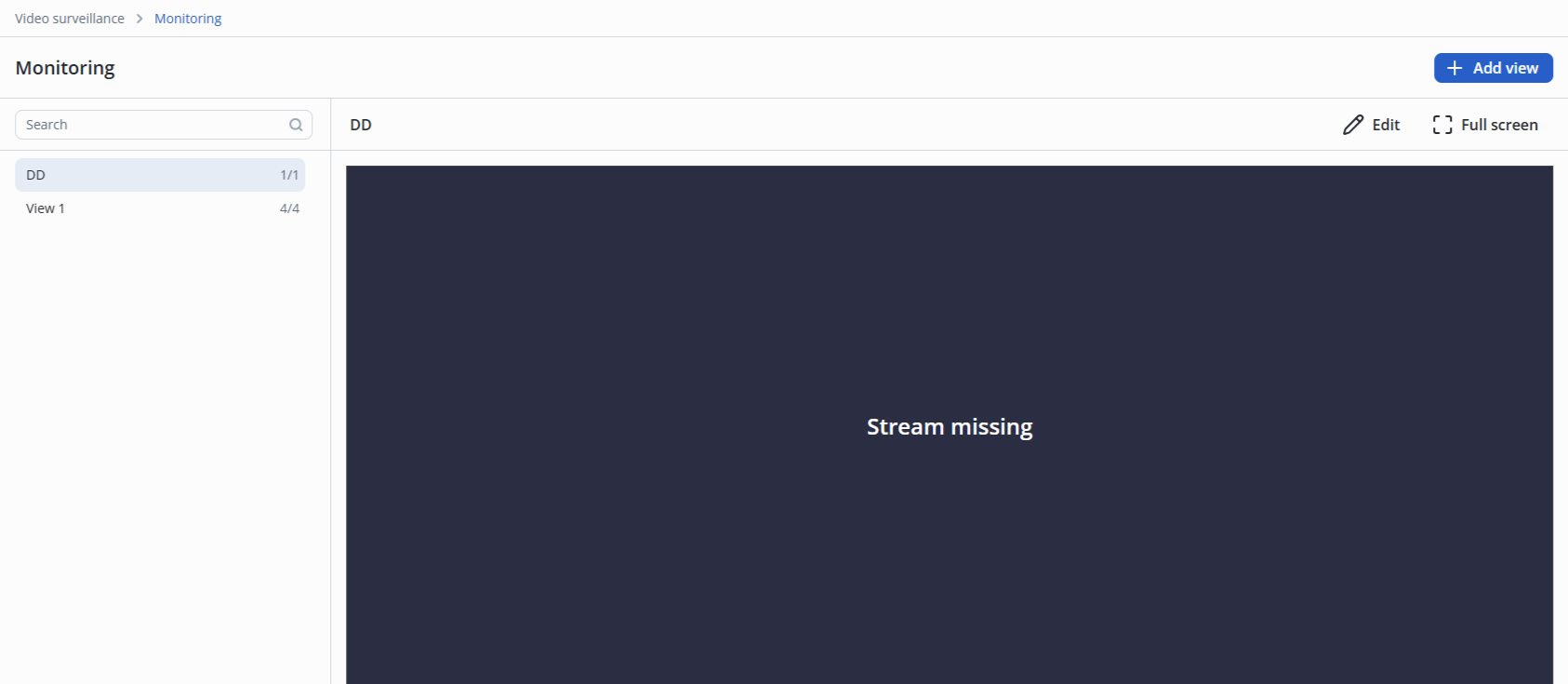
Video surveillance (Monitoring page)
A user with the Guard role is available to view the Video view.
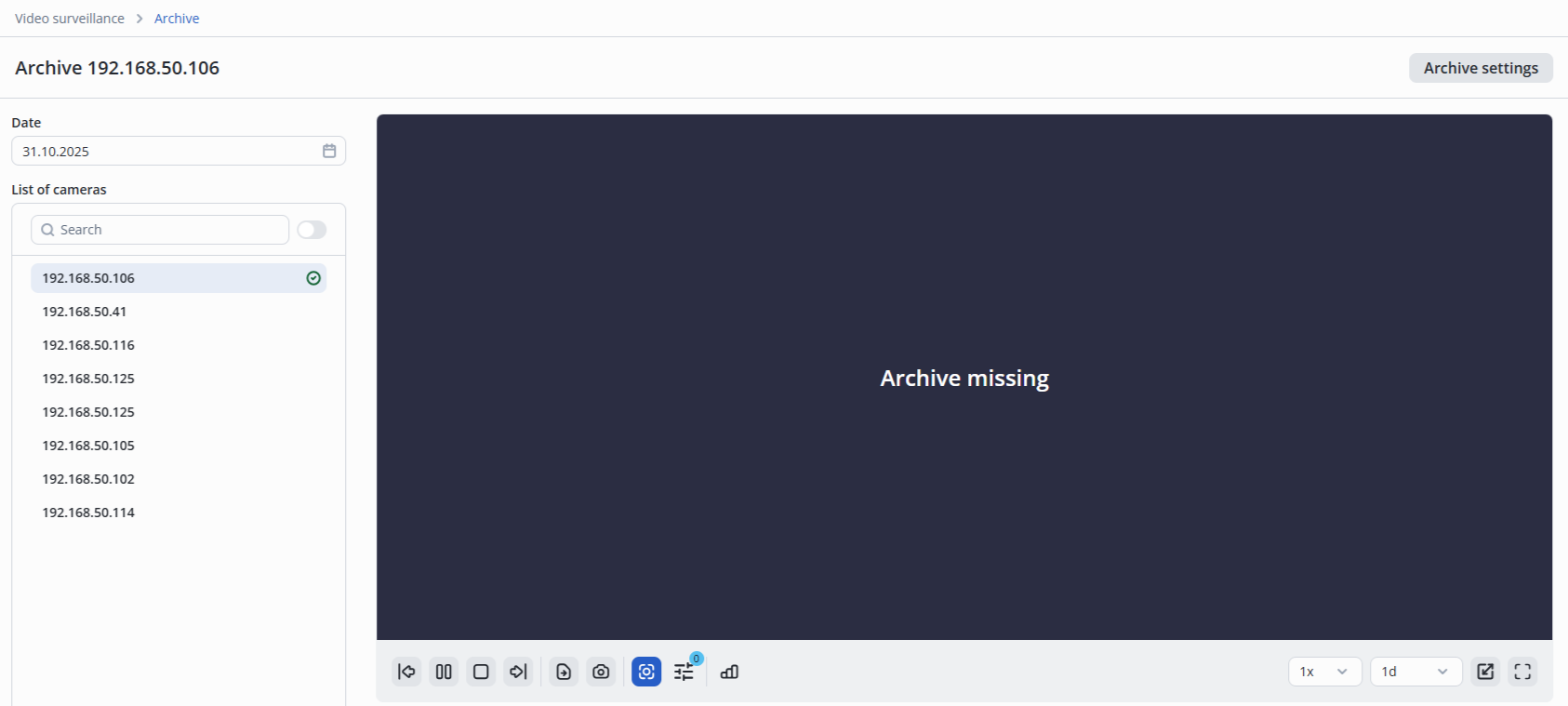
Video surveillance (Archive page)
A user with the Guard role is available to view the cameras Archive.
Workers
A user with the Guard role has access to:
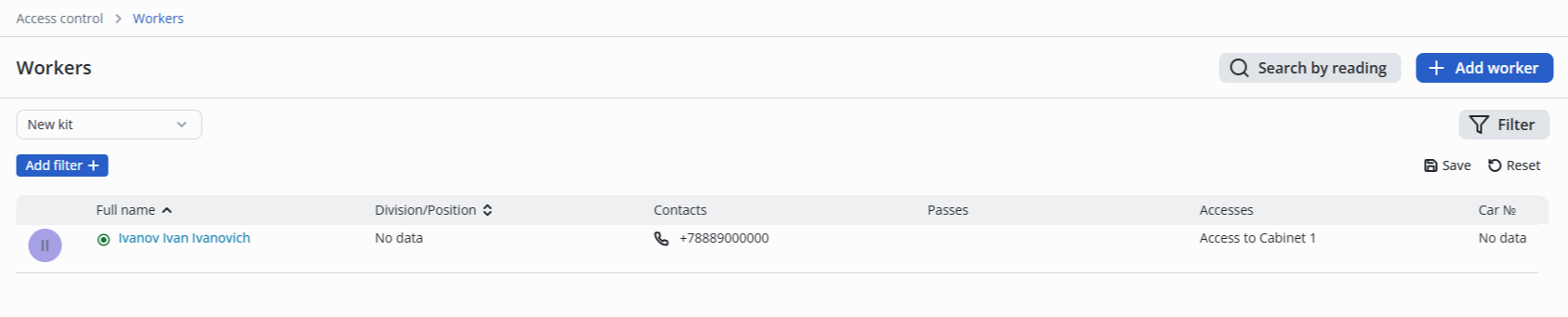
- View list of Workers;
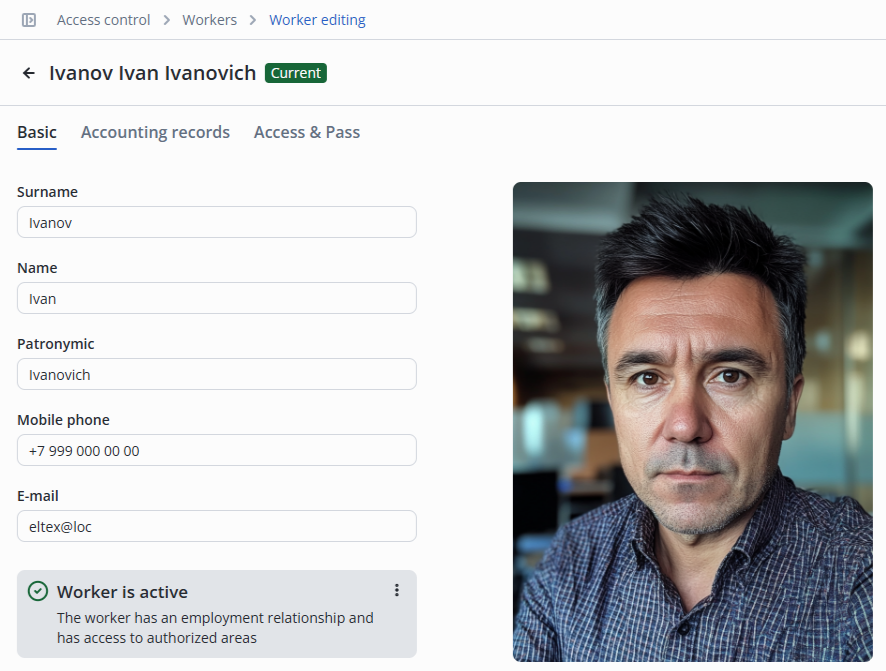
- View the Basic tab in the worker card;
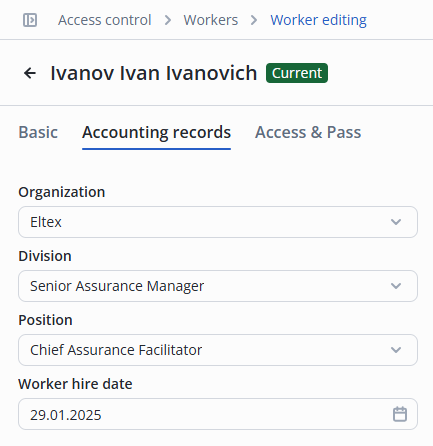
- View the Accounting records tab in the worker card;
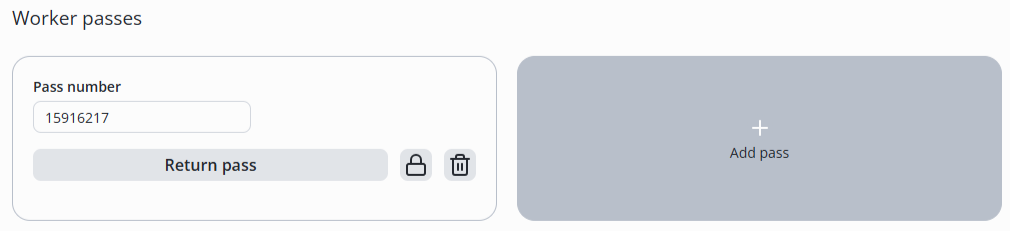
- View the information in the Access&Pass tab;
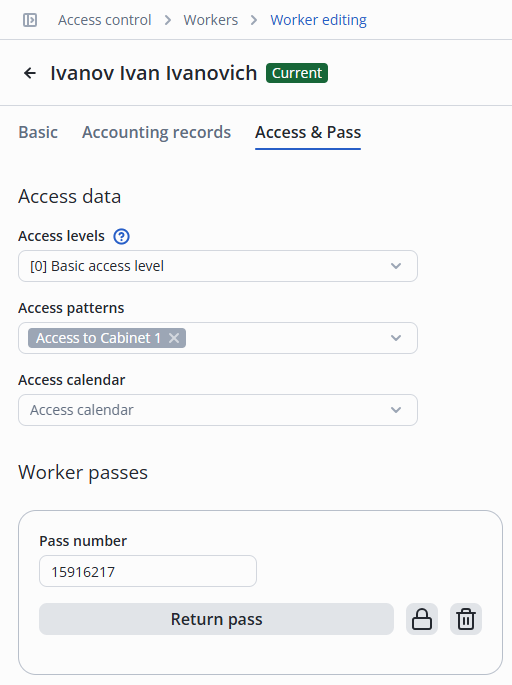
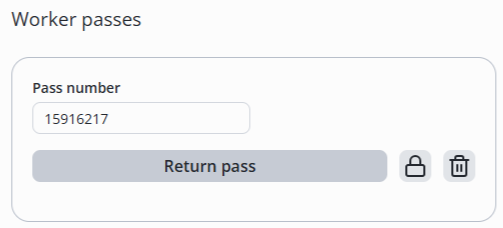
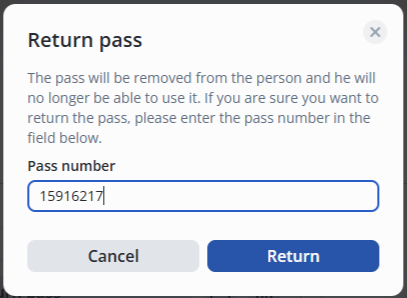
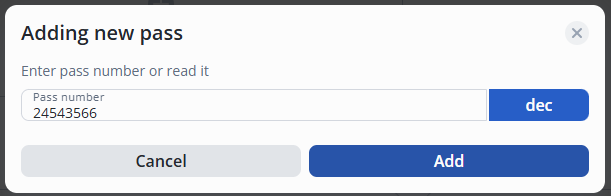
- Pass return;
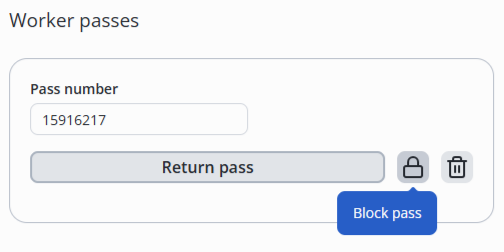
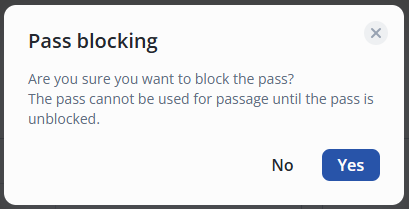
- Block/unblock a pass;
Guests
A user with the Guard role has access to:
- View the guest list;

- Add a Guest;
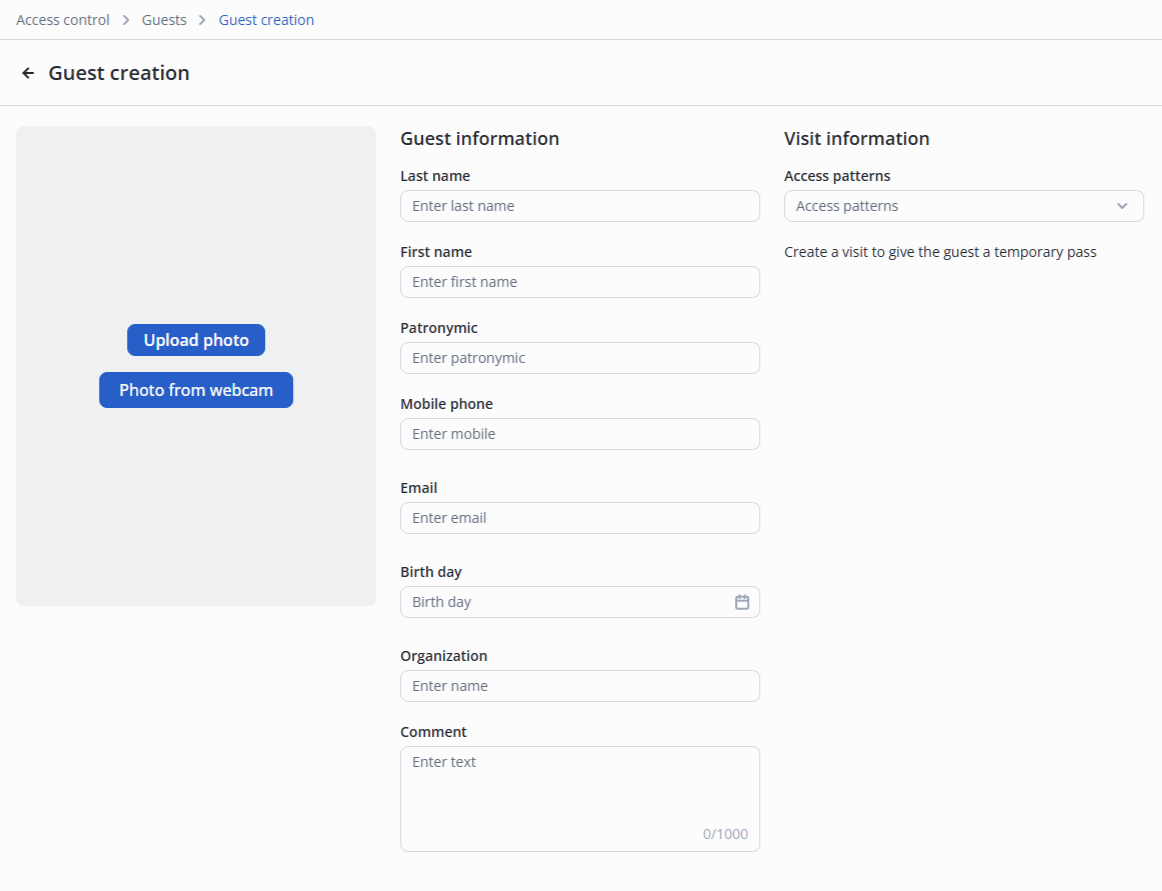
- View and edit the Basic tab in the guest card;
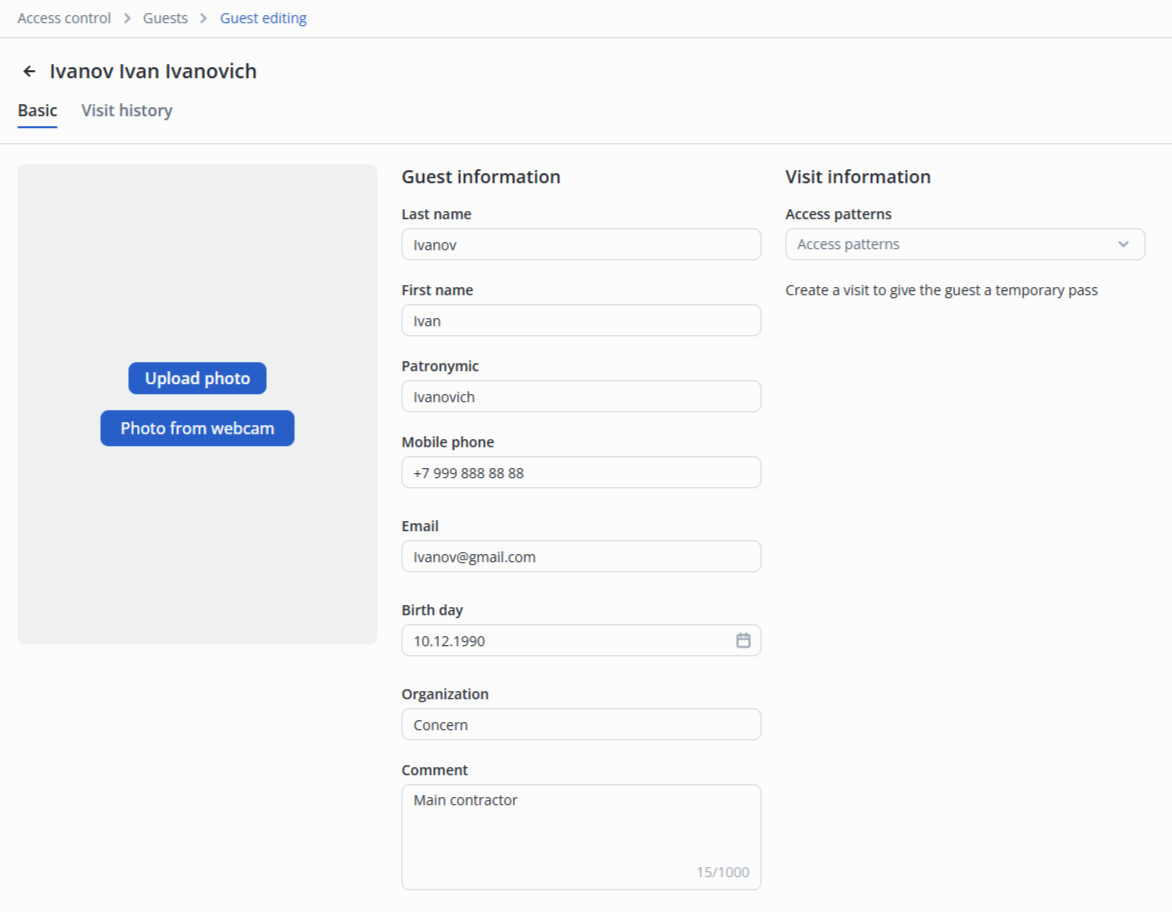
- View Visit history in the guest card;

- Create a visit in the guest card;
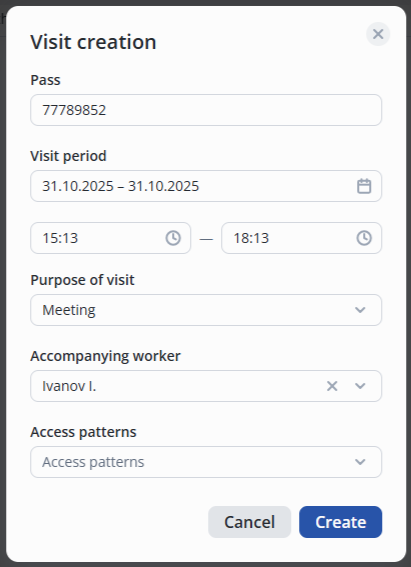
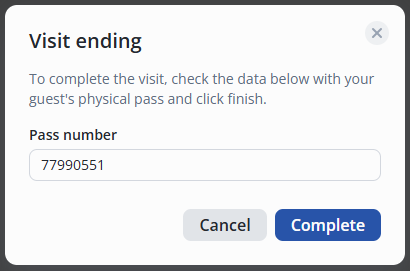
- Сomplete a visit;
Pass list
A user with the Guard role is available to view the Pass list.

Journals
A user with the Guard role has access to:
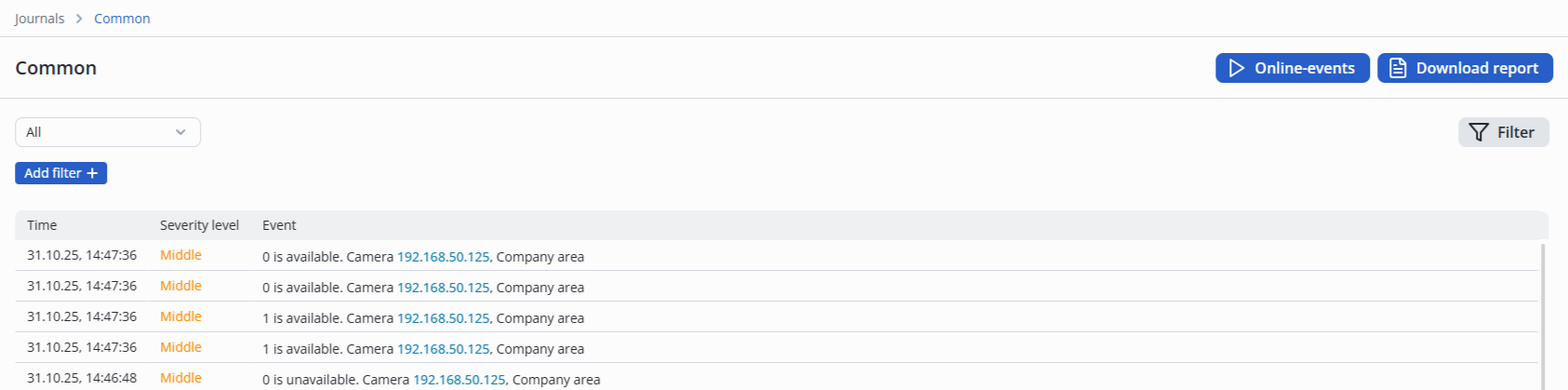
- View Common journal and the Download report option;
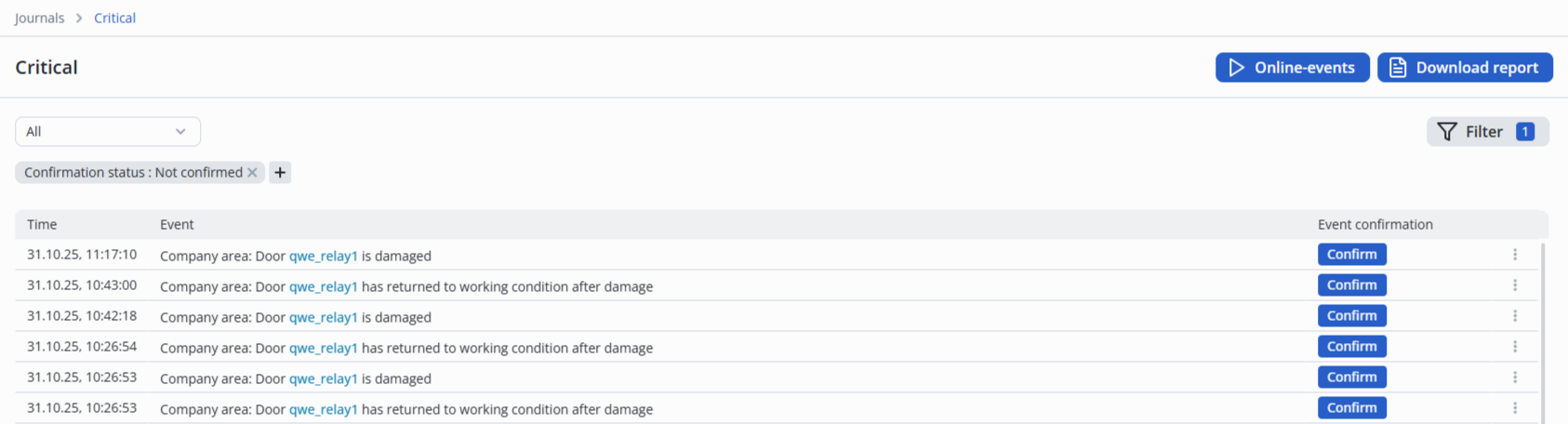
- View Critical journal and the Download report option;
- View Passages journal and the Download report option;
