The Motion detector model is designed to detect the movement of people, vehicles, or objects in the surveillance area.
Motion detector analytics run on the server CPU via the evi-analyzer module. |
The camera must be located in the same room as the relay it will control, otherwise the relay will not work on recognition/detection. |
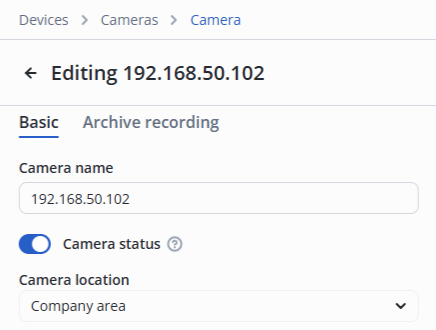
In the camera edit, switch to the Video analytics section.
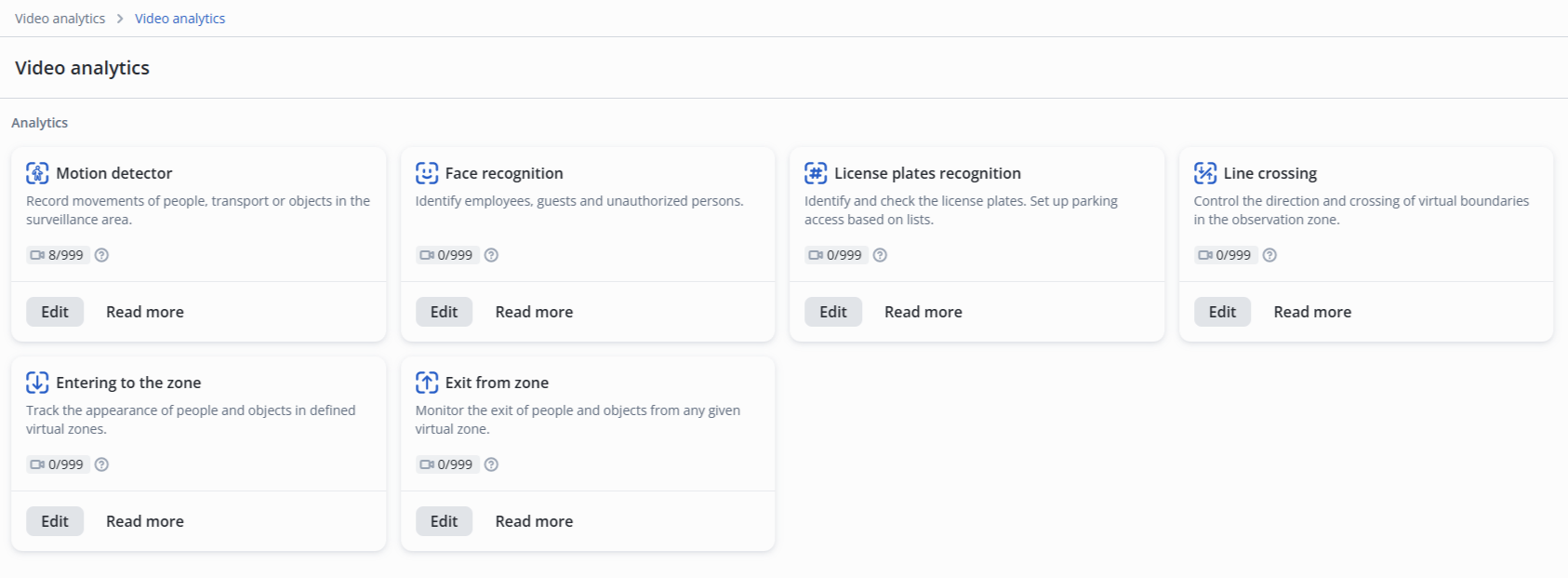
Click the Edit button next to the Motion detector model.
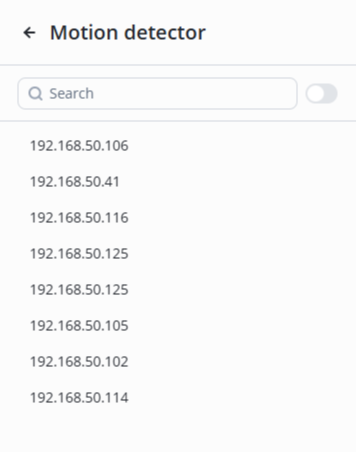
Select the desired camera from the list.
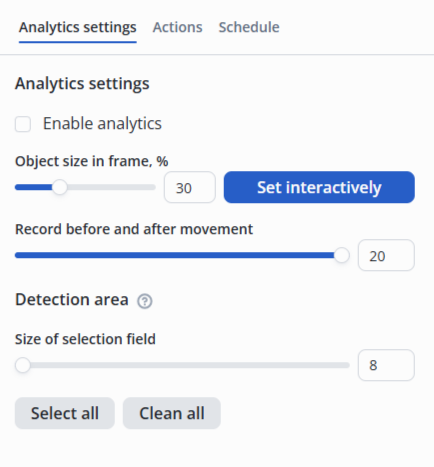
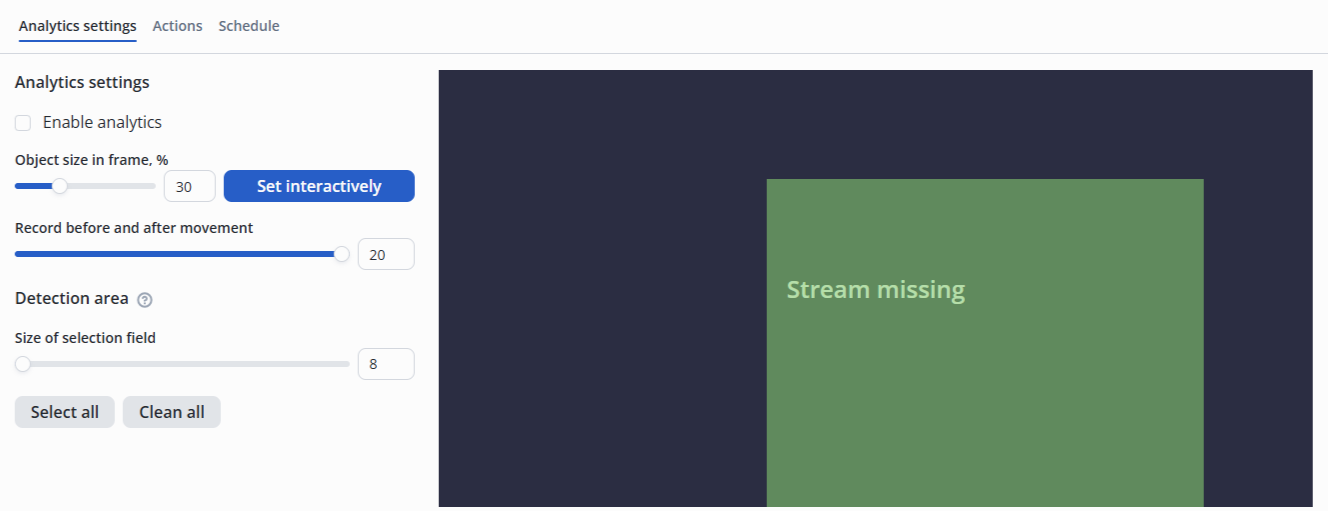
Detection zones — the areas in which recognition occurs.
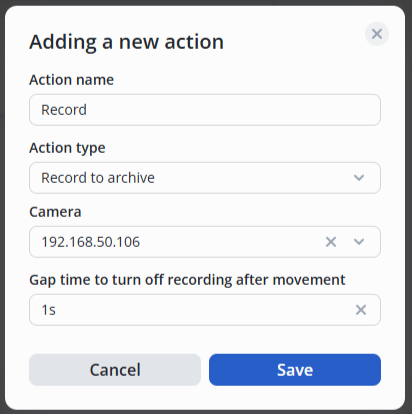
Move the switch to the active position, click the Add action button.

Then select the type of action — Record to archive, set the desired delay for turning off the recording after movement.