The Face recognition model is designed to provide access through the turnstile/door by facial recognition.
The camera must be located in the same room as the relay it will control, otherwise the relay will not work on recognition/detection. |
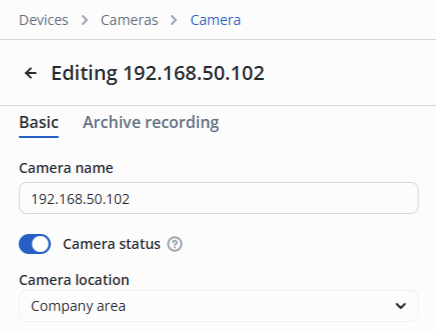
In the camera edit, switch to the Video analytics section.
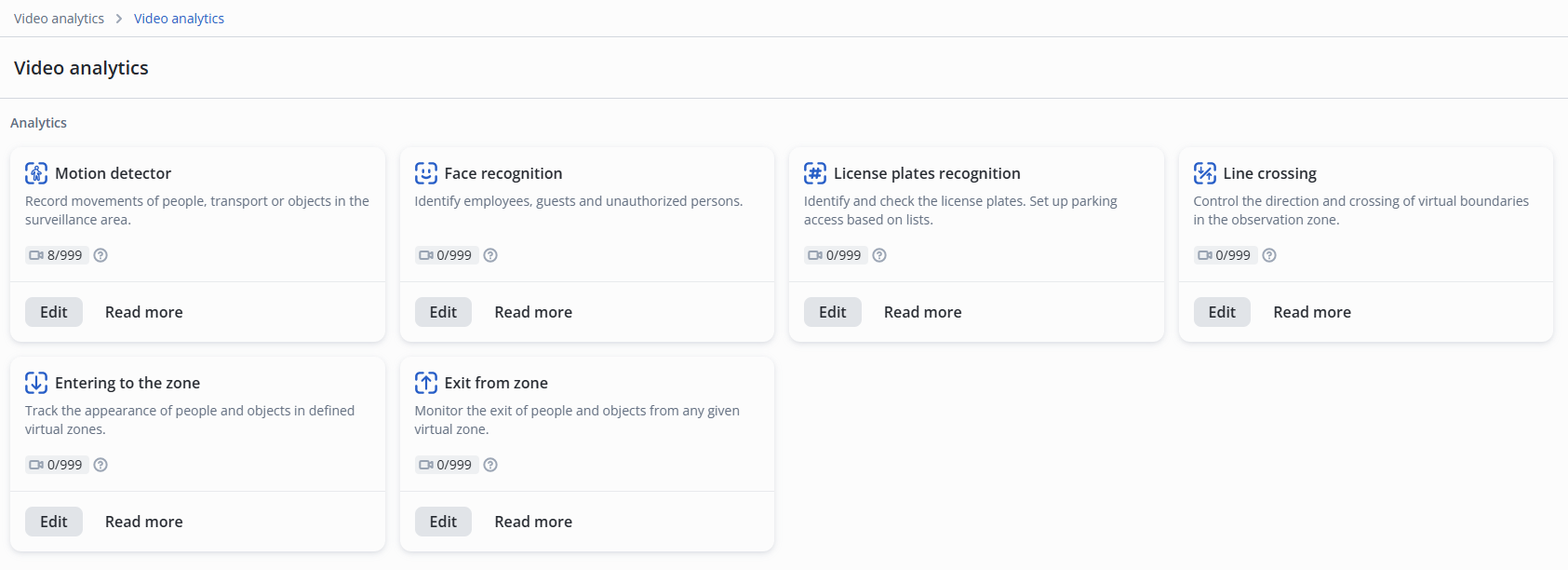
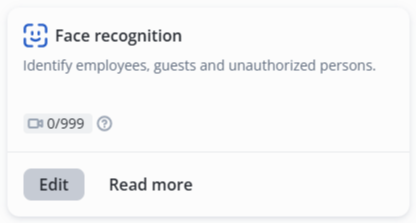
Click Edit on the Face recognition model.
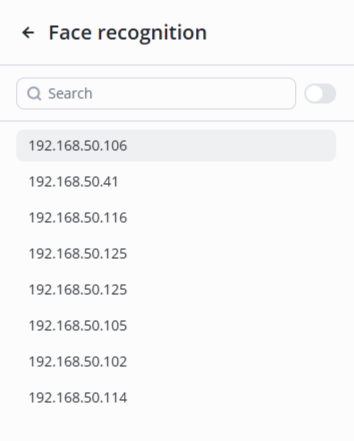
Select the desired camera from the list.
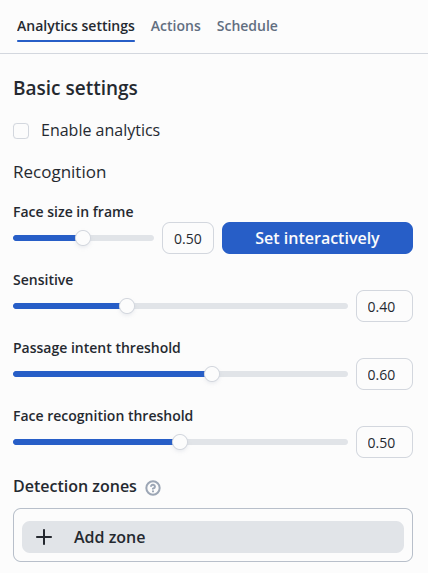
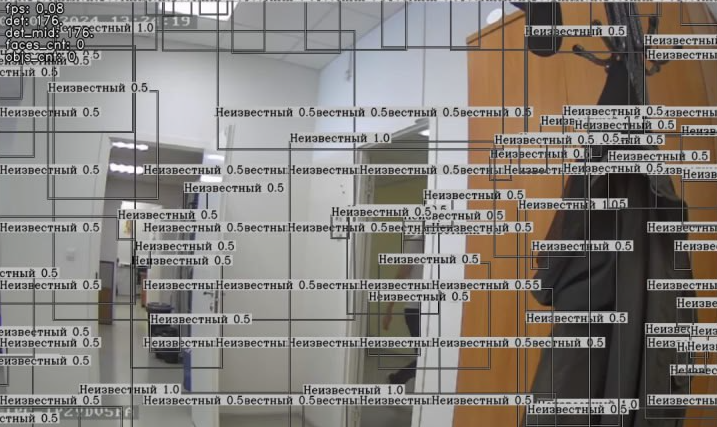
When the sensitivity of the face detection model is high, it may be triggered by noise and distortions not related to the face. The sensitivity is adjusted experimentally to ensure guaranteed face detection in the frame while minimizing false alarms due to noise. An example of an ultra-high sensitivity of 0.01.
|
Detection zones — the areas in which recognition occurs.
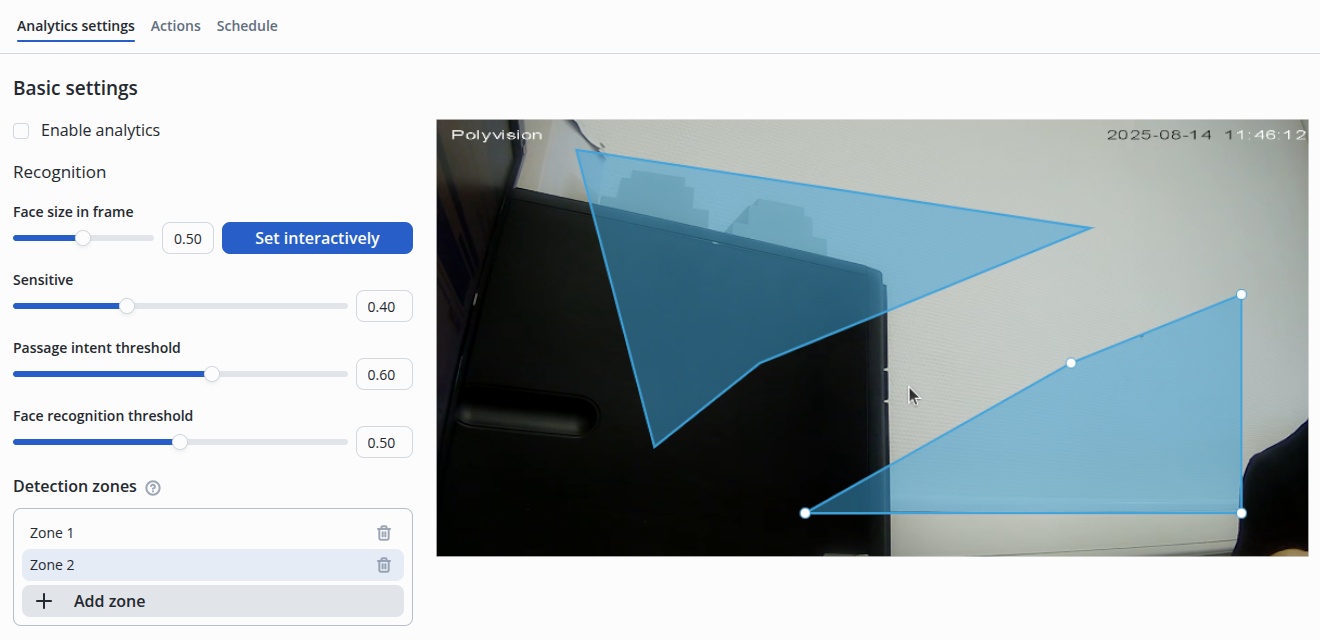
Click the Add zone button, place a zone on the image through white dot interactions.
By default, once the detection zone is created, it is formed as a rectangle placed in the center.
|
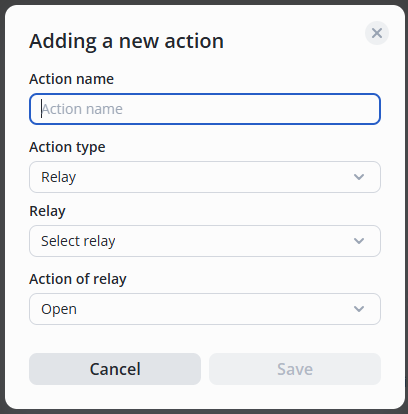
Move the switch to the active position, click the Add action button.

Then select the type of action — Relay/Record to archive, the desired relay from the list, and the relay action — Open/Closed/Pass.