The License plate recognition model is designed to provide access through the gate/barrier when the license plate number of a vehicle is recognized.
The camera must be located in the same room as the relay it will control, otherwise the relay will not work on recognition/detection. |
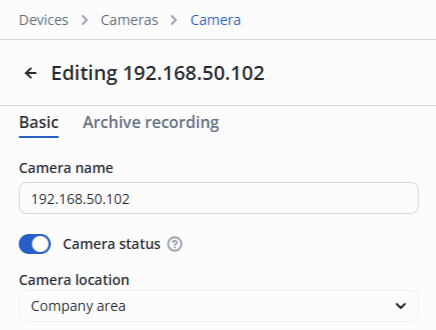
In the camera edit, switch to the Video analytics section.
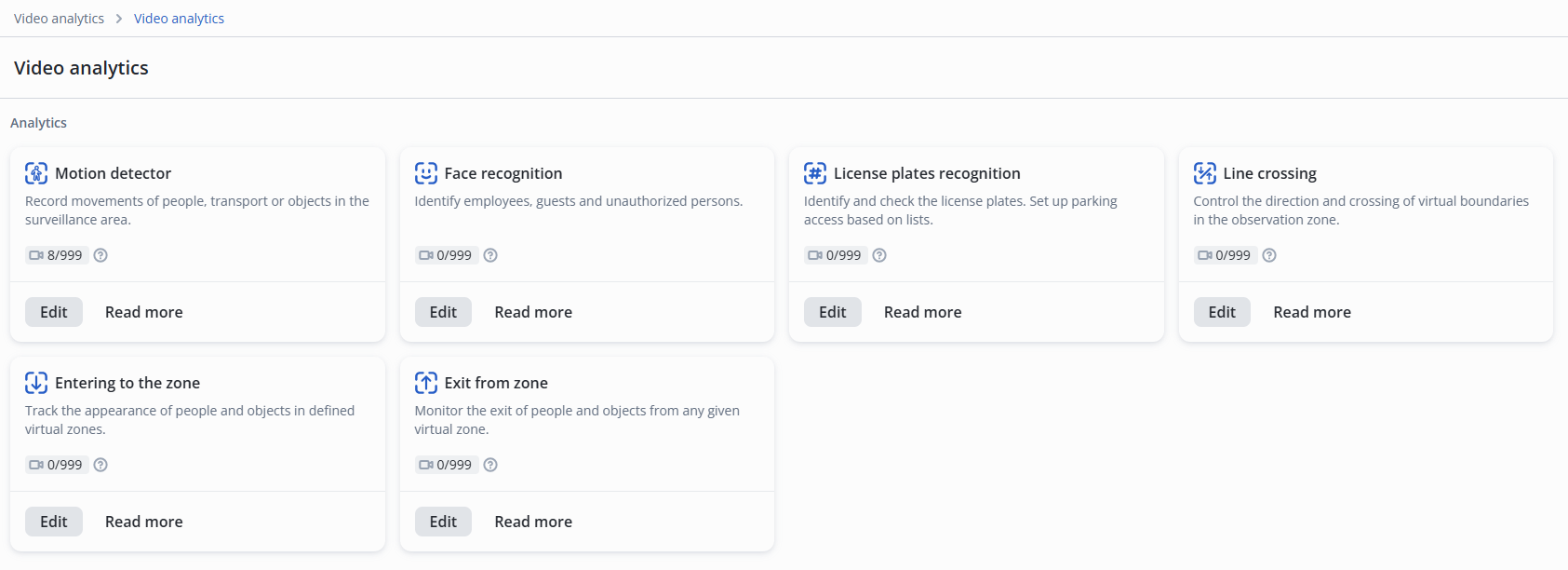
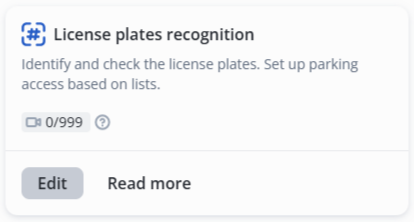
Click Edit on the License plates recognition model.
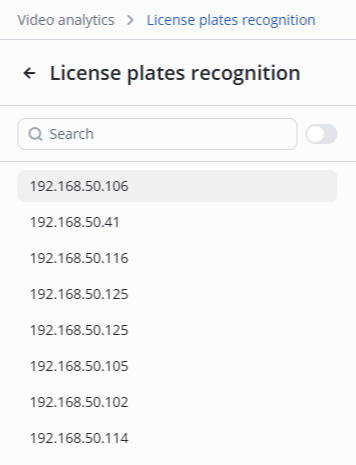
Select the desired camera from the list.
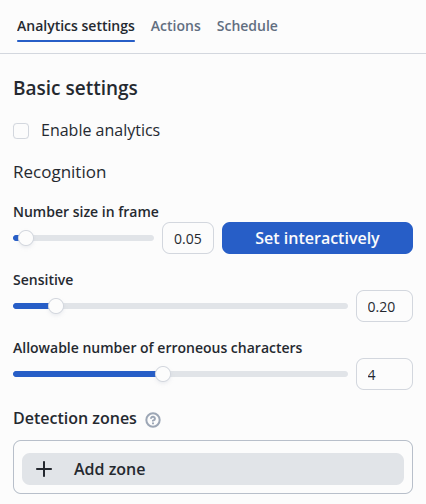
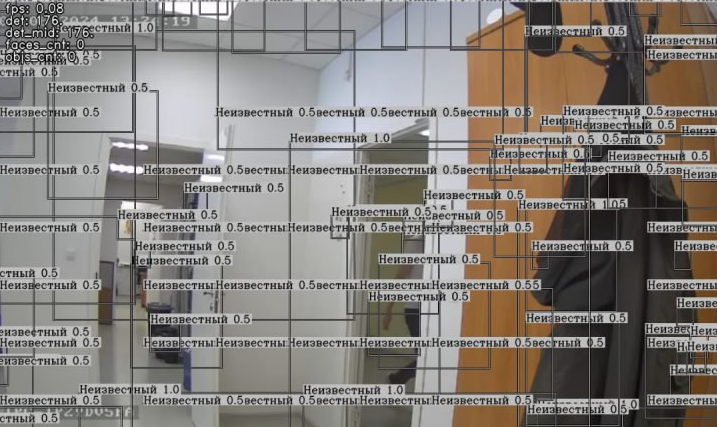
When the sensitivity of the license plate recognition model is high, it may be triggered by noise and distortions not related to the license plate. The sensitivity is adjusted experimentally to ensure guaranteed detection of the license plate in the frame while minimizing false alarms due to noise. An example of an ultra-high sensitivity of 0.01.
|
Example: parameter Allowable number of erroneous characters = 3 is configured. Employee Ivanov has a car with license plate E130AR184 and has access to recognize cars for parking enabled. When an unknown car with license plate number K510EA154 approaches, access will be granted and the person who passed will be recorded as Ivanov. Compare license plates: Е130АР184 К510ЕА154 Each license plate has 9 characters. The parameter Allowable number of erroneous characters is set to 3, which results in 5 characters from the license plate K510EA154 matching the license plate of employee Ivanov's car (E130AR184): 1, 0, E, F, A, 1, 4. Since 6 of the 9 characters matched, access was granted. To correct the situation, the value of this parameter should be reduced. |
Detection zones — the areas in which recognition occurs.
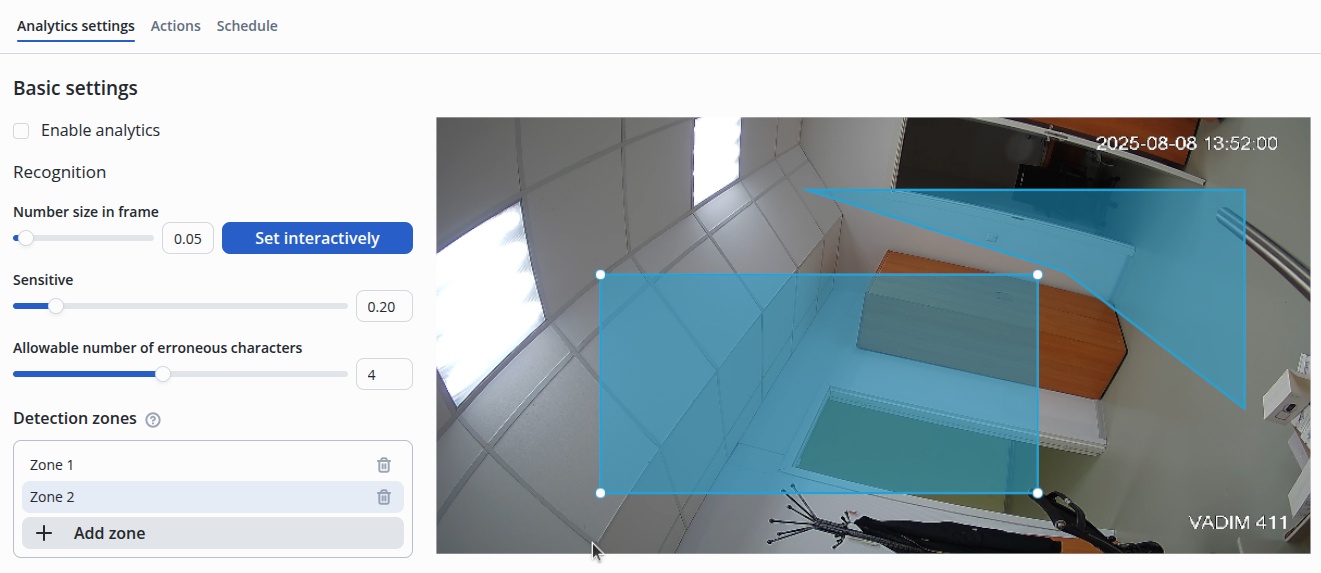
By default, once the detection zone is created, it is formed as a rectangle placed in the center.
|
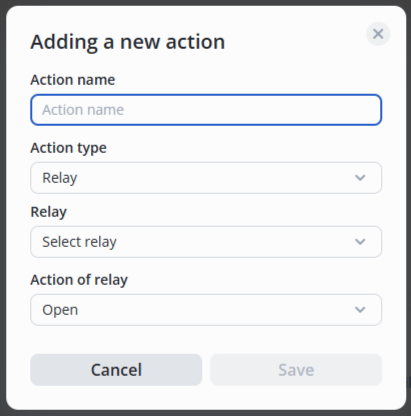
Move the switch to the active position, click the Add action button.

Then select the action type — Relay, the required relay from the list and the relay status — Open/Closed/Pass.