When performing radio measurements, it is necessary to take into account the SNR (signal-to-noise ratio) parameter. A high SNR means that the signal is significantly higher than the noise, which, in turn, ensures reliable and high-quality communication.
| SNR (dB) | Signal quality | Commentary |
|---|---|---|
| 40+ | Excellent | High-speed stable connection. |
| 25-40 | Good | Provides smooth operation of VoIP, video conferencing and cloud services. Suitable for processing large amounts of data. Ideal for enterprise tasks with high requirements for connection stability. |
| 15-25 | Low | Sufficient for working with email and small files. HD video playback (1080p) may be unstable. Suitable for everyday tasks with moderate bandwidth requirements. |
| 10-15 | Very low | Connection is extremely unstable. This signal level is only adequate for basic tasks, such as receiving text emails without attachments. However, the connection will be virtually unusable for streaming, video conferencing, or downloading large files due to high latency and frequent disconnections. |
| Less than 10 | Unusable | The connection is unreliable, the noise level is too high, and it is difficult to distinguish the signal from the noise. |
The SNR value is displayed in the GUI of the WLC controller: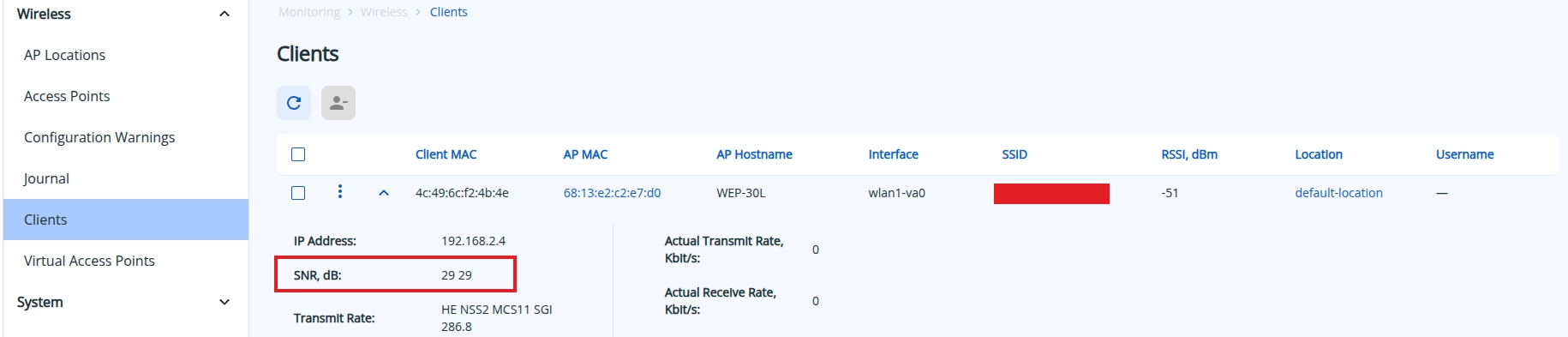
The RSSI parameter is also important, but it should be remembered that an access point usually has a more powerful transmitter and a more sensitive receiver than client devices.

For compatibility with a large number of client devices in the 5 GHz band, it is recommended to use 17 non-overlapping 20 MHz channels: 36, 40, 44, 48, 52, 56, 60, 64, 132, 136, 140, 144, 149, 153, 157, 161.

If there are enough free channels available on the air to eliminate interference, it is recommended to increase the channel width to 40 MHz. This will increase the throughput of the wireless connection by increasing the available bandwidth. However, it is important to remember that using 40 MHz channel width is only justified in very clear airwaves, as this channel width is more susceptible to interference.
The optimal number of access points depends on the coverage area and the type of obstacles (concrete/brick walls, partitions, etc.).
Table showing Wi-Fi signal loss when passing through different media:
| Obstacle | Additional loss (dB) | Effective range1 |
|---|---|---|
| Open space | 0 | 100 % |
| Window without tinting (no metallic coating) | 3 | 70 % |
| Window with tinting (metallic coating) | 5-8 | 50 % |
| Wooden wall | 10 | 30 % |
| Interior wall (15.2 cm) | 15-20 | 15 % |
| Load-bearing wall (30.5 cm) | 20-25 | 10 % |
| Concrete floor/ceiling | 15-25 | 10-15 % |
| Monolithic reinforced concrete slab | 20-25 | 10 % |
1 Effective range is the distance by which the range of a Wi-Fi signal is reduced after passing through an obstacle compared to open space. For example, if the Wi-Fi range in open space is 400 meters, after passing through one interior wall, it will be reduced to 15% of the original value, i.e., to 60 meters. After the second wall, the range will again decrease by 15% from 60 meters to 9 meters, and after the third wall, to 1.35 meters. Thus, it is unlikely that a stable wireless connection can be established through three interior walls. |
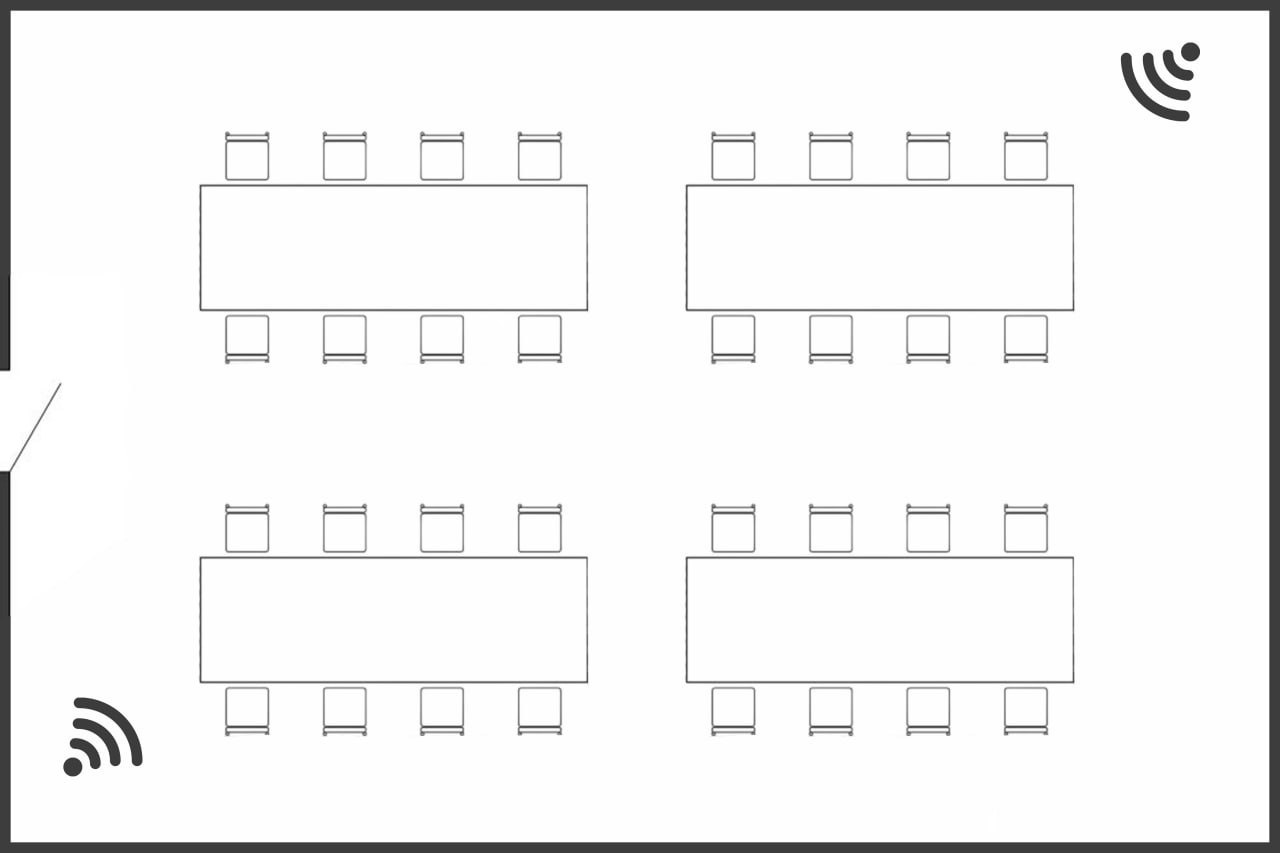
After installing and configuring the equipment, it is recommended to check the signal levels using a dual-band Wi-Fi client device and, if necessary, perform additional configuration. It is recommended to use specialized equipment, such as Ekahau Sidekick in client mode, as a Wi-Fi client for testing.
When scanning an access point (Rogue AP Detection), the signal level from neighboring access points should not exceed the following thresholds:
If the thresholds are exceeded, increase the distance between the points and/or reduce the transmitter power on them.
At this stage, a full network test should be performed to ensure that its performance and coverage area meet the requirements defined in the planning stage.