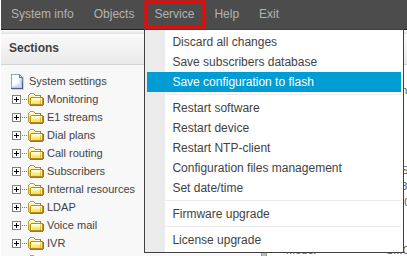
During the SMG configuration process, a pop-up window appears, indicating that the configuration has not been saved and will be lost when the device is restarted.
To save the configuration, select "Save configuration to flash" in the "Service" menu and click "OK" in the pop-up window.