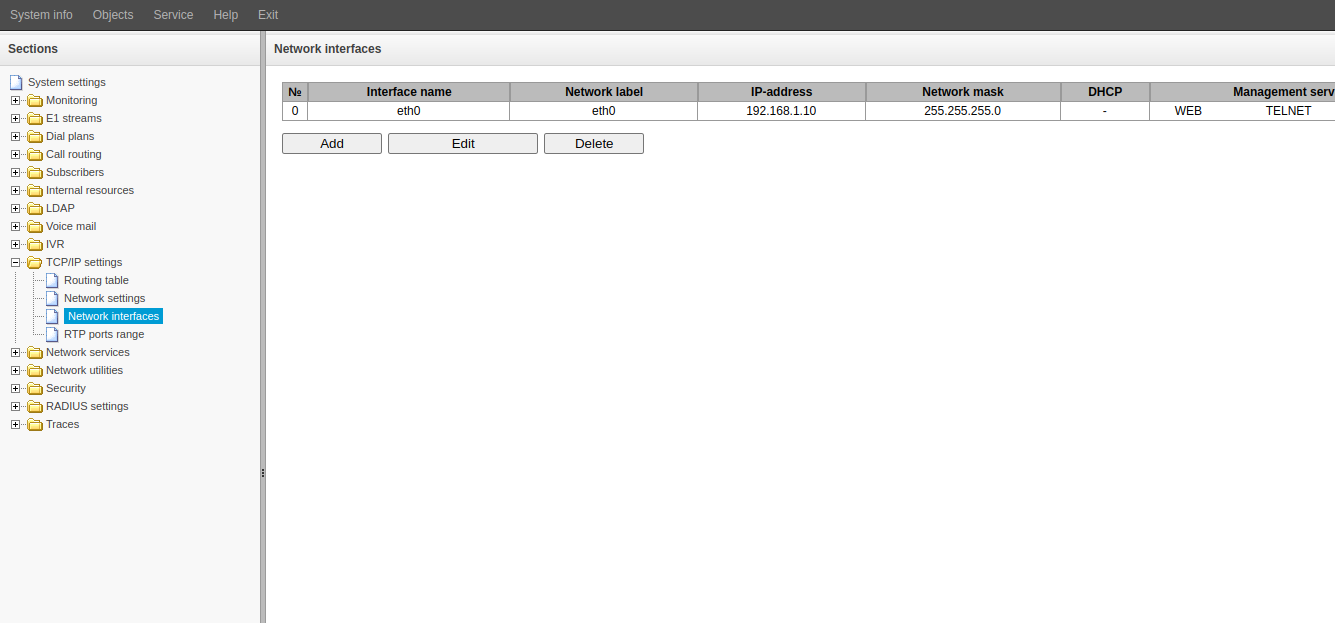
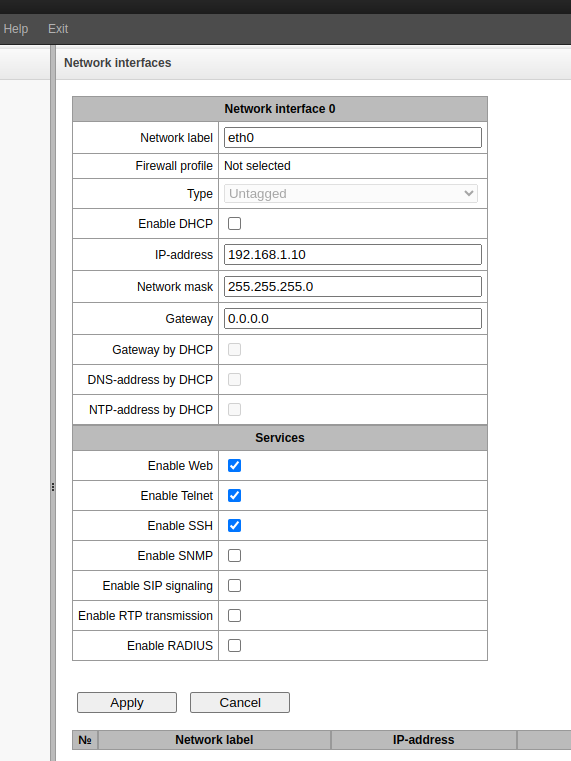
4. Change the following fields as necessary:
5. Select the services that should run on this interface.
ATTENTION! These changes must be confirmed immediately. Make sure you have network connectivity to the specified network. |
6. Click the "Apply" button. After clicking the button, SMG will change its IP address. The interface at the old address will stop responding. Immediately proceed to step 7 of these instructions.
7. Access the web interface using the new IP address.
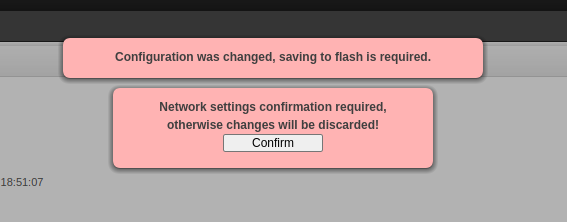
8. Click the "Confirm" button in the pop-up window.