- Starting IP address
- Ending IP address
- Subnet mask
- Check the "Announce external NTP server" checkbox
- Fill in the “NTP server address” field.
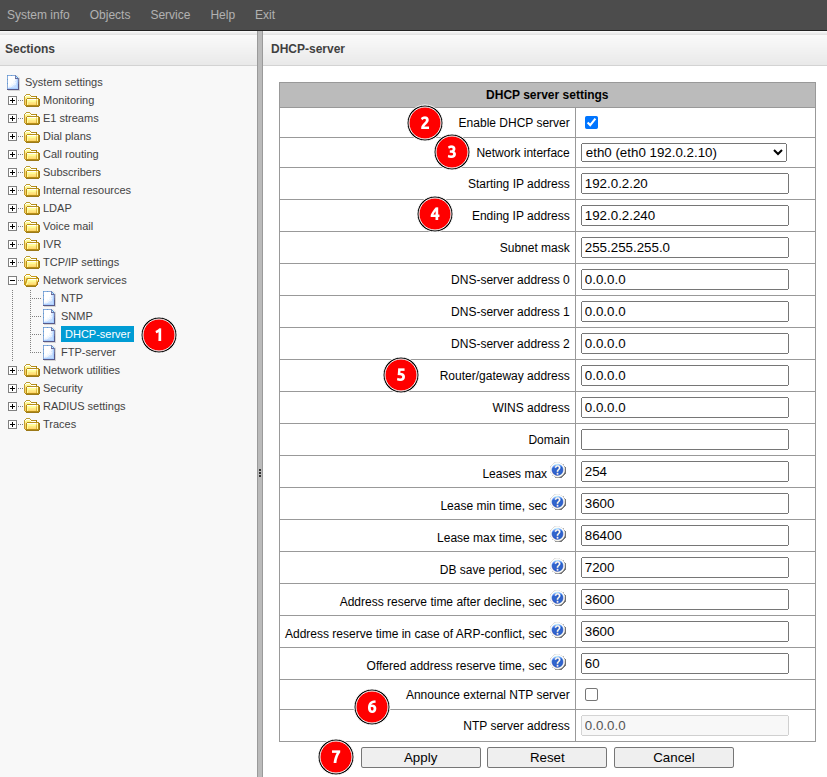
DHCP is Dynamic Host Configuration Protocol. An application layer protocol of the TCP/IP model used to assign IP addresses to clients. In addition to the IP address itself, the protocol can issue additional options such as subnet mask, default gateway, NTP server address, etc.