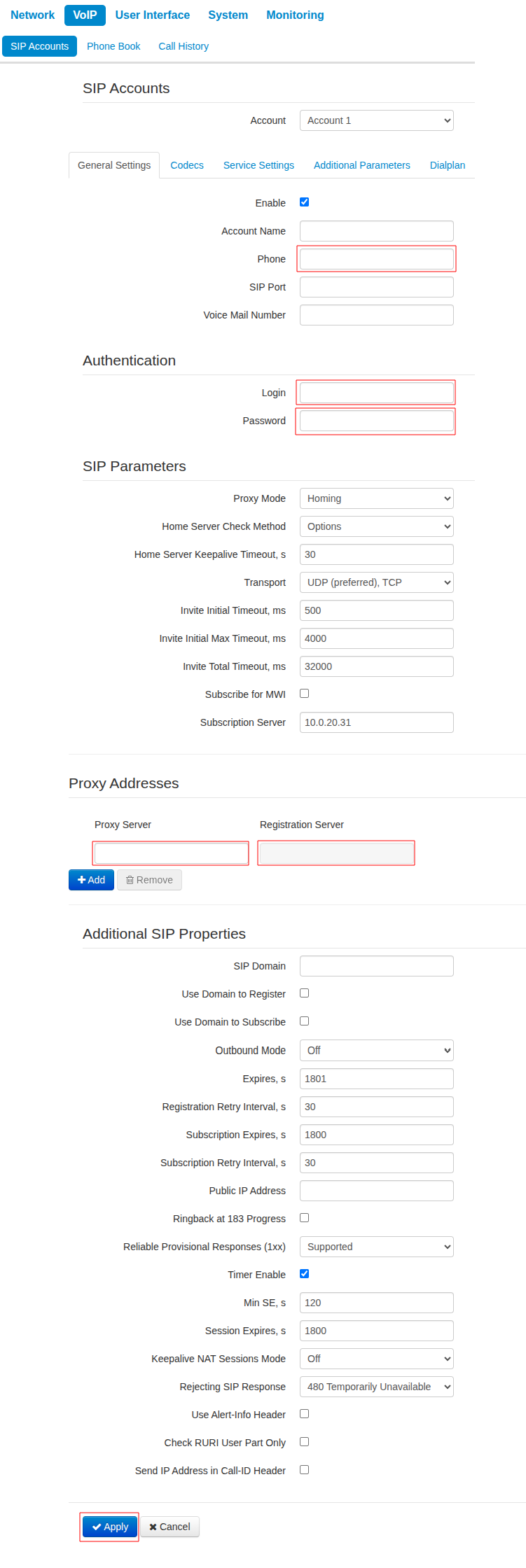
For basic configuration of a SIP account on an Eltex VP-17P or Eltex VP-30P phone do the following:
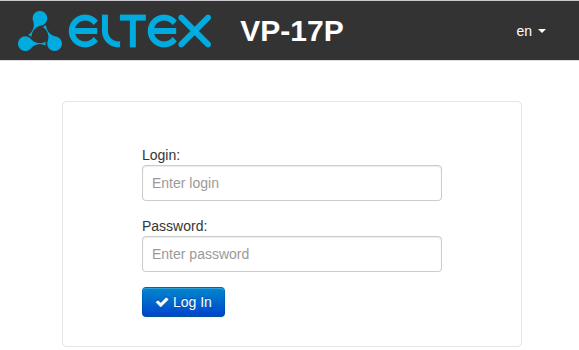
- Log in to the IP phone's web interface. The interface language can be changed in the upper right corner.
Default:Login: admin
Password: password
- Go to the "IP Telephony" → "SIP Accounts" menu.
- Check the "Account" checkbox. Additional settings will be displayed.
- Fill in:
- "Phone number"
- "Login"
- "Password"
- In the "Proxy Addresses" section, enter the IP address of the PBX in the following fields:
- "Proxy Server"
- "Registration Server"
- Click the "Apply" button at the bottom of the page.