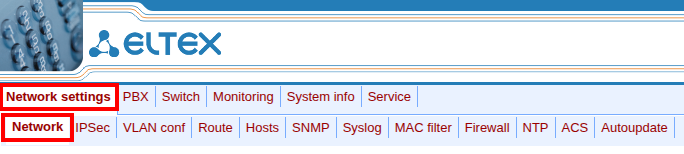
- Select “DHCP” to automatically obtain network parameters from the DHCP server
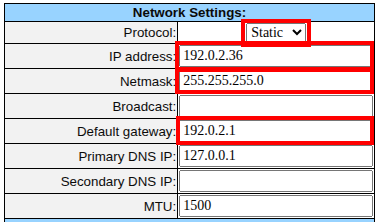
- Select “Static” for static IP address assignment and fill in the fields:
- IP address
- Netmask
- Default gateway (if necessary)
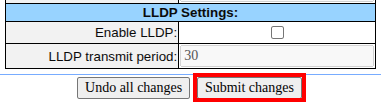
Only for TAU-16.IP, TAU-24.IP, TAU-32M.IP, TAU-36.IP, TAU-72.IP. |