Only for TAU-16.IP, TAU-24.IP, TAU-32M.IP, TAU-36.IP, TAU-72.IP.
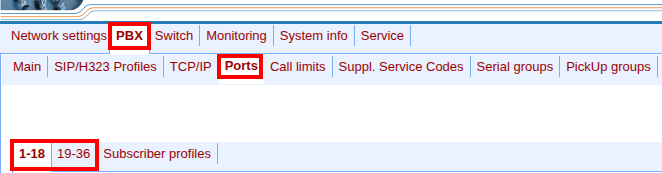
Go to the TAU web interface and select the "PBX" → "Ports" menu.
Click on the "1-18" or "19-36" tab.
In the row with the desired subscriber, click the
button in the "Edit" column.
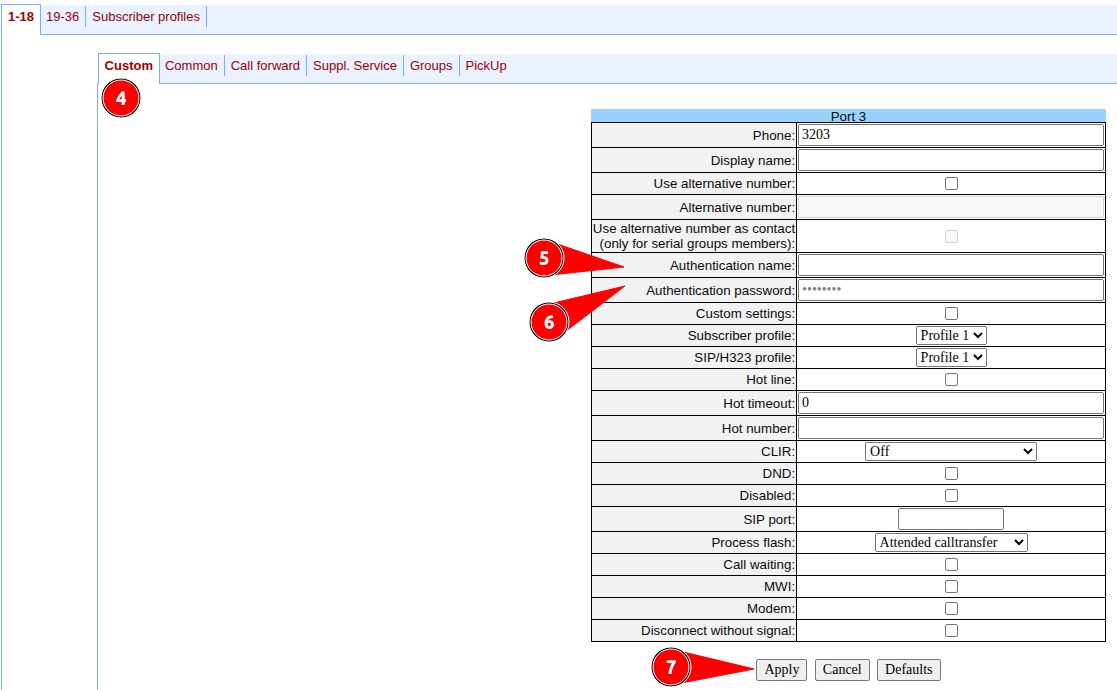
Go to the "Custom" tab.
Fill in the "Authentication name" field.
Fill in the "Authentication password" field.
Click on the "Apply" button.
 button in the "Edit" column.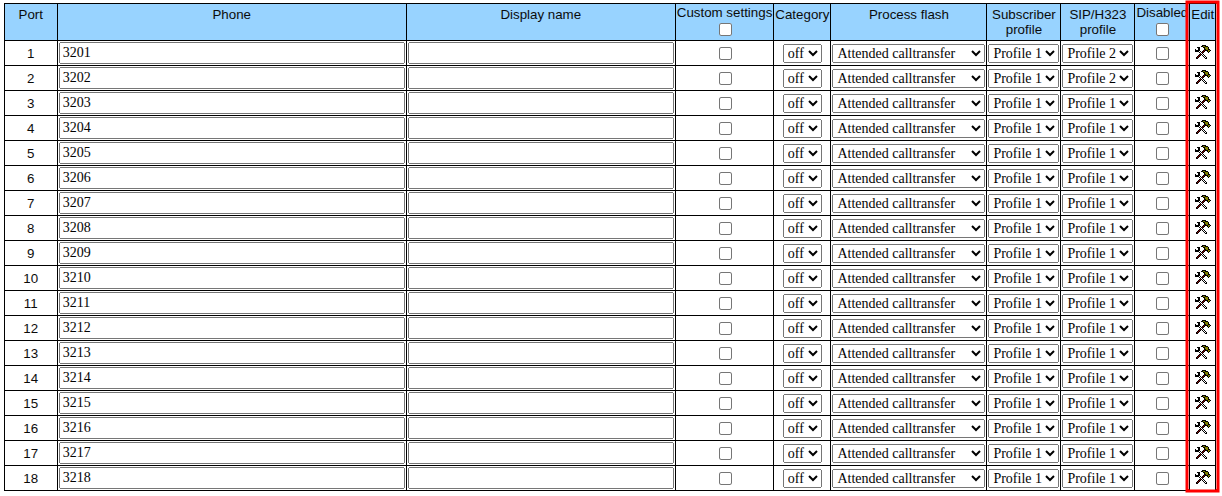
 button in the "Edit" column.