
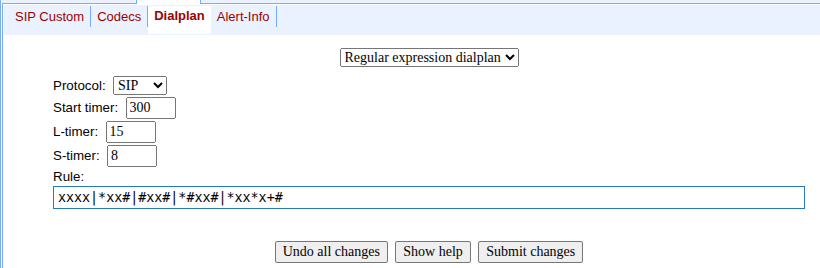
- "Regular expression dialplan". The configuration of the dial plan in the "Regular expression dialplan" mode is described in the "Configuration of Regular Expression Routing Rules" section of the documentation.
- "Dilaplan table". The configuration of the dial plan in "Dilaplan table" mode is described in the sections "Routing rules configuration" and "Configuration of Prefix with Varying Number Count" of the documentation.
