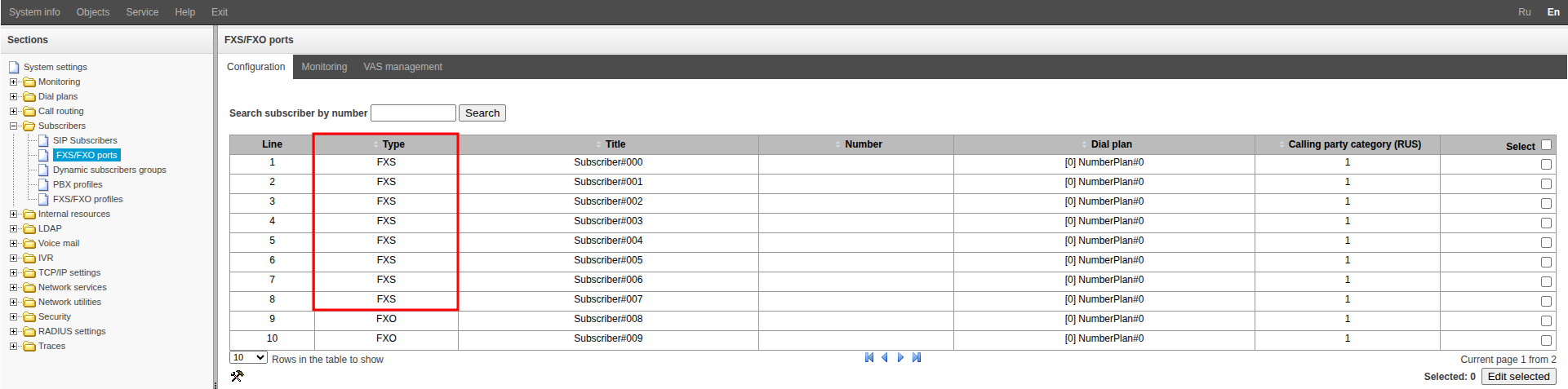
Go to the “Subscribers” → “FXS/FXO ports” menu.
Double-click to select one of the ports with “FXS” in the “Type” column.
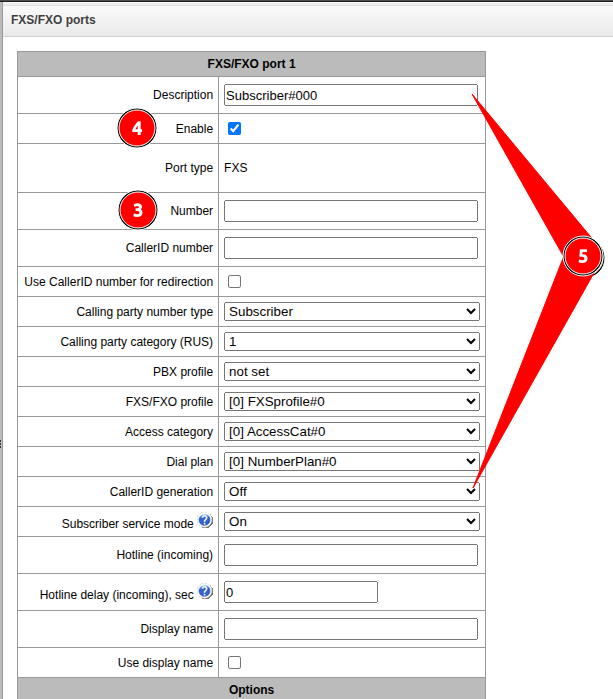
Fill in: “Number”.
Check that the “Enable” flag is active.
Optionally, fill in the “Description” and “Caller ID number” fields.
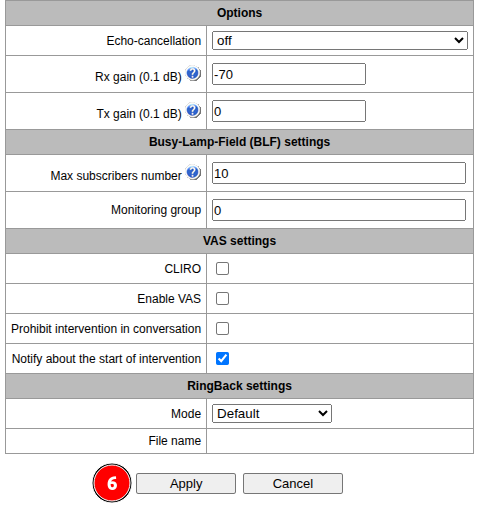
Click the “Apply” button.