There are multiple ways to identify the installed version of ECSS-10 Softswitch and its components. Two options are described below.
Via a web interface
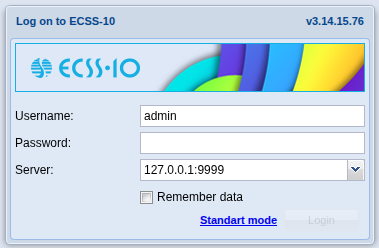
- Log in to the management web interface. The web interface version is displayed in the upper right corner of the login screen. It is different from the versions of other system components.
- Launch the “SSW hosts info” application.
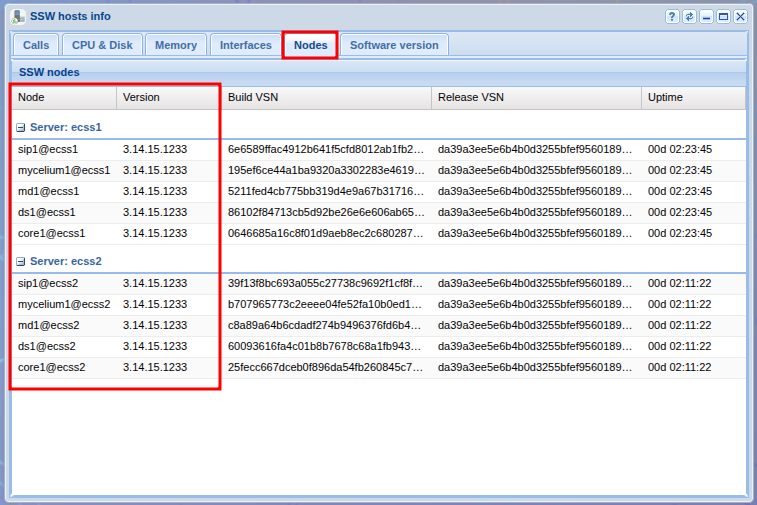
- Select the "Nodes" tab. The "Version" column displays the versions of the components. These must be interpreted correctly.
Via the management console
- Connect to the CoCon distributed management console:
ssh admin@localhost -p8023 |
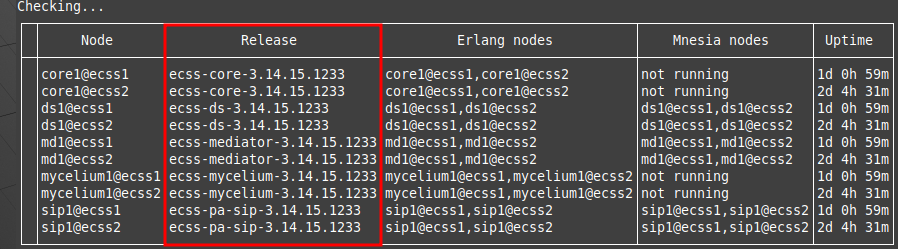
- Enter the system-status command. The command output will display the versions of the components. These must be interpreted correctly.
Interpreting the version number
The version can consist of four (3.14.15.1233, as in the example) or five (for example, 3.14.15.3.85) numbers separated by a dot. The last number is the build number. For versions consisting of four numbers, assume that the minor version number (indicated before the build number) is zero. Thus, the version in the examples should be read as 3.14.15.0.1233.