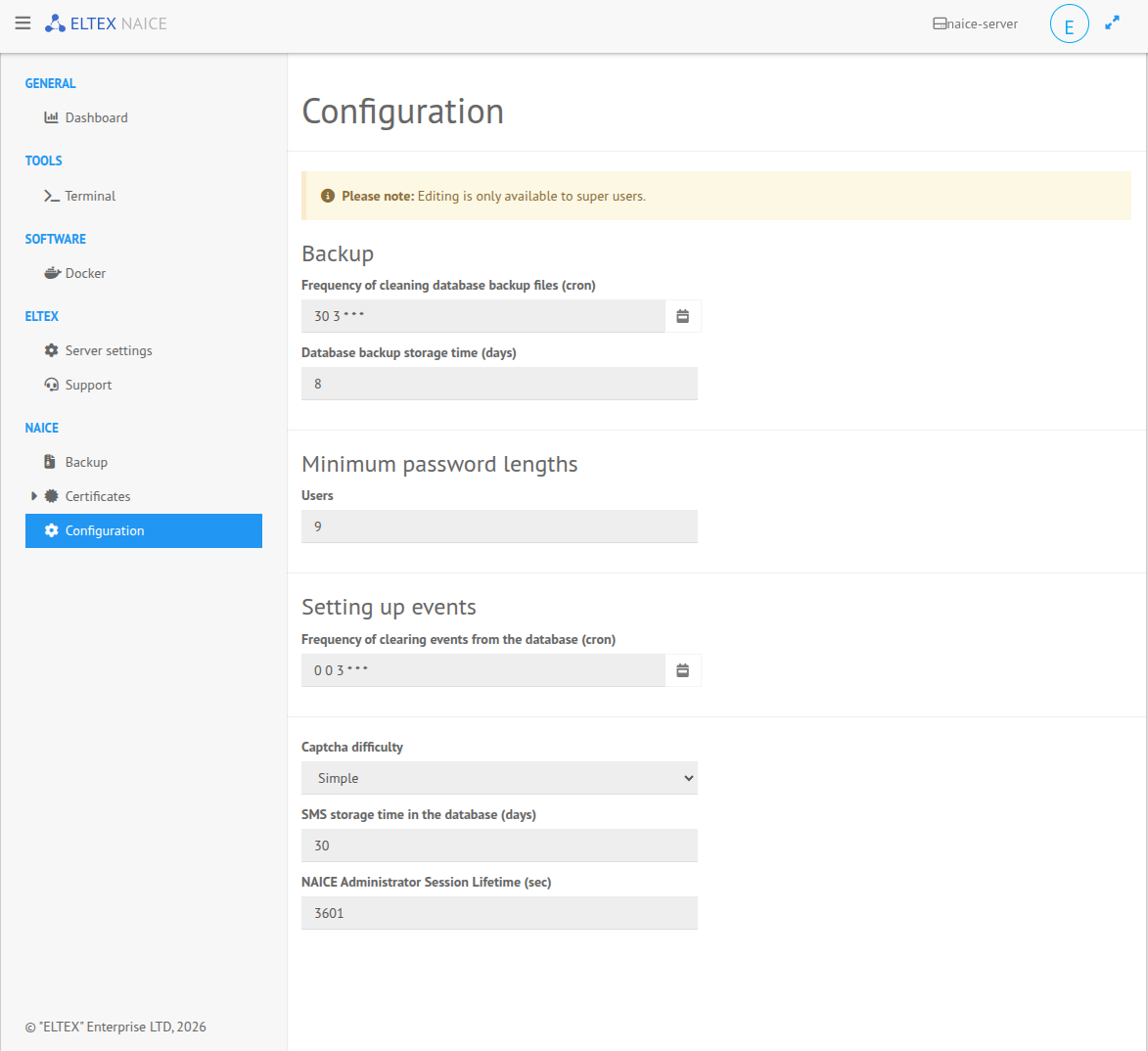
The OVA image web interface allows modifying the basic NAICE parameters, such as:
A wide range of other parameters can be configured in the main NAICE web interface in the System settings section.
To configure these parameters, open the web interface, which is available at the following address:
https://<NAICE installation IP address>:8000 |
Then go to the NAICE → Configuration tab and configure the required parameters: