The Eltex RG-5440G-Wac router can be used as a home router. Let's look at how to configure it for the presented scheme via the web interface.
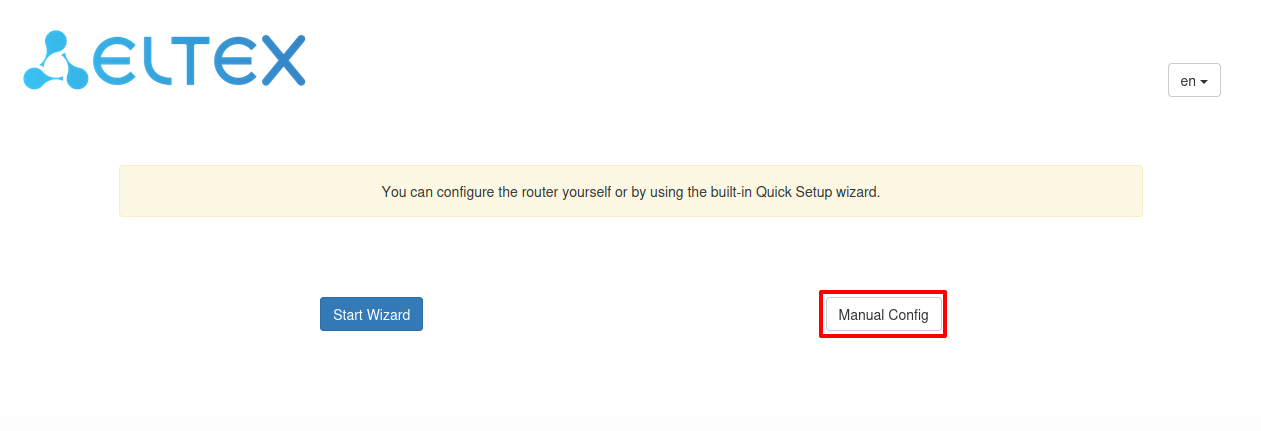
- Connection to the ONT web interface is made from the LAN side at 192.168.1.1. Let's take a look at the manual configuration of the device by clicking the appropriate button when connecting to the web.
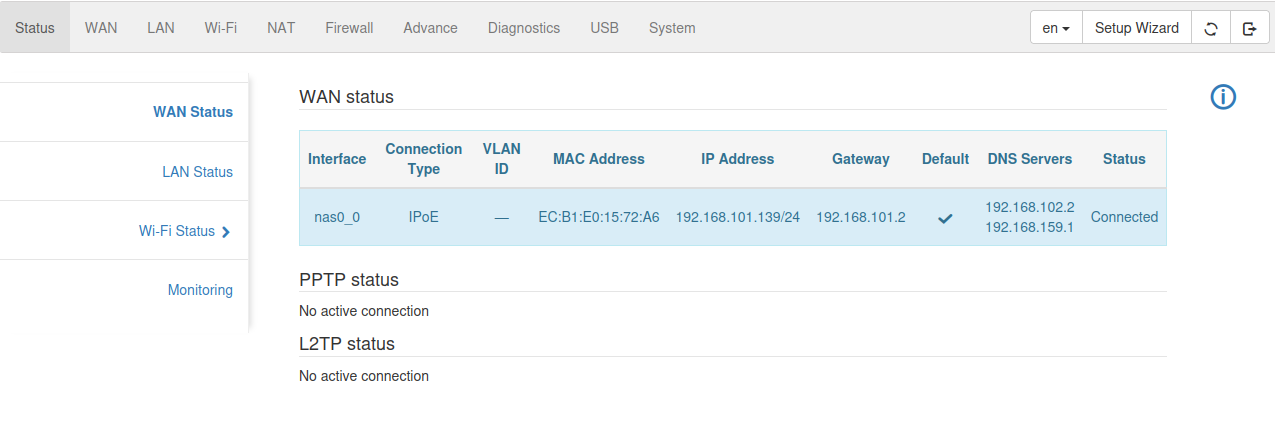
- Next, log in as the admin user with the default password. When connecting for the first time, you will be prompted to change the password. Next, the "WAN Status" page will open automatically, displaying the status of the Internet connection. By default, the device has an IPoE interface nas0_0 with a DHCP connection type. If the upstream equipment is configured correctly, the details will be obtained from the default device configuration.
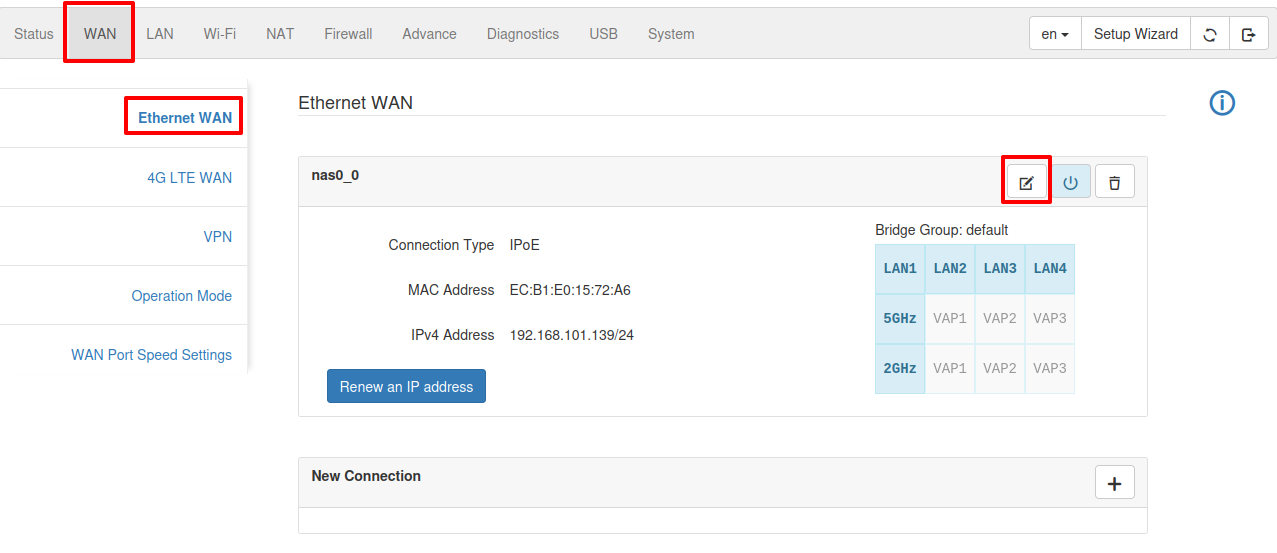
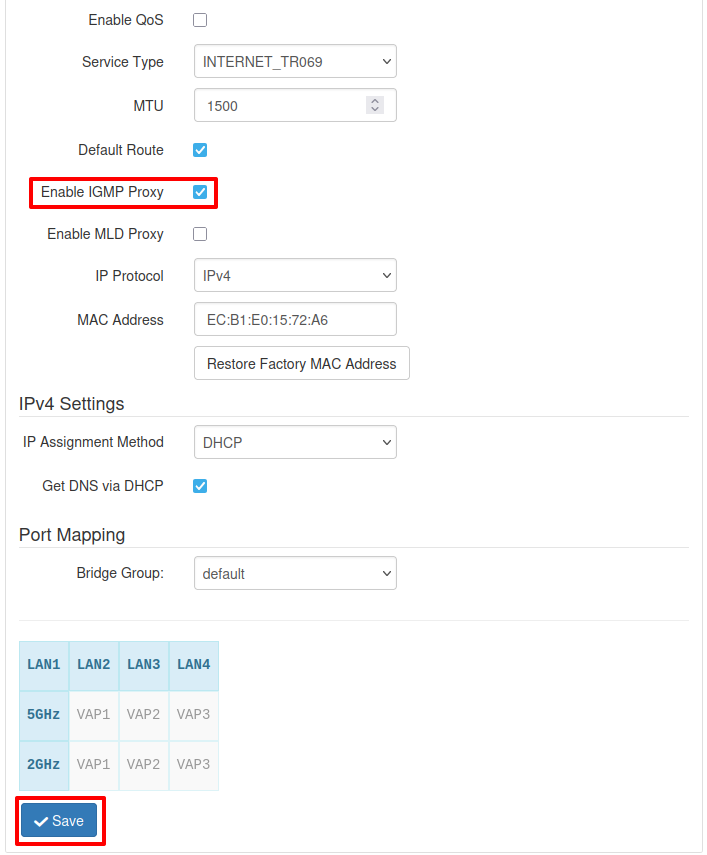
- Only the internet service will work in the default configuration. For IPTV to work, you need to enable IGMP proxy on the WAN interface. To do this, select the "WAN" tab → "Ethernet WAN" section and click on the icon for editing the nas0_0 WAN interface.
- In the window that opens, check the Enable IGMP Proxy checkbox and save the settings.
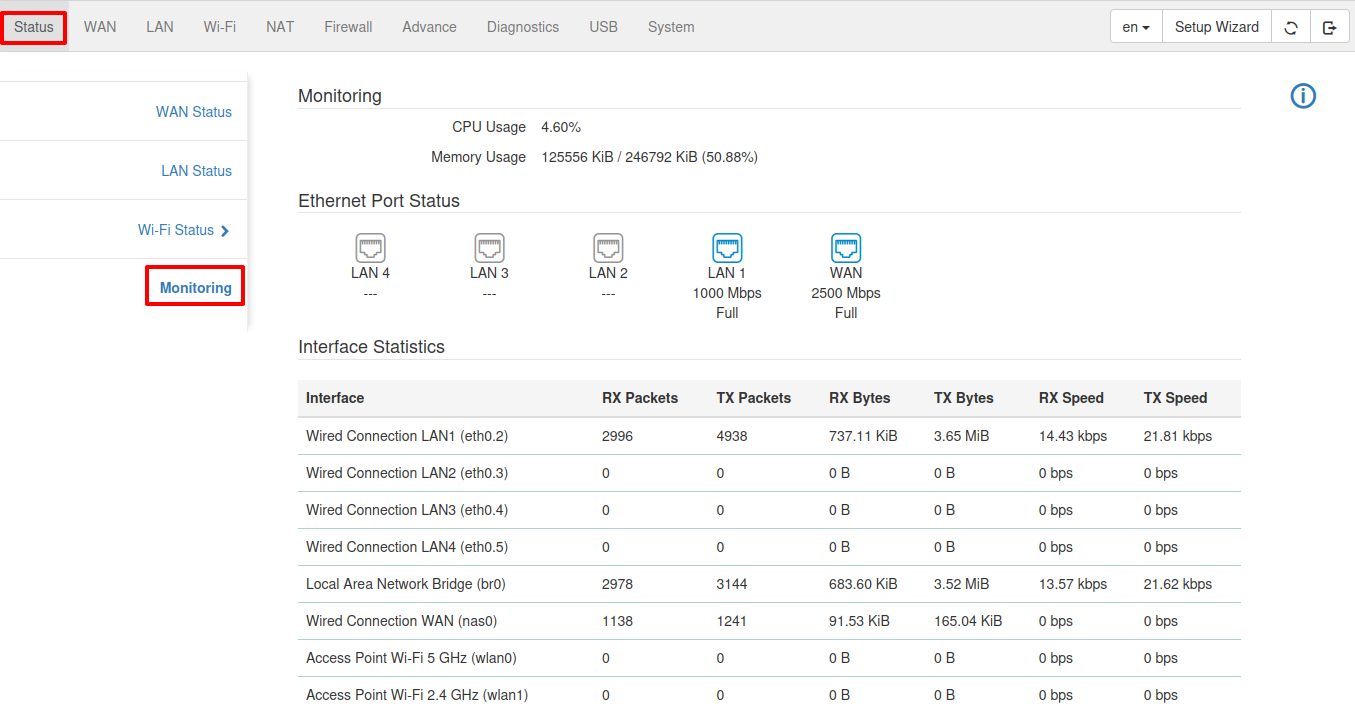
- The "Status" → "Monitoring" page displays the overall status of the device, the connection speed of the LAN and WAN interfaces, and statistics for the counters.