...
4. Click the "Sign In" button. The "Video Watching" page will open in the browser window.
"Video Watching" menu
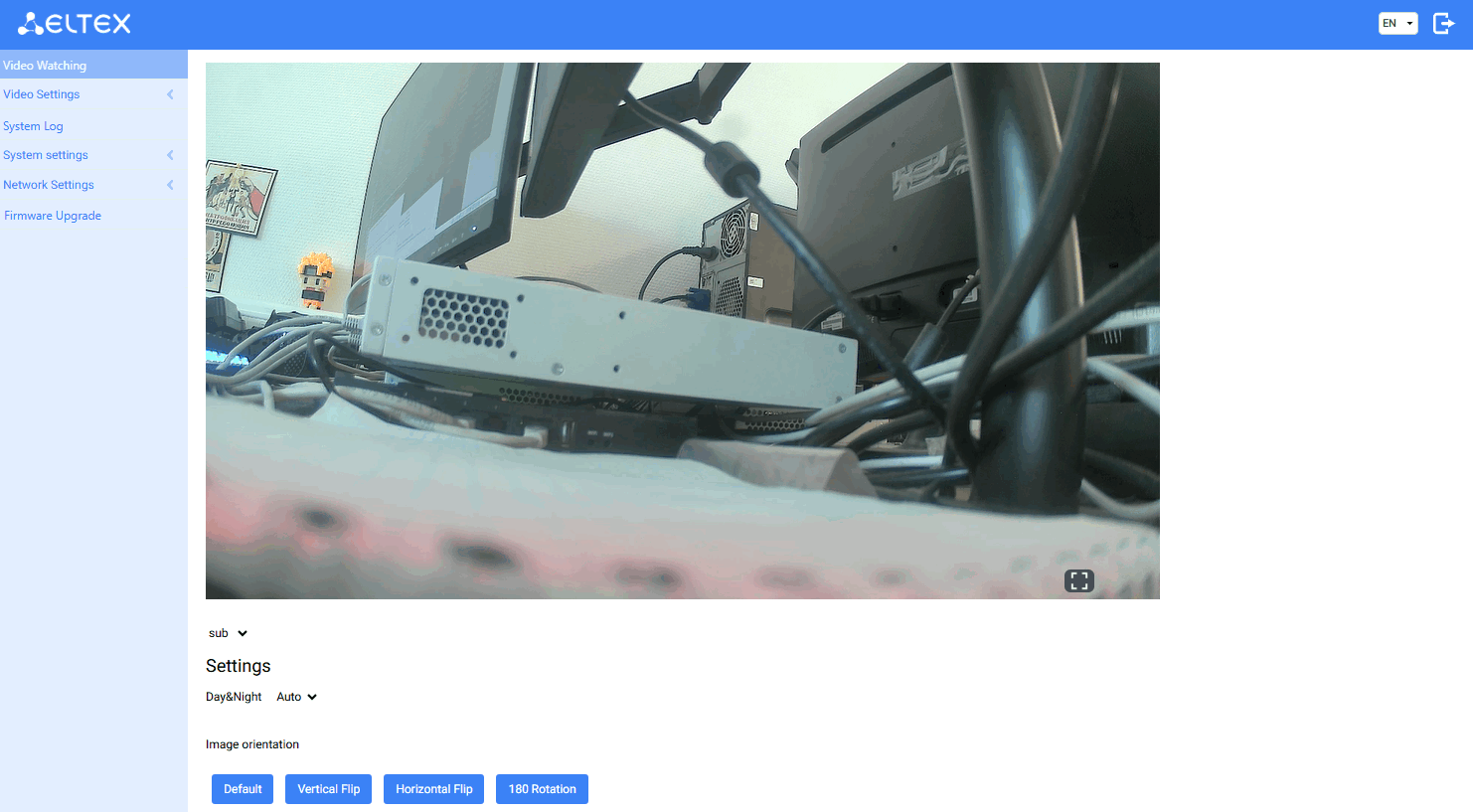
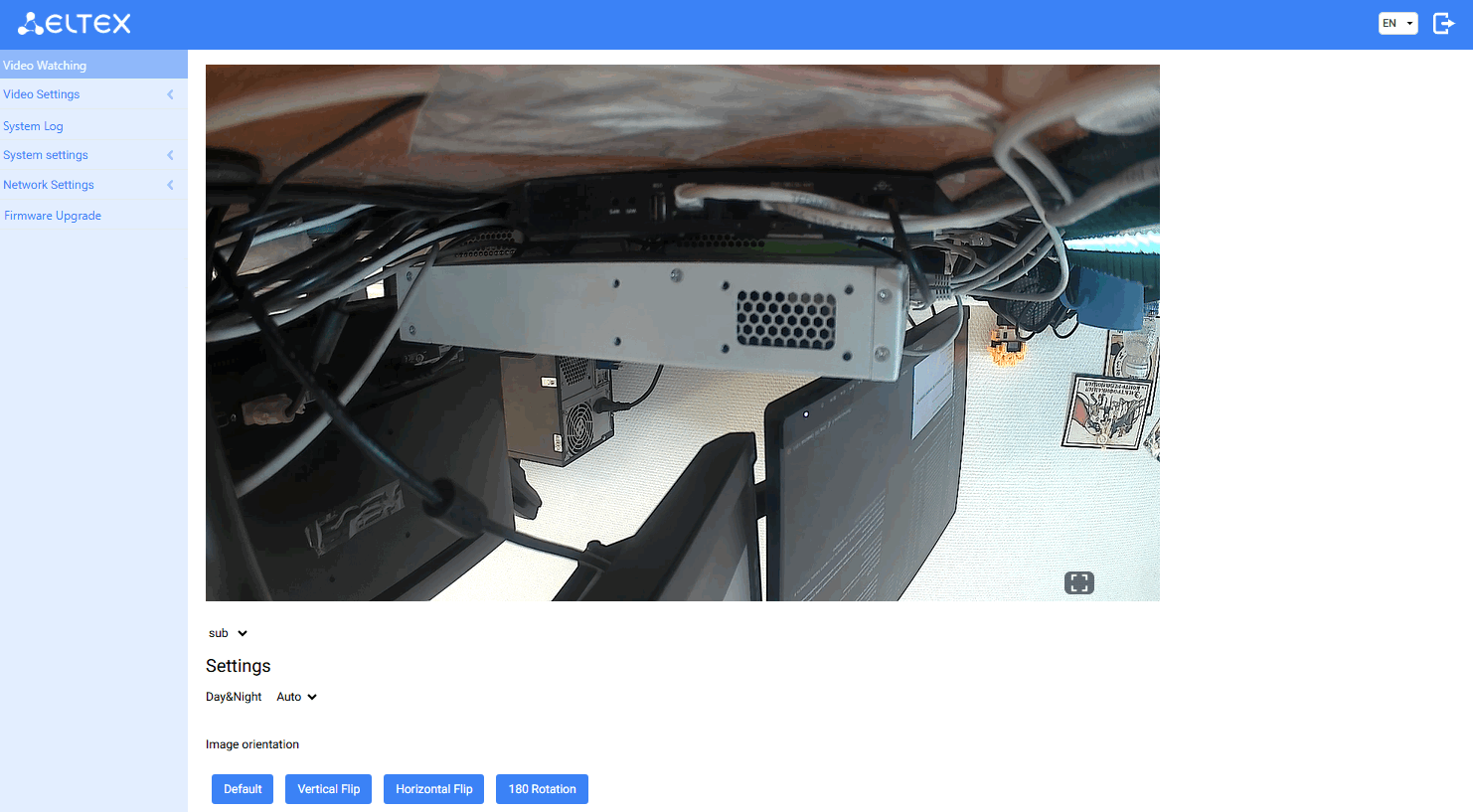
- Day&Night — IR illumination mode selection:
- Auto — automatic switching between day and night mode based on light level;
- Day — IRillumination is always off;
- Night — IR illumination is always on.
- Image orientation control — camera image control:
- Default — camera renders the image as the user sees it with their eyes;
- Vertical Flip — image is mirrored along the vertical axis;
- Horizontal Flip — image is mirrored along the horizontal axis;
- 180 Rotation — image is mirrored vertically and horizontally, thus providing an image as in the "Standard" mode for a physically inverted camera.
- Default — camera renders the image as the user sees it with their eyes;
...
"Device Information" submenu
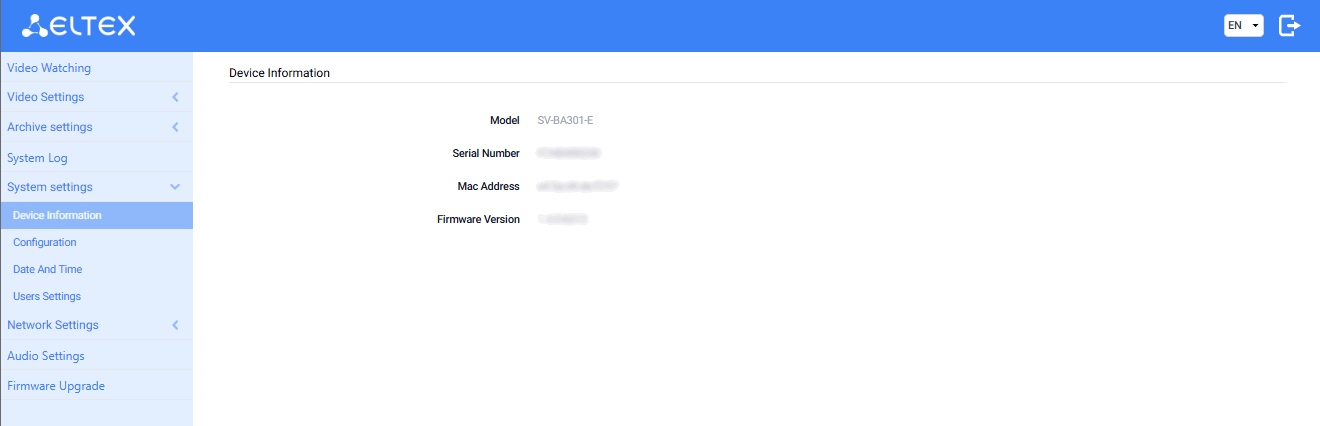
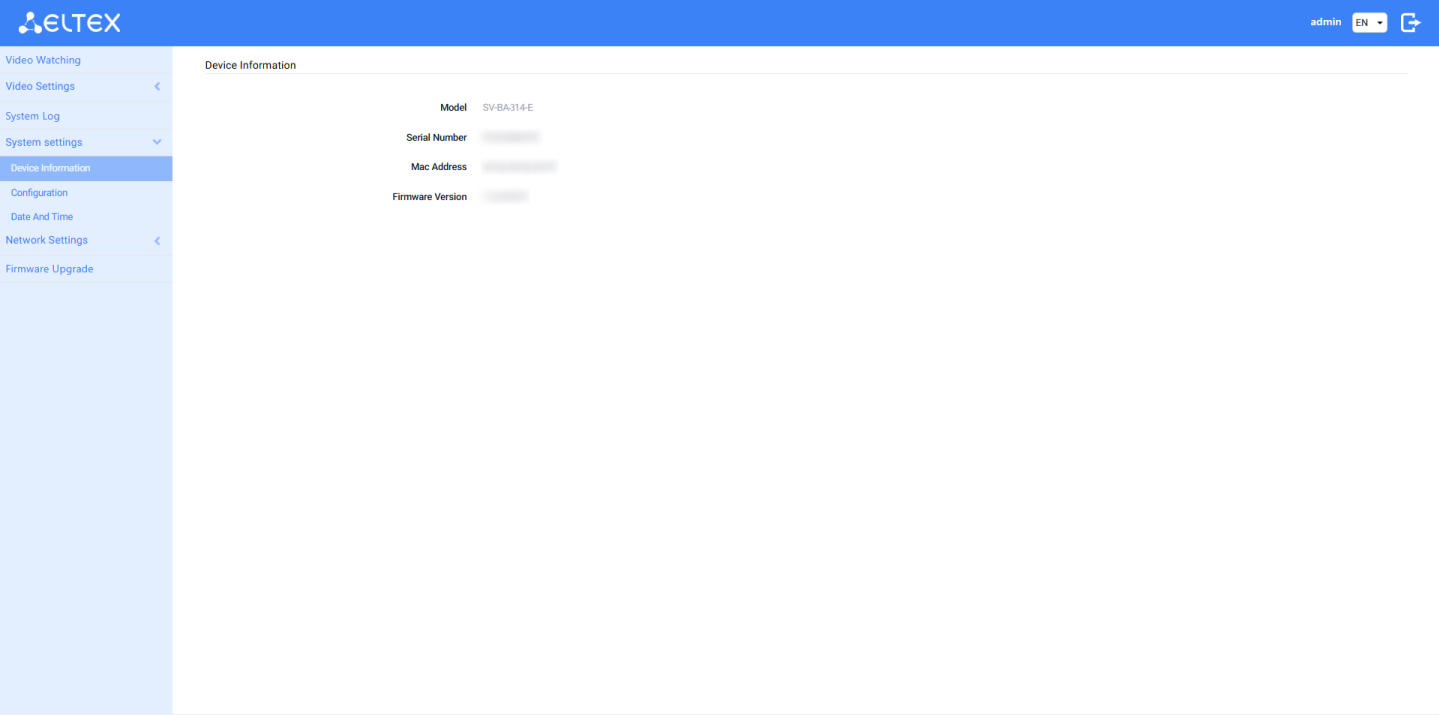
- Model — name of the device model;
- Serial Number — serial number of the device;
- MAC Address — MAC address of the device;
- Firmware Version — current firmware version of the device.
...