...
To save the settings, click the "Apply" button.
"Storage Settings" menu
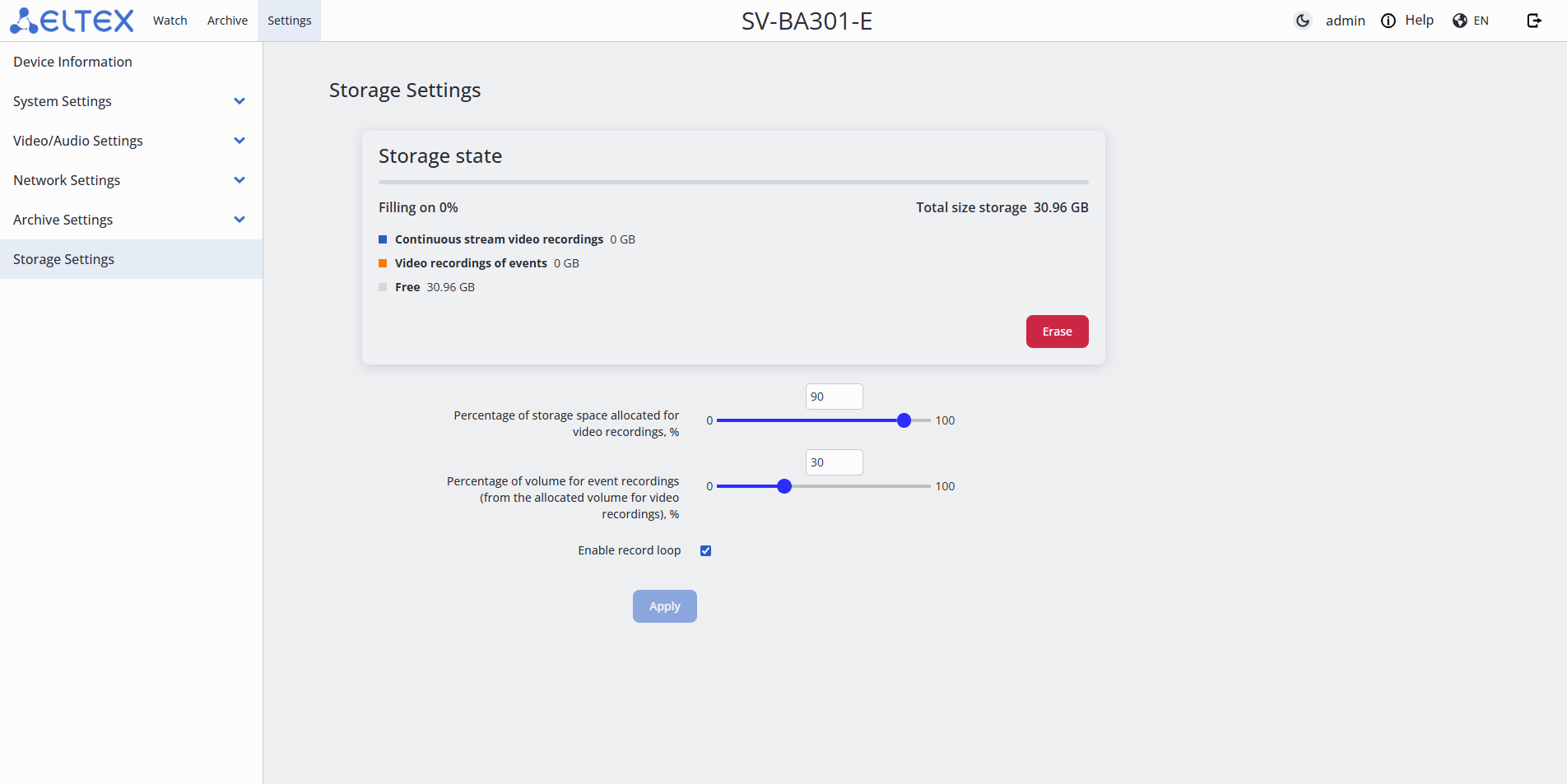
- Erase — formatting the MicroSD card for archive recording;
- Percentage of storage space allocated for video recordings, % — indicates what part of the total storage volume will be used for storing video. It is possible to set a value in the range from 0 to 100;
- Percentage of volume for event recordings (from the allocated volume for video recordings), % — indicates how much space from this volume will be allocated for event recordings. It is possible to set a value in the range from 0 to 100;
- Enable record loop — when the storage is full, old recordings will be overwritten with new ones.
...