...
| Примечание |
|---|
| 1 Support for the function of saving records to network storage is under development. |
Technical specifications
| Interfaces | |
|---|---|
| Memory card | 1 × MicroSD/SDHC/SDXC up to |
| 512 GB | |
| Ethernet | 1 × 10/100BASE-T (RJ-45), support for PoE |
| Network | |
| Protocols | TCP/IP, UDP, ICMP, HTTP, HTTPS, SSL/TLS, QoS, DHCP, DNS, RTP, RTSP, RTMP, NTP, SMB, NFS, TFTP |
| API | ONVIF (Profile S, Profile T), WSS API |
| Security | password protection, complex password, HTTPS encryption, WS-Username token, WS-Username basic for ONVIF, TLS1.3 |
| User/host | up to 10 users, 2 user levels: administrator, operator |
| Sensor | |
| Type | 1/3” progressive scan CMOS |
| Effective pixels | 4 |
| MP | |
| Lens and illumination | |
| Focal distance | 2.8 mm |
| Aperture | F/2.0 |
| Field of view (horizontal) | 100° |
| Field of view (diagonal) | 116° |
| Angle adjustment (tilt) | from 0° to 90° |
| Angle adjustment (rotate) | from 0° to 360° |
| IR illumination | yes |
| IR range | up to 40 m |
...
| Image | |
|---|---|
| Image | color |
| Maximum resolution | 2560 × 1440 |
| Maximum frame rate | 25 fps |
| Bit rate | up to 10 Mbps |
| Video compression | H.264, H.265 |
| Image quality improvement | BLC, HLC, DWDR, ANTI-FLICKER, DEFOG |
| Signal-to-noise ratio | no less than 50 dB |
| Minimum illumination | color: 0 |
| .02 lx, bw: 0 lx with IR | |
| Audio | |
| Built-in microphone | yes |
| Built-in | |
| dynamic | yes |
| Audio compression | PCM, AAC, MP2, ADPCM1, G.711U (PCMU)1, G.711A (PCMA)1, G.726 |
| 1 | |
| Voice pickup distance | up to 5 m |
| Physical specifications | |
| Power supply | 12 V DC, PoE 802.3af (Mode A)2 |
| Housing | metal |
| Form factor | cylindrical camera |
| Mount options | indoor and outdoor |
| Dimensions ( | |
| W × H × D) | 70 × 67 × 186 mm |
| Weight | 0.38 kg |
| Operating temperature | from -40 to +60° |
| Operating humidity | no more than 90 % (non-condensing) |
| Ingress protection | IP66 |
| Lifetime | no less than 5 years |
| Примечание | ||||||||||||
|---|---|---|---|---|---|---|---|---|---|---|---|---|
1 2 |
...
- Connect the camera to the local network.
Open a web browser and enter the device's IP address obtained from the DHCP server in the address bar.
- The authorization page will be displayed in the browser window. Enter the username and password in the appropriate fields. (By default, the login is admin, the password is password).
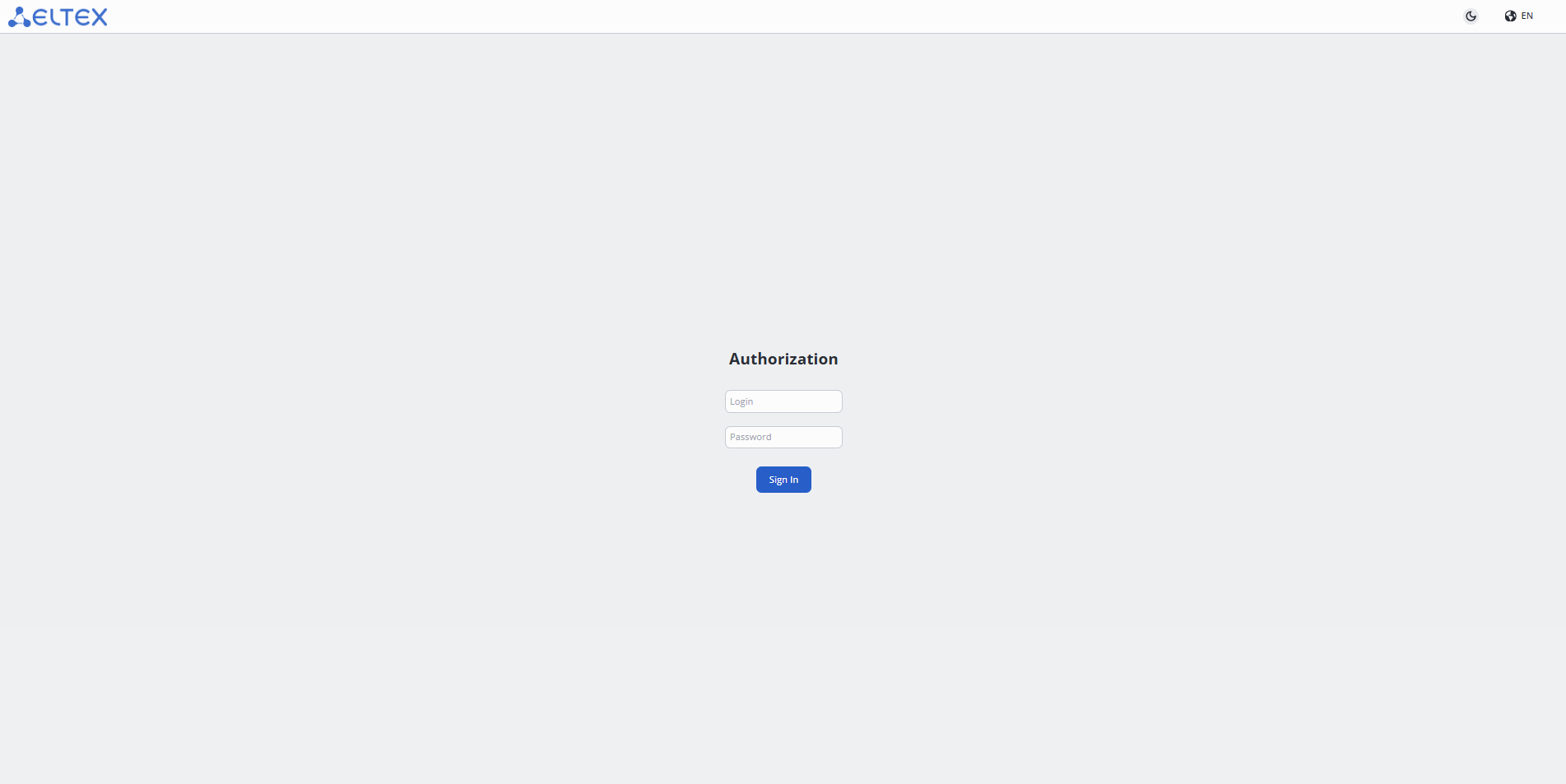
34. Click the "Sign in" button. The "Watch" page will open in the browser window.
...
To save the settings, click the "Apply" button.
"Storage Settings" menu
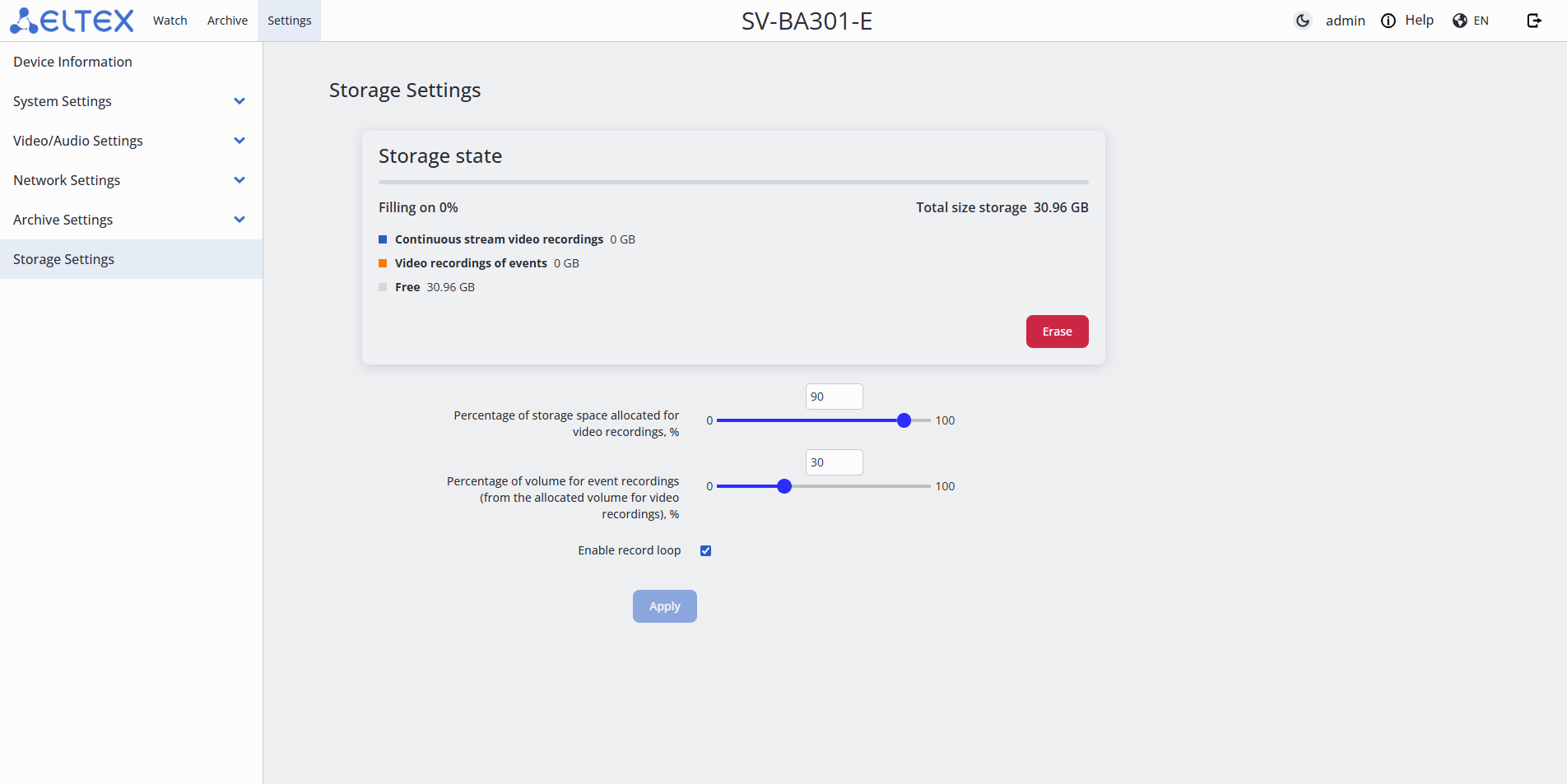
- Erase — formatting the MicroSD card for archive recording;
- Percentage of storage space allocated for video recordings, % — indicates what part of the total storage volume will be used for storing video. It is possible to set a value in the range from 0 to 100;
- Percentage of volume for event recordings (from the allocated volume for video recordings), % — indicates how much space from this volume will be allocated for event recordings. It is possible to set a value in the range from 0 to 100;
- Enable record loop — when the storage is full, old recordings will be overwritten with new ones.
...