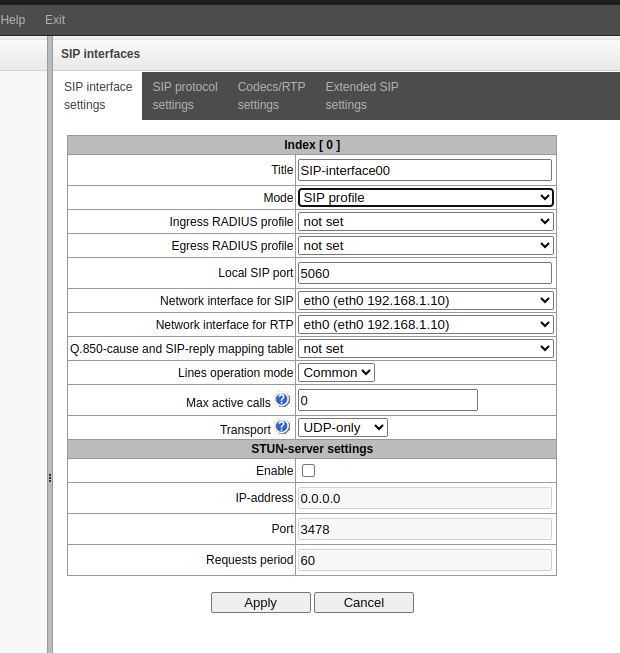
Creating a SIP profile on an IP PBX
- Go to the side menu "Call routing" → "SIP interfaces".
- Click the
 button.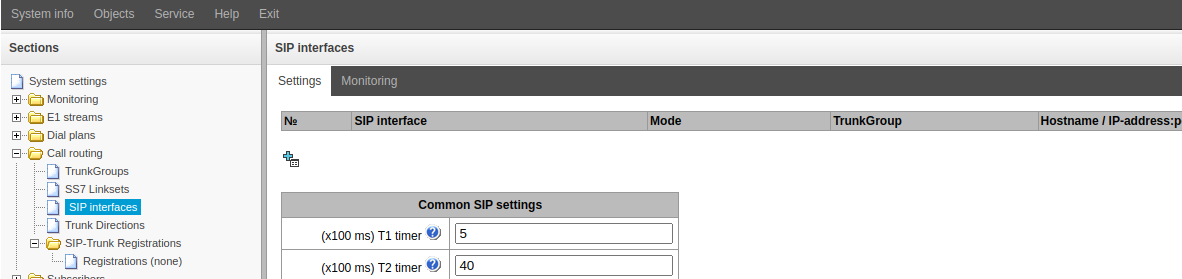
- Change or fill in the "Title" field.
- In the "Mode" field, set the value to "SIP profile".
- Select “Network interface for SIP” and “Network interface for RTP”.
- Click the "Apply" button.