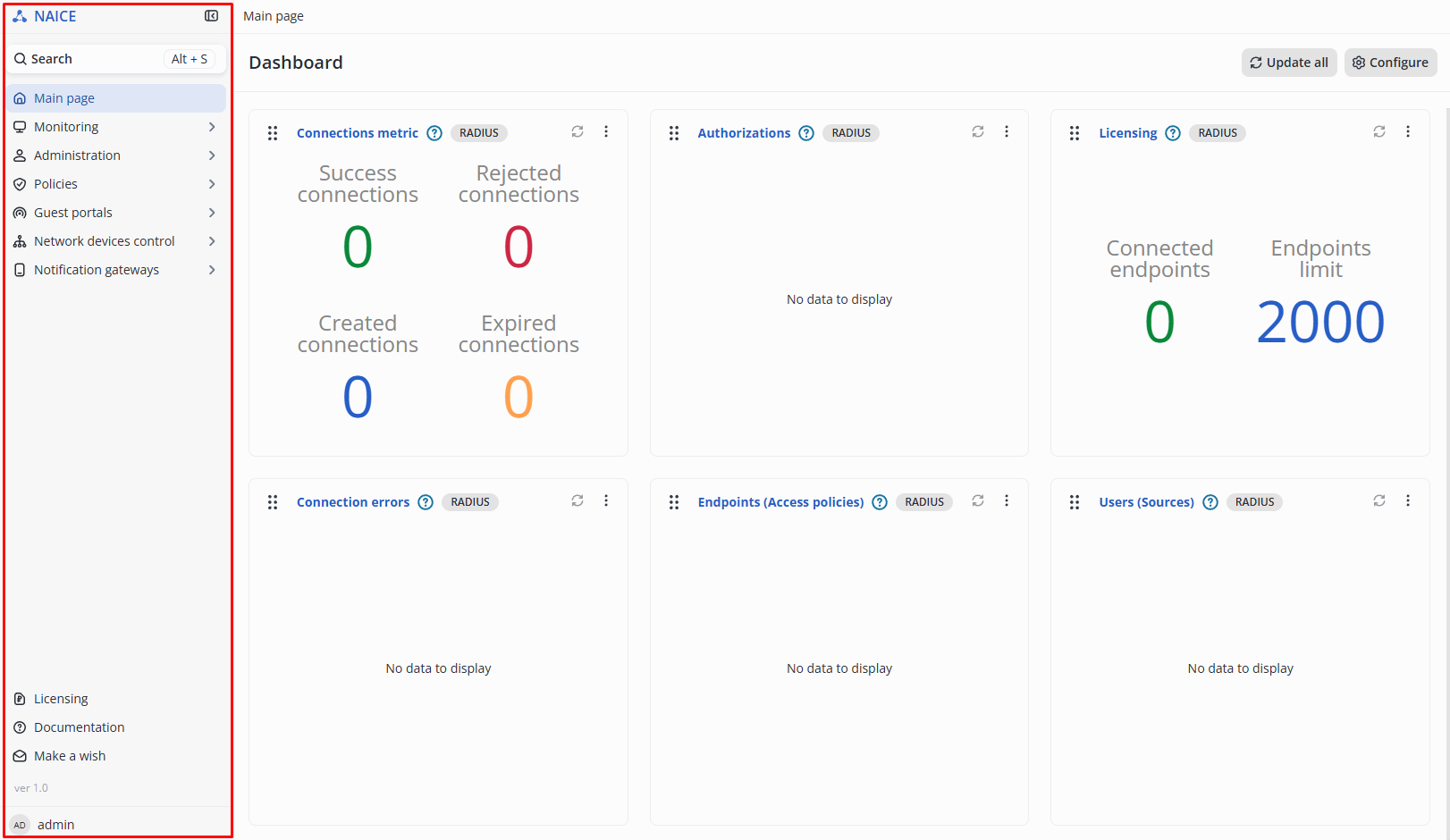
After signing in to the system, you can navigate through NAICE sections using the sidebar menu located on the left side of the screen:
Click  to hide the settings menu and
  to expand it.
The availability of certain sections depends on the active NAICE license level, any additional licensed options, and the role of the current administrator. |
Most tabs already contain predefined values after installation. The purpose of this prefilled configuration is to help you become familiar with the interface and improve the user experience. Most of these entries can be removed if they are not needed. |
Each page includes built-in documentation, which can be viewed by clicking the  icon at the bottom of the navigation menu. The documentation page that opens corresponds to the currently displayed section of NAICE.
For more details, see v1.0_4. Built-in documentation.