...
| Примечание |
|---|
The entered password characters are hidden, displayed as dots. |
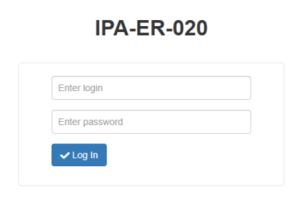
Figure 3 — Authorization page
...
1. Switch to the "Administration" -> "Security" page and, for security purposes, change the password of the admin user to arbitrary. The default value is admin.
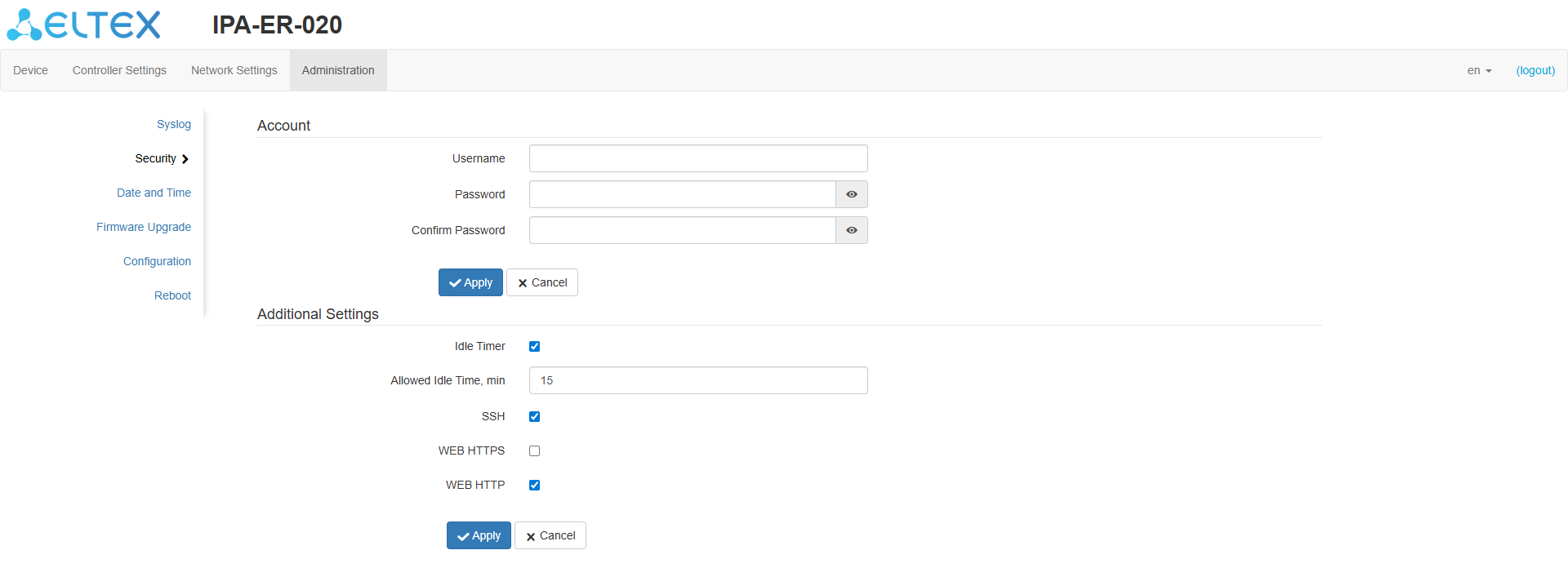
Figure 4 — "Security" page
...
- If this is a DHCP server that automatically assigns IP addresses, select "DHCP Client".
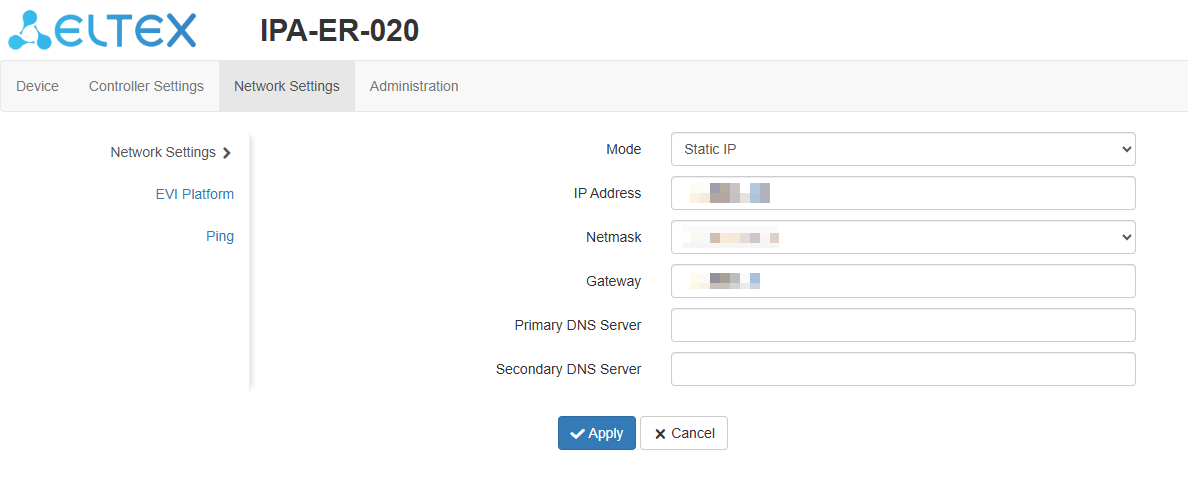
Figure 5 — "Static IP" mode
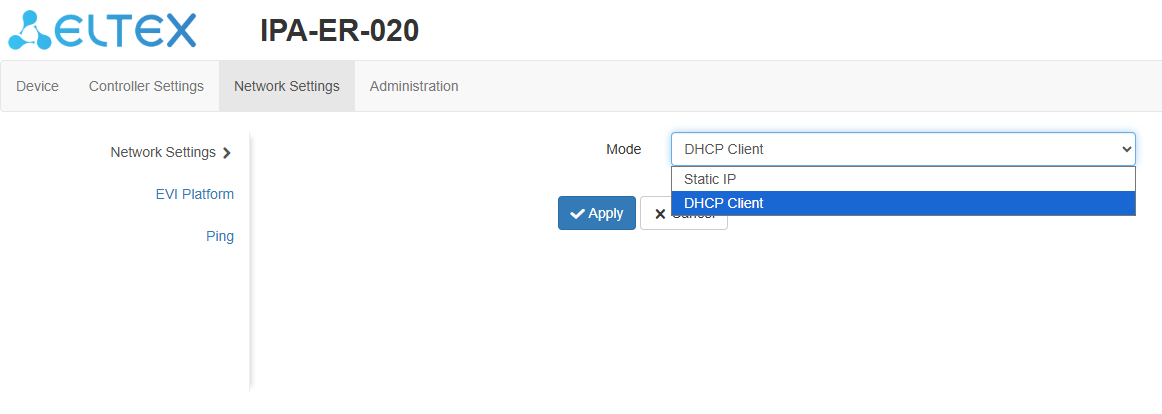
Figure 6 — "Network Settings" pageScroll Pagebreak
...
3. Switch to the "EVI Platform" page. When using the "DHCP client" mode, it is possible to specify option 43 (Vendor Specific Information) on the DHCP server to automatically connect the controller to the EVI platform. If it is necessary to to enter the address manually, check the box next to the "Manual" item and register the server address.
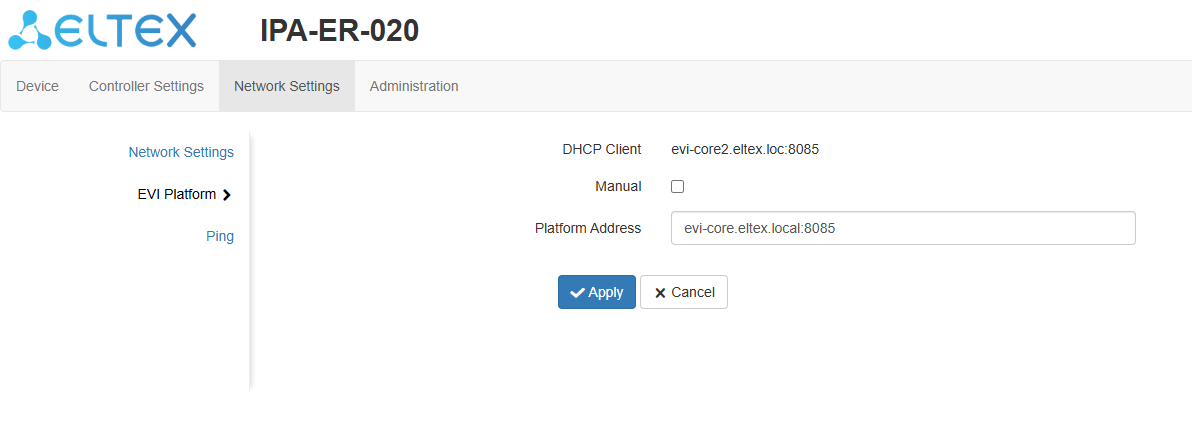
Figure 7 — "EVI Platform" page
...
After authorization, a notification will appear on the screen stating that the operation was successful.
Scroll Pagebreak
...