...
Installing ecss-restfs. During installation, you'll be asked a series of questions to create the necessary configuration files. The installer will also prompt you to install and configure the Text2speech package from Yandex.
| ecss-restfs questions | Replies | Example |
|---|
| Do you want to use Text To Speeh (TTS service)? | No (default) | 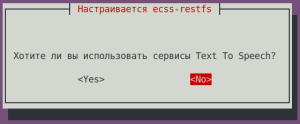 Image Modified Image Modified
|
| Do you want to configure phone book? | Yes (needs to be selected) | 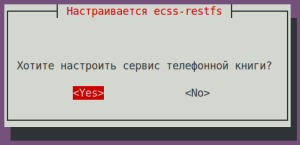 Image Modified Image Modified
|
| Do you want to configure carddav server? | No (default) | 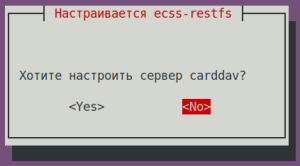 Image Modified Image Modified
|
Do you want to configure phone book (LDAP)?
| No (default) | 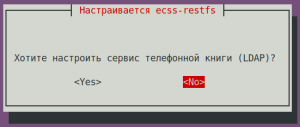 Image Modified Image Modified
|
| Do you want to configure phone book (SSW)? | No (default) | 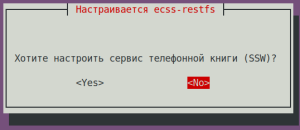 Image Modified Image Modified
|
| Do you want to configure speech recognition service? | No (default) | 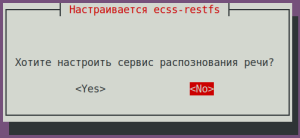 Image Modified Image Modified
|
| Do you want to configure phone book (POSTGRES)? | Yes (default) | 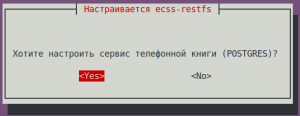 Image Modified Image Modified
|
| POSTGRES: postgres service: | localhost (default) | 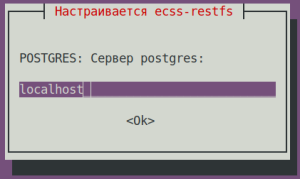 Image Modified Image Modified
|
| POSTGRES: Connection port: | 5439 (default) | 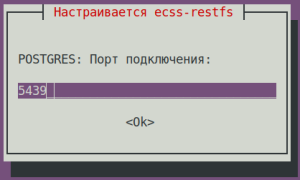 Image Modified Image Modified
|
| POSTGRES: Login: | postgres (default) | 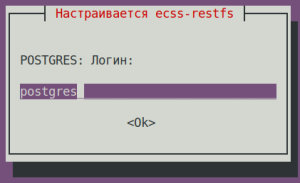 Image Modified Image Modified
|
| POSTGRES: Password: | postgres1 (default) | 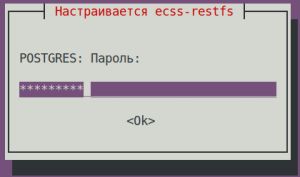 Image Modified Image Modified
|
| POSTGRES: database: | ecss_storekeeper_db (default) | 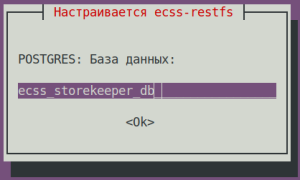 Image Modified Image Modified
|
| Enter a domain to search: | test.domain (default) | 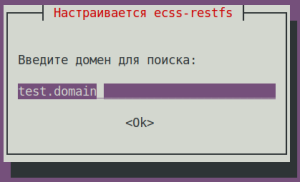 Image Modified Image Modified
|
| POSTGRES: Number of contacts requested: | 10000 (default) | 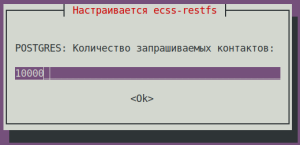 Image Modified Image Modified
|
| Do you want to enable transliteration for your phone book (LDAP)? | No (default) | 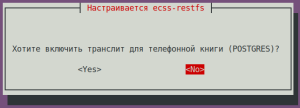 Image Modified Image Modified
|
| Select the items you want to customize: | proxy-filter (needs to be selected) | 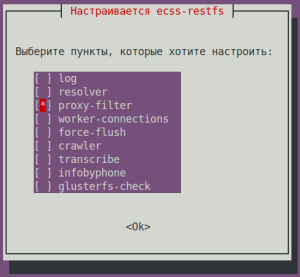 Image Modified Image Modified
|
Enable whitelist for api/proxy? | | 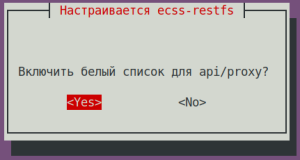 Image Modified Image Modified
|
| Подсказка |
|---|
| title | whitelist addresses to a file /etc/ecss/ecss-restfs/api-proxy.conf |
|---|
|
# -------------------------------------------------------------------
# API Filter File Format (api/proxy):
# - IP: 192.168.0.1
# - Domain: example.com
# - Wildcard: *.wildcard.com
# - Comments: lines starting with #
# Example:
# 192.168.0.1
# example.com
# # comment
# *.wildcard.com
# ------------------------------------------------------------------- |
...
For the media server (ecss-media-server/MSR), initial configuration is possible by writing parameters to a configuration file. To do this, configure transport bind-addr,mcc bind-addres:
| ecss-media-server questions | Replies for ecss1 | Replies for ecss2 |
|---|
| [ MSR SIP ] Enter bind-ip address | 10.0.20.51 (needs to be entered) | 10.0.20.52 (needs to be entered) |
| [MSR Control-Channel] Enter bind-ip address | 10.0.20.51 (needs to be entered) | 10.0.20.52 (needs to be entered) |
After creating the default configurations, perform a check:
...
| Блок кода |
|---|
| language | bash |
|---|
| title | on both hosts |
|---|
|
sudo nano /etc/ecss/ecss-media-server/conf.d/default.xml
|
| Configuring msr for ecss1 (/etc/ecss/ecss-media-server/conf.d/default.xml) | Configuring msr for ecss2 (/etc/ecss/ecss-media-server/conf.d/default.xml) |
|---|
| Блок кода |
|---|
| <?xml version="1.0"?>
<config>
<accounts>
<dynamic msr_name="msr.ecss1" realm="sip:10.0.20.51:5000" dtmf_mode="rfc+inband+info" auth_name="user" auth_password="password">
<via dynamic-ifaces="no">
<iface name="net.20" ip="10.0.20.51"/>
</via>
</dynamic>
<dynamic msr_name="msr.ecss1" realm="sip:10.0.20.52:5000" dtmf_mode="rfc+inband+info" auth_name="user" auth_password="password">
<via dynamic-ifaces="no">
<iface name="net.20" ip="10.0.20.51"/>
</via>
</dynamic>
</accounts>
</config> |
| | Блок кода |
|---|
| <?xml version="1.0"?>
<config>
<accounts>
<dynamic msr_name="msr.ecss2" realm="sip:10.0.20.52:5000" dtmf_mode="rfc+inband+info" auth_name="user" auth_password="password">
<via dynamic-ifaces="no">
<iface name="net.20" ip="10.0.20.52"/>
</via>
</dynamic>
<dynamic msr_name="msr.ecss2" realm="sip:10.0.20.51:5000" dtmf_mode="rfc+inband+info" auth_name="user" auth_password="password">
<via dynamic-ifaces="no">
<iface name="net.20" ip="10.0.20.52"/>
</via>
</dynamic>
</accounts>
</config> |
|
It specifies the current settings used to register msr on core.
...
Installing the ecss-web-conf package also automatically installs the ecss-subscriber-portal-ui package. The ECSS-10 Subscriber Portal application allows subscribers to independently manage services, view information on completed calls and active conferences, and configure their own IVR scripts for incoming calls. A description of the web configurator is provided in the "Subscriber Portal" section.
| ecss-web-conf questions | Replies for both hosts | Example |
|---|
| Хотите ли вы использовать стандартные настройки? | Yes (значение по умолчанию) | 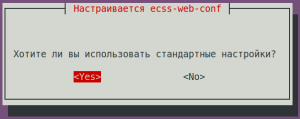 Image Modified Image Modified
|
Check the connectivity of the web interface http://10.0.20.51, user/password - admin/password. Not all functions are available at the moment, but the web interface should be working and the login successful.
...
| Блок кода |
|---|
| language | bash |
|---|
| title | on both hosts |
|---|
|
sudo nano /etc/keepalived/sip.conf |
| etc/keepalived/sip.conf for ecss1 | etc/keepalived/sip.conf for ecss2 |
|---|
| Без форматирования |
|---|
| vrrp_script check_sip {
script "/usr/bin/ecss_pa_sip_port 65535"
interval 2
timeout 2
}
# Address configuration for the first virtual address of the SIP adapter
vrrp_instance SIP1 {
state MASTER # Initial state at start
interface net.20 # Name of the network interface on which VRRP will run
virtual_router_id 31 # Unique router identifier (0..255)
priority 100 # Priority (0..255) - the higher the number, the higher the priority
advert_int 1 # Notification interval (sec)
preempt_delay 60 # Master wait interval when starting the daemon (sec) in the initial BACKUP state
unicast_src_ip 10.0.20.51 # Your own real IP address
unicast_peer {
10.0.20.52 # The neighbor's real IP address
}
virtual_ipaddress {
# Virtual IP address and mask
# dev - the network interface on which the virtual address will be configured
# label - the virtual interface label (for easy identification)
10.0.20.31/24 dev net.20 label net.20:SIP1
}
track_script {
check_sip
}
}
# Address configuration for the second virtual address of the SIP adapter
vrrp_instance SIP2 {
state BACKUP # Initial state at start
interface net.20 # Name of the network interface on which VRRP will run
virtual_router_id 32 # Unique router identifier (0..255)
priority 50 # Priority (0..255) - the higher the number, the higher the priority
advert_int 1 # Notification interval (sec)
preempt_delay 60 # Master wait interval when starting the daemon (sec) in the initial BACKUP state
unicast_src_ip 10.0.20.51 # Your own real IP address
unicast_peer {
10.0.20.52 # The neighbor's real IP address
}
virtual_ipaddress {
# Virtual IP address and mask
# dev - the network interface on which the virtual address will be configured
# label - the virtual interface label (for easy identification)
10.0.20.32/24 dev net.20 label net.20:SIP2
}
} |
| | Без форматирования |
|---|
| vrrp_script check_sip {
script "/usr/bin/ecss_pa_sip_port 65535"
interval 2
timeout 2
}
# Address configuration for the first virtual address of the SIP adapter
vrrp_instance SIP1 {
state BACKUP # Initial state at start
interface net.20 # Name of the network interface on which VRRP will run
virtual_router_id 31 # Unique router identifier (0..255)
priority 50 # the higher the number, the higher the priority
advert_int 1 # Notification interval (sec)
preempt_delay 60 # Master wait interval when starting the daemon (sec) in the initial BACKUP state
unicast_src_ip 10.0.20.52 # Your own real IP address
unicast_peer {
10.0.20.51 # The neighbor's real IP address
}
virtual_ipaddress {
# Virtual IP address and mask
# dev - the network interface on which the virtual address will be configured
# label - the virtual interface label (for easy identification)
10.0.20.31/24 dev net.20 label net.20:SIP1
}
}
# Address configuration for the second virtual address of the SIP adapter
vrrp_instance SIP2 {
state MASTER # Initial state at start
interface net.20 # Name of the network interface on which VRRP will run
virtual_router_id 32 # Unique router identifier (0..255)
priority 100 # Priority (0..255) - the higher the number, the higher the priority
advert_int 1 # Notification interval (sec)
preempt_delay 60 # Master wait interval when starting the daemon (sec) in the initial BACKUP state
unicast_src_ip 10.0.20.52 # Your own real IP address
unicast_peer {
10.0.20.51 # The neighbor's real IP address
}
virtual_ipaddress {
# Virtual IP address and mask
# dev - the network interface on which the virtual address will be configured
# label - the virtual interface label (for easy identification)
10.0.20.32/24 dev net.20 label net.20:SIP2
}
track_script {
check_sip
}
} |
|
In this case, support for virtual interfaces with a Master-Backup relationship was added. For ecss1, the primary interface will be net.20:SIP1, and the backup interface will be net.20:SIP2. It's important to note that the configuration takes into account the use of address variables. In the "interface" section, you must specify the interface on which VRRP messages will be listened, and in the "virtual_ipaddress" section, you must specify the interface on which the virtual address will be restored.
...
Specify the port and address to which the server can be accessed in the configuration file:
| Configuring ssh for ecss1 (/etc/ssh/sshd_config) | Configuring ssh for ecss2 (/etc/ssh/sshd_config) |
|---|
# This is the sshd server system-wide configuration file. See
# sshd_config(5) for more information. # This sshd was compiled with PATH=/usr/bin:/bin:/usr/sbin:/sbin # The strategy used for options in the default sshd_config shipped with
# OpenSSH is to specify options with their default value where
# possible, but leave them commented. Uncommented options override the
# default value. Port 2000
#AddressFamily any
ListenAddress 10.0.10.51
#ListenAddress :: <...> | # This is the sshd server system-wide configuration file. See
# sshd_config(5) for more information. # This sshd was compiled with PATH=/usr/bin:/bin:/usr/sbin:/sbin # The strategy used for options in the default sshd_config shipped with
# OpenSSH is to specify options with their default value where
# possible, but leave them commented. Uncommented options override the
# default value. Port 2000
#AddressFamily any
ListenAddress 10.0.10.52
#ListenAddress :: <...> |
Restart ssh:
| Блок кода |
|---|
| language | bash |
|---|
| title | on both hosts |
|---|
|
sudo systemctl restart ssh.service |
...
The Subscriber card application is used to create and edit subscriber parameters in the system.
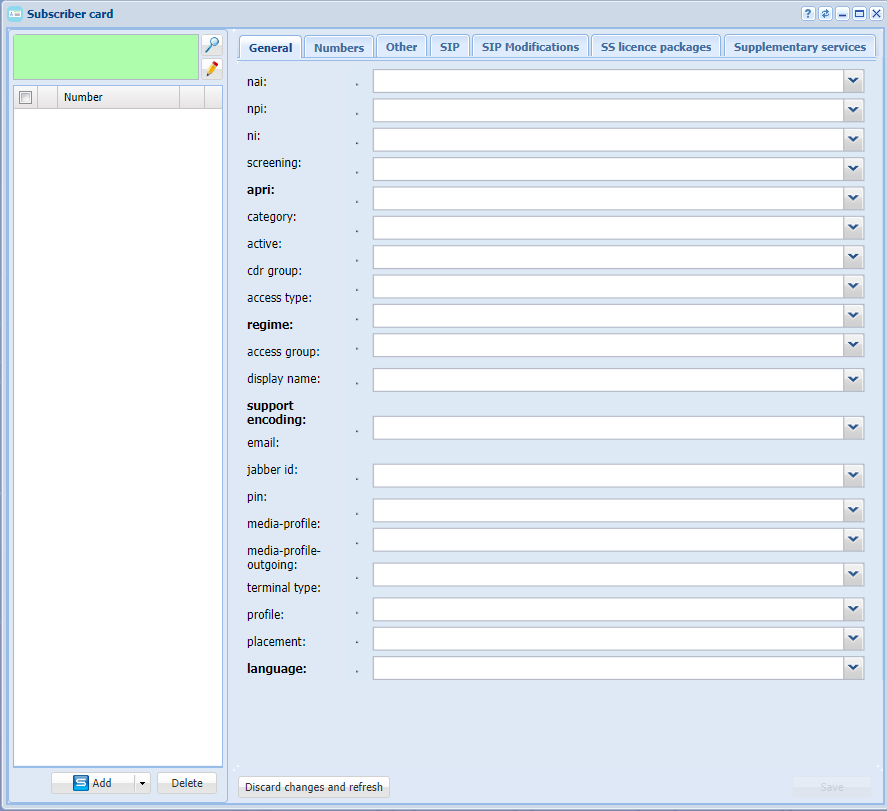 Image Modified
Figure 19 — Subscriber card application view
...
Routing is configured in Routing Manager application.
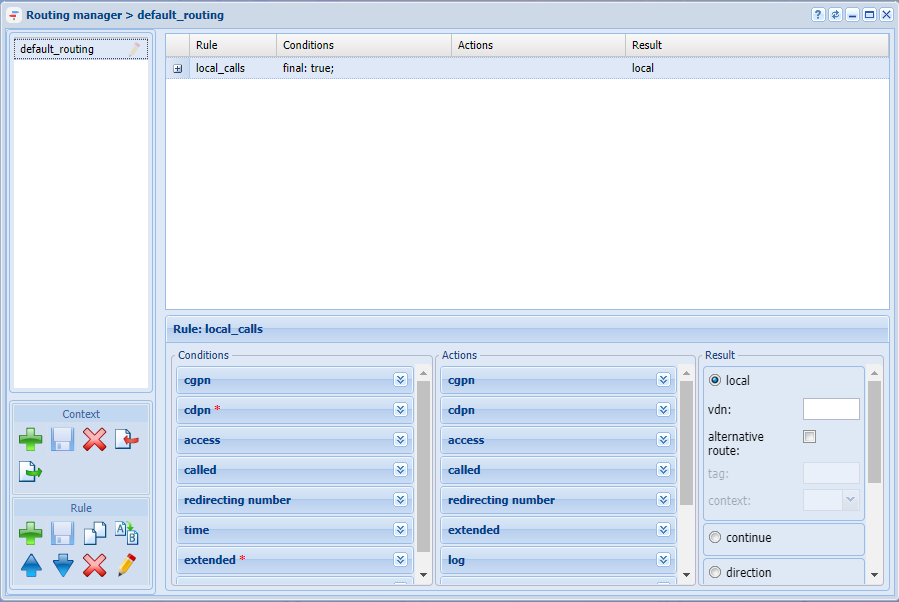 Image Modified
Figure 22 — Routing manager application view
...
