...
Connect the access point to the network according to the scheme. When enabled, the access point will receive a DHCP address. In order for the point to inform the controller about its presence in the network, you must configure Option 43 with 10 DHCP suboption in which IP SoftWLC will be transmitted. Then the access point will automatically appear in EMS in the Initialization of Wi-Fi AP tab.
...
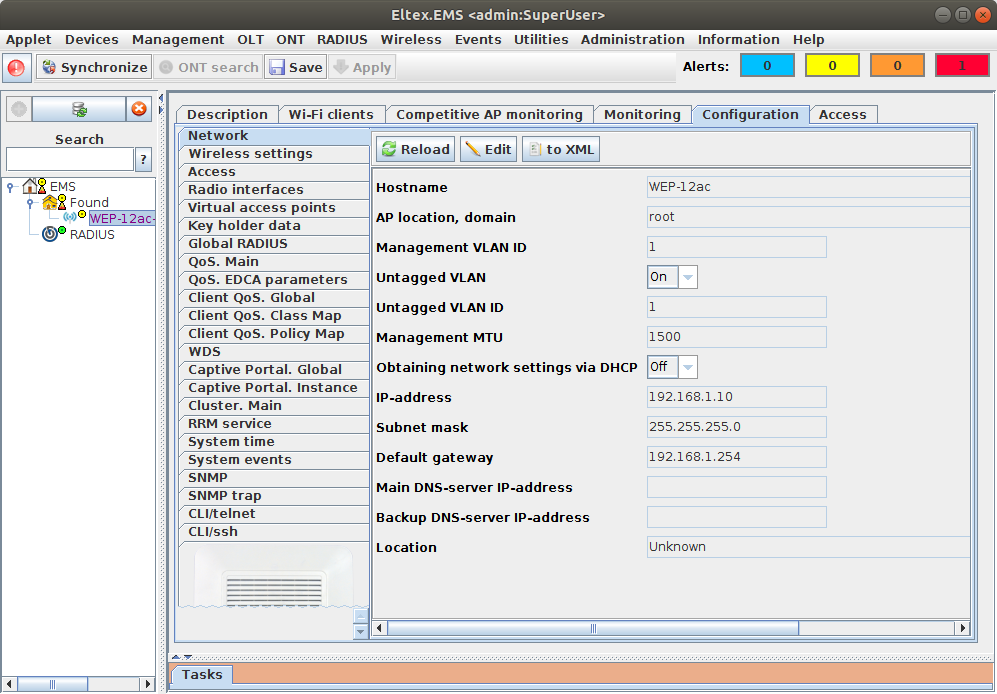
Initialization process is displayed in the Tasks tab that you may open from the Applet/View/Dashboard menu or by pressing Alt+F6 hotkey. When the process is finished, access point will be shown in the tree according to the initialization rule host domain.
| Предупреждение |
|---|
Starting from SoftWLC version 1.17, choose of the keys by which the AP can be initialized is supported. By default, only the AP MAC-address keys, suboption 13 of DHCP (location) option 43 and the special ott_default key are allowed. |
...