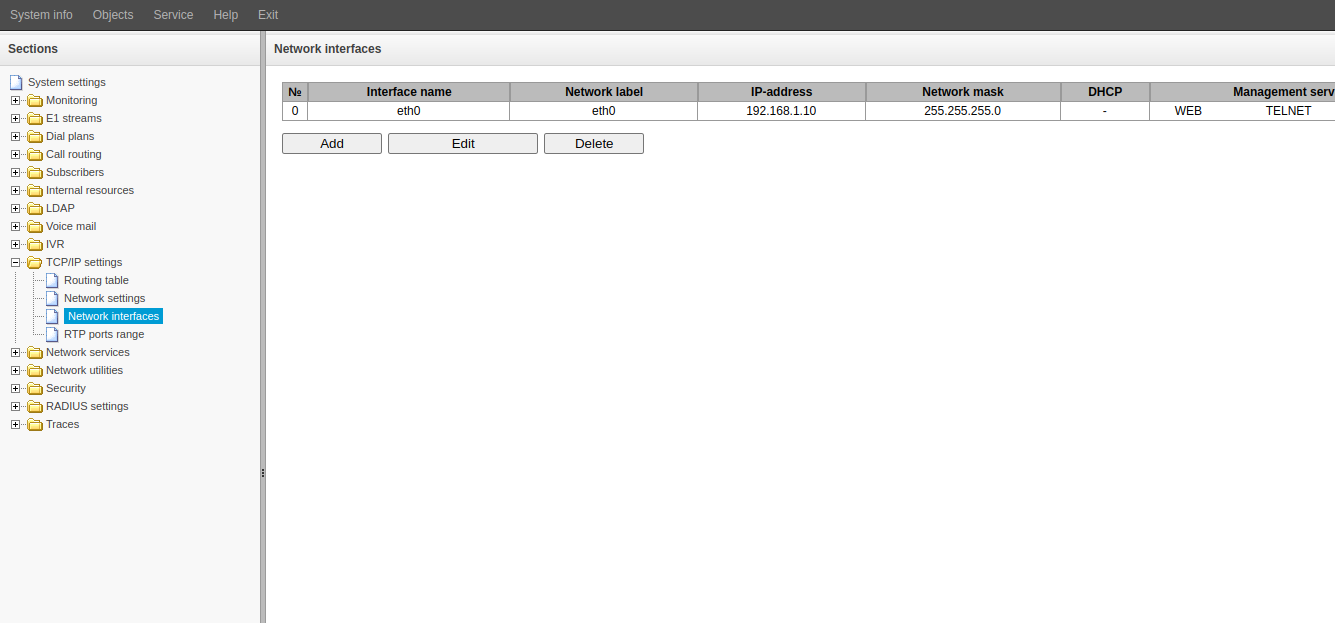
- Side menu "TCP/IP Settings" → "Network Interfaces".
- Select line No. 0 with a mouse click.
- Click the "Edit" button.
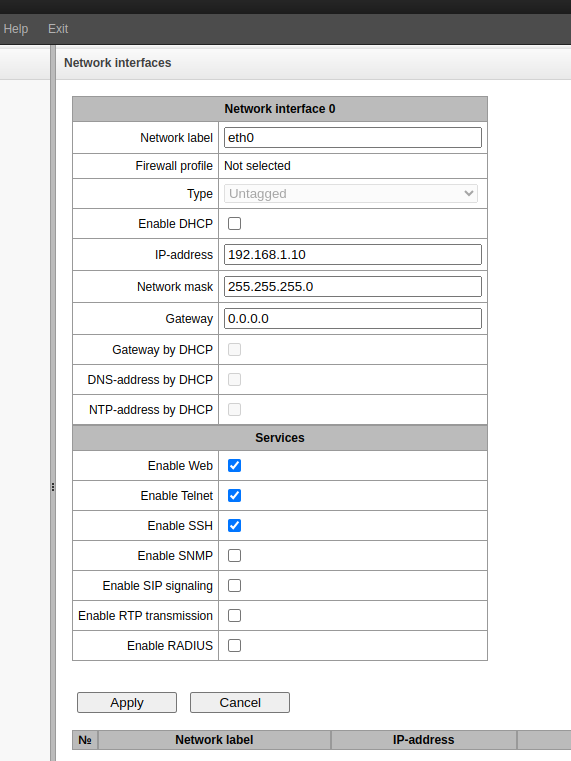
4. Change the following fields as necessary:
- Network name
- IP address
- Network mask
- Gateway
5. Select the services that should run on this interface.
ATTENTION! These changes must be confirmed immediately. Make sure you have network connectivity to the specified network.
6. Click the "Apply" button. After clicking the button, SMG will change its IP address. The interface at the old address will stop responding. Immediately proceed to step 7 of these instructions.
7. Access the web interface using the new IP address.
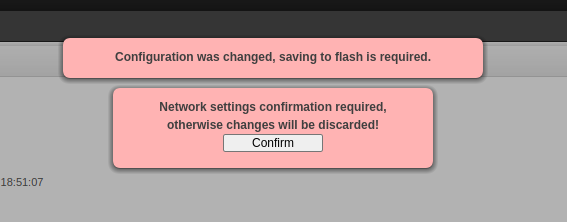
8. Click the "Confirm" button in the pop-up window.