To log in to the system, enter the following in the browser’s address bar:
https://<IP address or domain name>:<port (443 by default)>
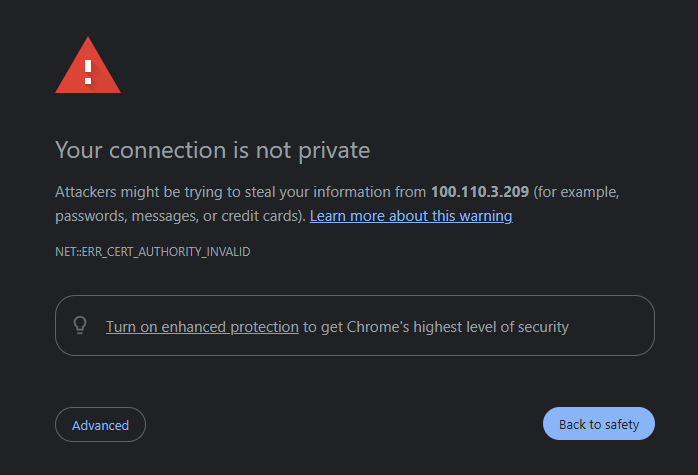
To access the system’s authentication page, you must confirm the transition related to the browser security warning.
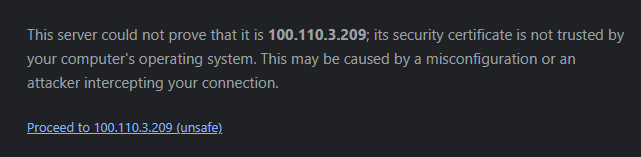
To do this, expand the Advanced section and click Proceed to <IP address or domain name>.
This is a standard procedure when using self-signed certificates, which provide encryption but are not validated by third-party certificate authorities.
Example of the confirmation prompt in Google Chrome:
If necessary, you may use your own certificates; see v1.0_3.5 Using security certificates.
After that, the login window will appear:
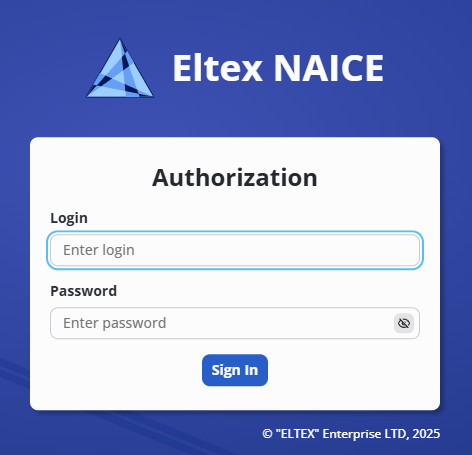
During the first system startup, use the default administrator credentials with the Super Admin role: admin/admin (login/password). If required, you may later change this system user’s login/password or delete the user.
After logging in, the NAICE start page will open:
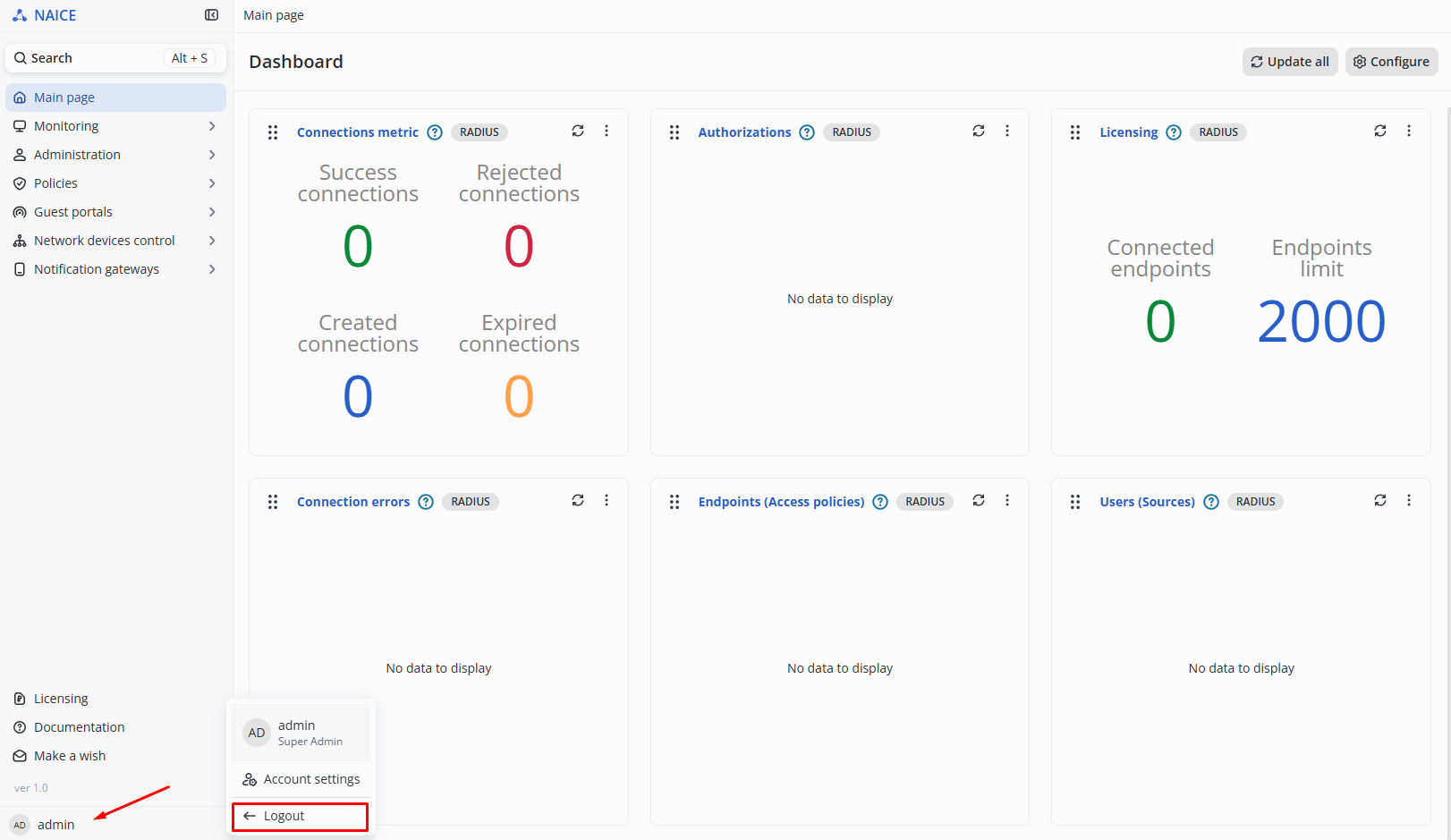
To log out, click the profile icon  in the lower-left corner of the menu and select Logout.
Then confirm the action by clicking Logout.
If no license is activated in the product, NAICE will operate in Demonstration mode.