Roles
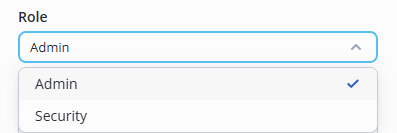
Roles of the EVI Platform:
- Admin — full access;
- Security — access to view the Interactive plan, Monitoring, Archive, Workers, Guests, Pass list, Journals, as well as to the featues of Access patterns and Security pages.
Adding a new user
Adding users is limited by license.
Simultaneous work as one user is forbidden, because all previous sessions are automatically disconnected.
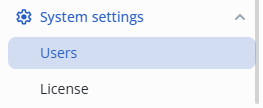
In System settings section, switch to the Users page.
Click the Add user button in the upper right corner.
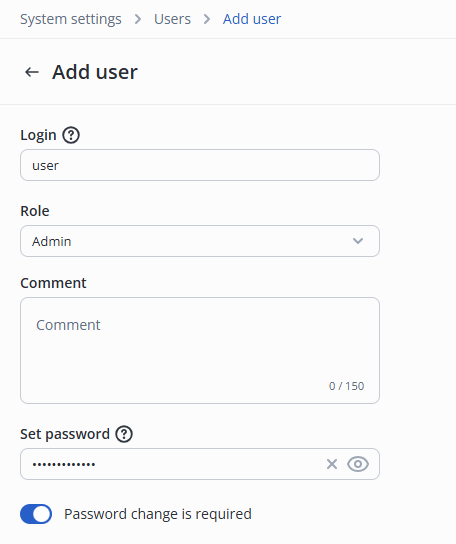
- Specify Login and Password;
- Select user Role;
- Set the Password change is required switch to the active position.
Click the Add user button in the upper right corner.

The created user will be displayed in the System users list.
User editing
In System settings, switch to the Users page.
Click on the system user login.

Change the required fields:
- Login;
- Role;
- Password.
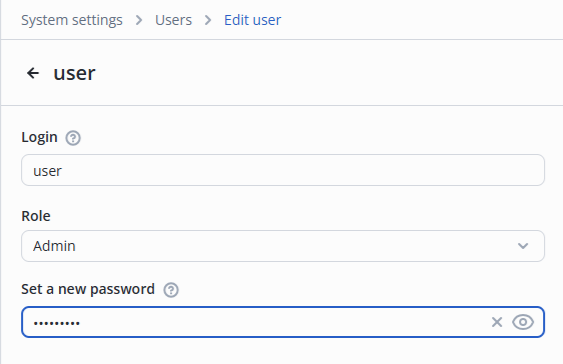
Click the Save button in the bottom right corner.
Removing a user
There are two ways to remove a user:
1. Via three dots at the user's login in the System users table.

2. Via the More icon in the System Users profile edit.
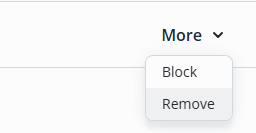
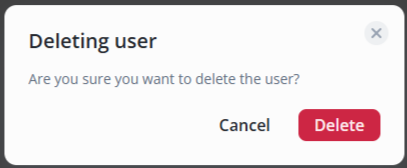
Confirm the removal by clicking the Delete button in the pop-up window.
Blocking a user
There are two ways to block a user:
1. Via three dots at the user's login in the System users table.

2. Via the More icon in the System users profile edit.
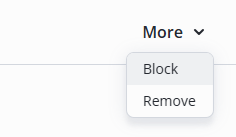
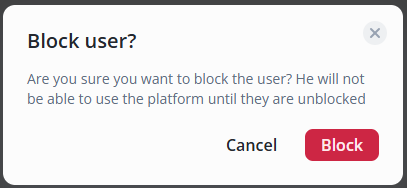
Confirm the blocking by clicking the Block button in the pop-up window.