NAICE includes troubleshooting scripts that collect the necessary diagnostic information into an archive for subsequent analysis by technical support.
To obtain the troubleshooting scripts, go to the web interface of the OVA image using the following link:
https://<NAICE installation IP address>:8000
Then go to the ELTEX → Support tab and click Collect logs.
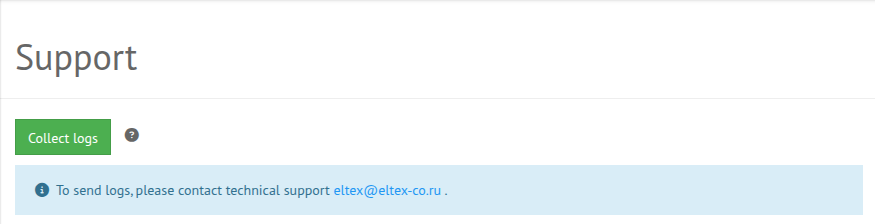
Downloading the technical support archive takes 120 seconds.