Viewing the result of analytics by face/vehicle/object is available in two places:
- evi-video-client application;
- web browser.
Evi-video-client application
Metainformation is the information displayed in the frame from any type of analytics.
Live view
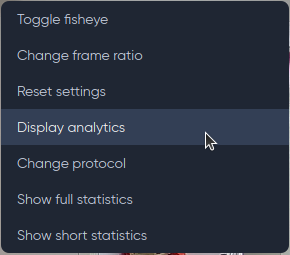
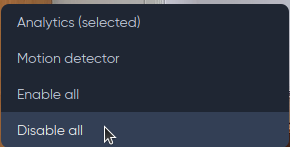
To display the analytics operation, right-click on the camera broadcast and select Display analytics.
Select Analytics from the next menu to display the face analytics operation.
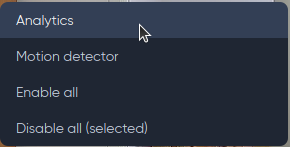
To disable the display of Analytics work, select Disable.
Analytics
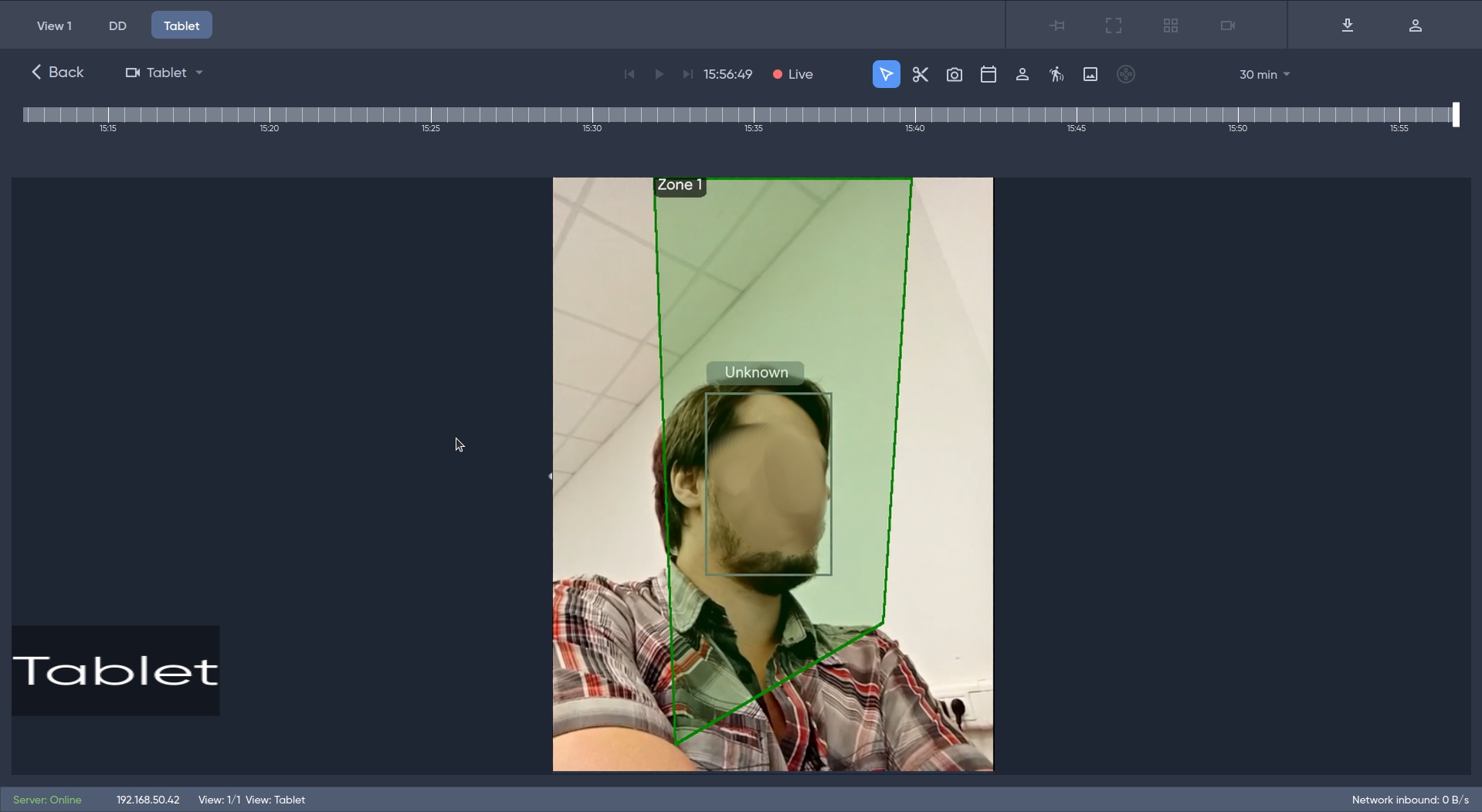
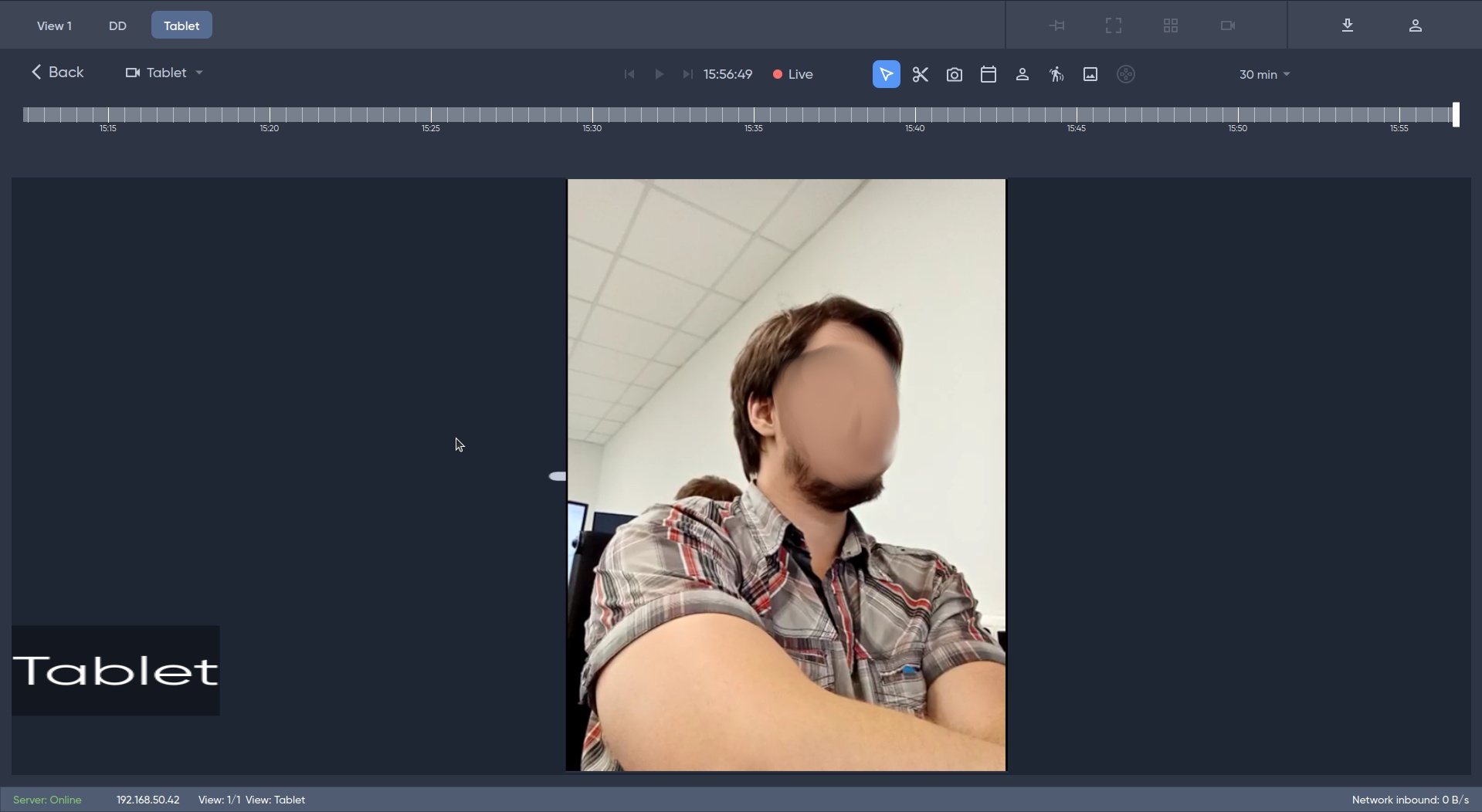
Display analytics work on camera broadcast when analytics on employee face is disabled.
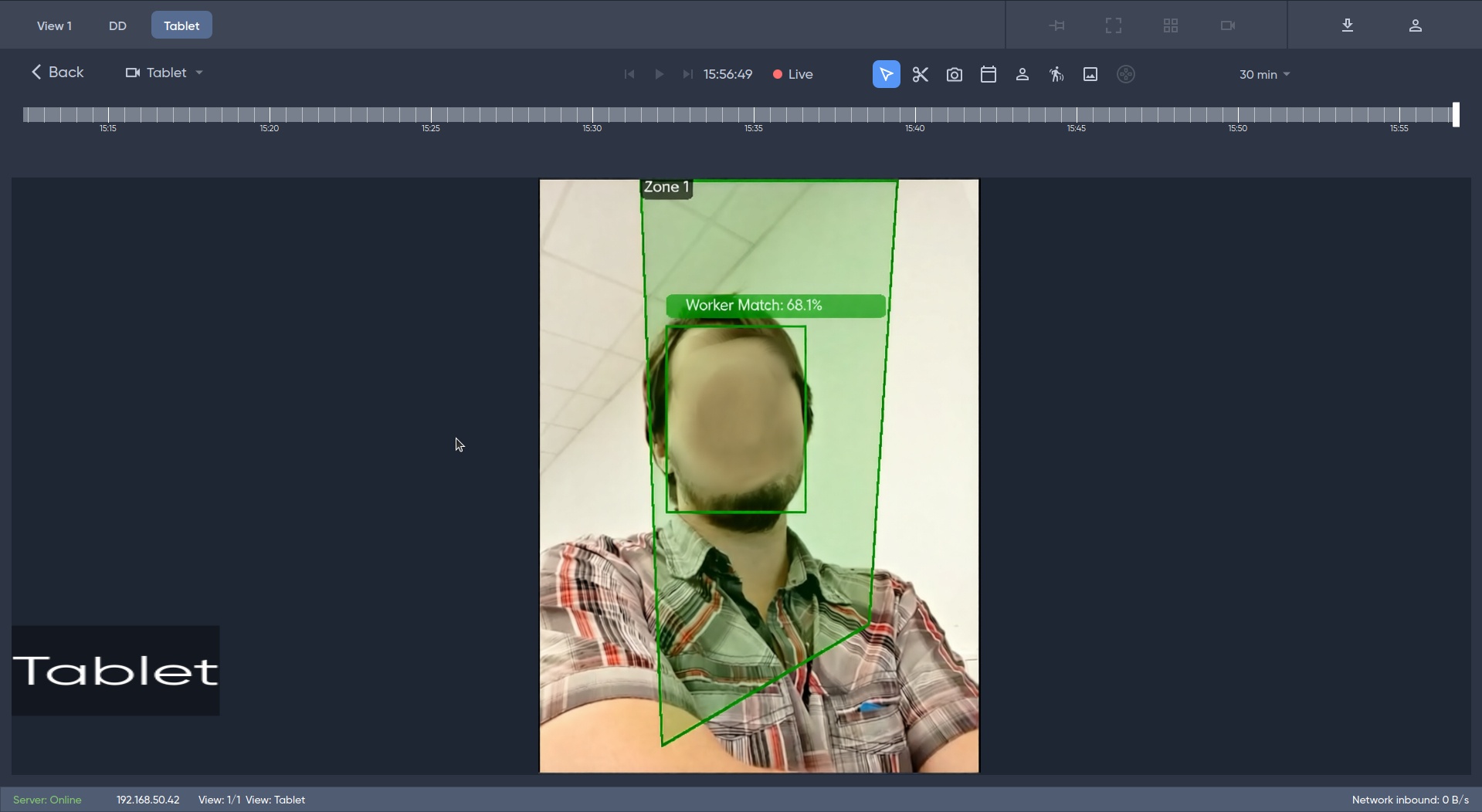
Display analytics work on camera broadcast when analytics on employee face is enabled.
Viewing metainformation in archive
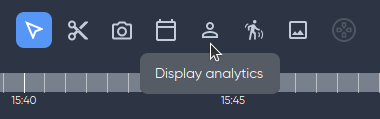
To view metainformation on analytics work in the archive, click the Analytics button and select the archive fragment on the timeline.
Web browser
Live view
Face analytics model
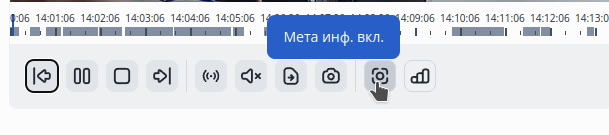
To view the analytics operation, click on the Meta info on button on the broadcast page of the selected camera.

Metainformation
Metainformation — the result of Motion detector or any type of video analytics (by face, by number, by object).
By default, the button is active, metainformation is immediately enabled.
When disabling meta information, the state of the button will be retained when switching to other cameras.
Display analytics performance with employee face analytics disabled.
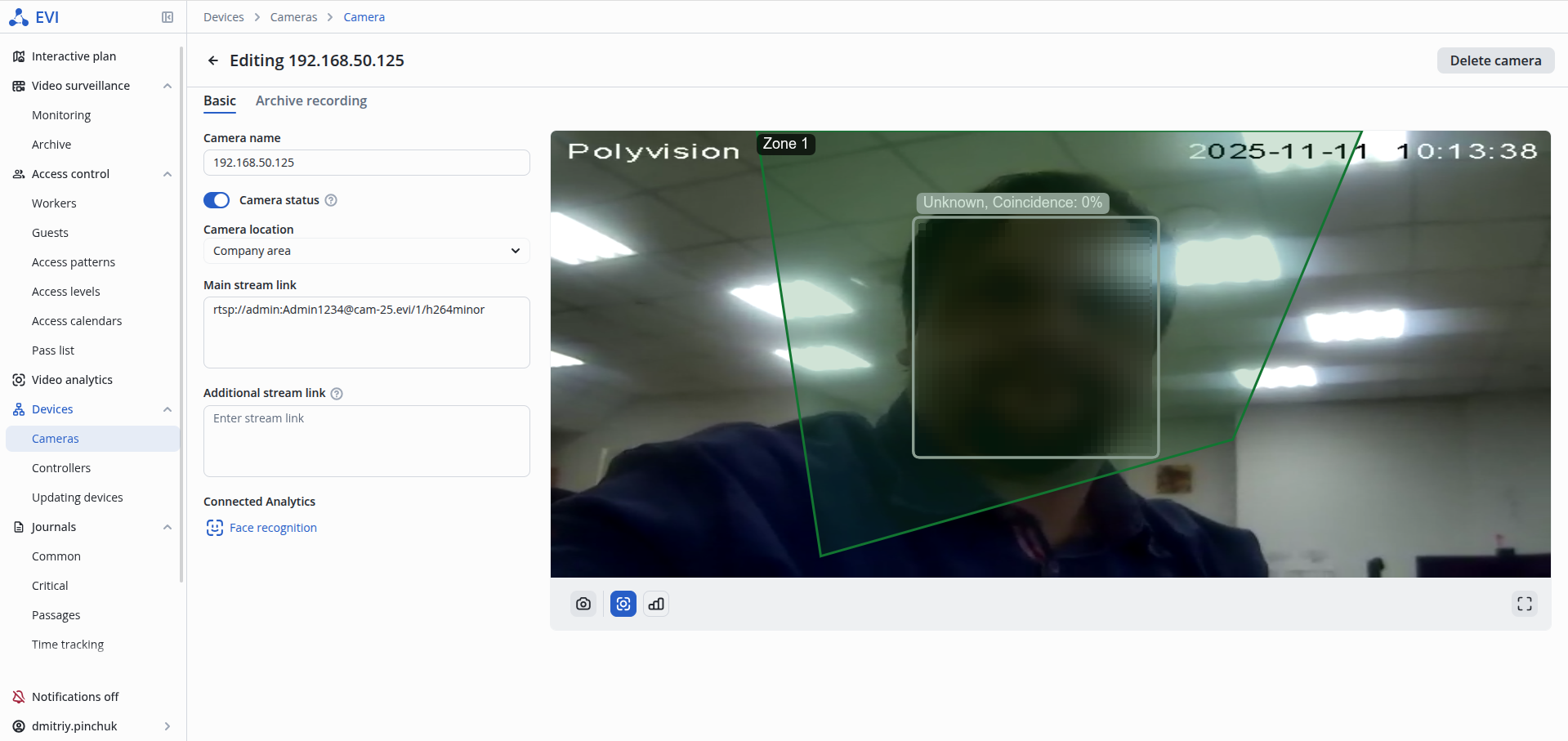
Display analytics performance with employee face analytics enabled.
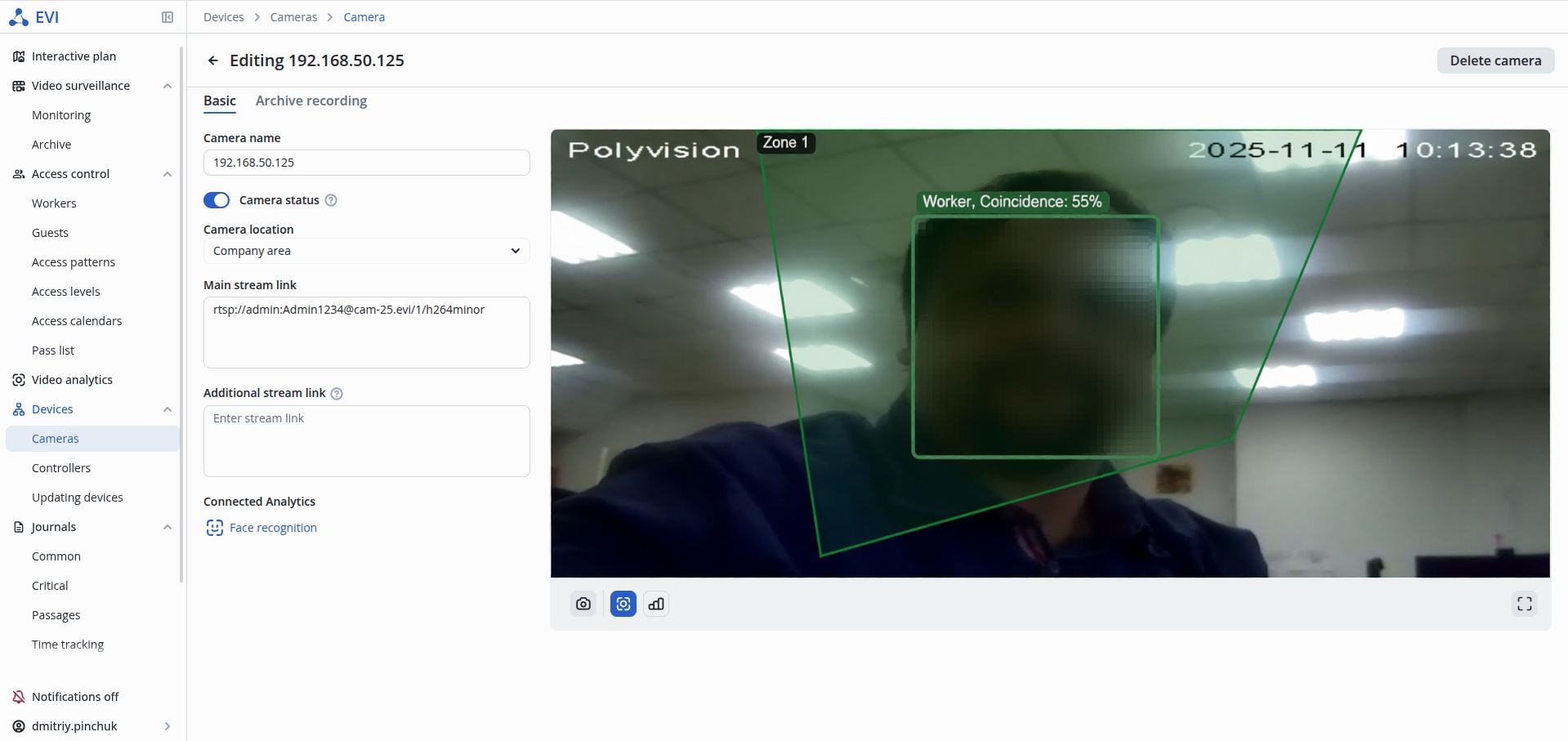
Viewing the records archive
To view meta information on analytics work in the archive, click the Meta info on button in the camera archive and select the archive fragment on the timeline.