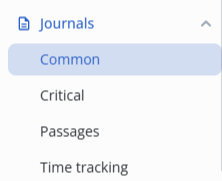
There are four types of journals in the system:
- Common — events of the entire system (except sensor activations and module disconnections);
- Critical — events of sensor activations and module disconnections;
- Passages — events of worker passages through access points;
- Time tracking — calculation of worker time.
To switch to the Common journal, click on the journal icon in the left side menu and select Common.
The journal contains all events (except sensor activations and module disconnections) occurring in the system, an example of such events is below.
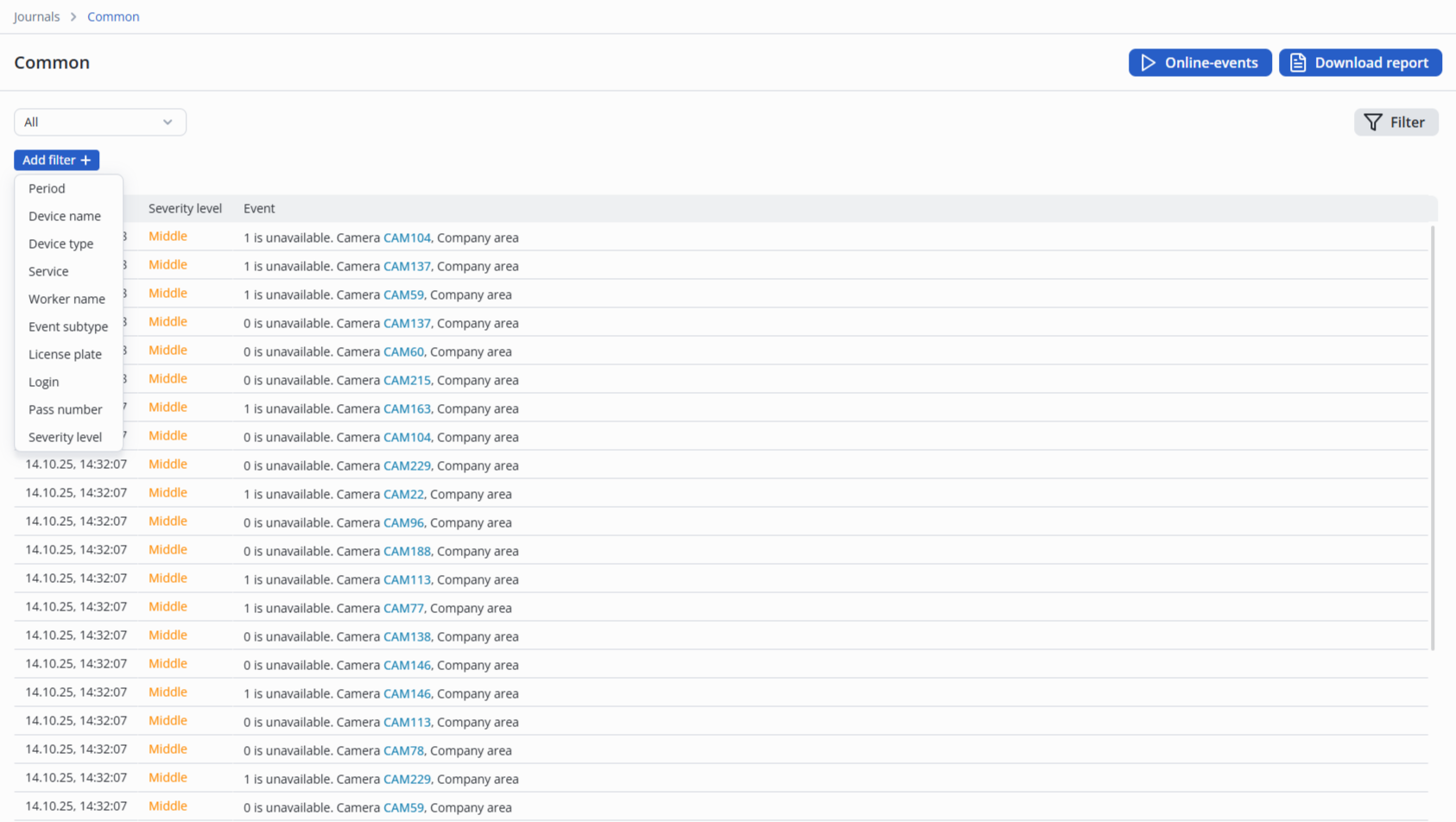
Filters on the page include:
- Period;
- Device name;
- Device type;
- Service;
- Worker name;
- Event subtype;
- License plate;
- Login;
- Pass number;
- Severity level.
Online-events
To track incoming events in real-time, click the Online-events button in the upper right corner of the screen.

Downloading reports
To generate a report in csv format, click the Download report button in the upper right corner of the screen.
The report will be downloaded to a computer through the browser according to the selected filter.