Description
Regularly creating database backups ensures the ability to quickly restore data in the event of complete data loss caused by erroneous administrator actions or malicious actions by third parties. High availability alone is insufficient in this case, because if data in the database is accidentally or intentionally damaged or modified, the changes will be replicated to all nodes of the PostgreSQL database cluster.
The web interface of the OVA image is available at the following link
https://<NAICE installation IP address>:8000
Exporting the database backup
To create a database backup in an OVA image installation, open the OVA image web interface, go to the NAICE → Backup tab and click Upload the backup from the system.
After clicking the button, downloading of the NAICE database backup will begin.
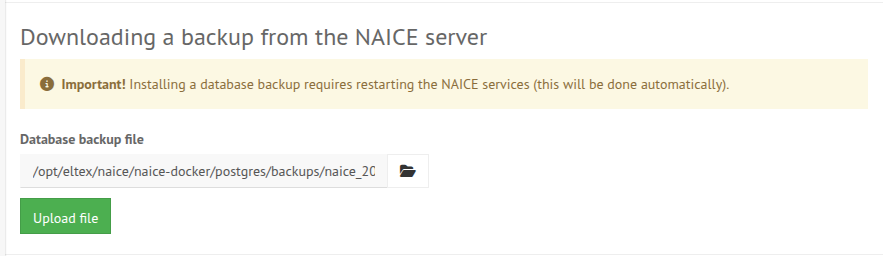
Downloading a backup from the NAICE server
To download a backup from the NAICE server, open the OVA image web interface, go to the Downloading a backup from the NAICE server section of the NAICE → Backup tab.
When you click the file selection button, the directory of database backups created automatically will open. The backup schedule can be configured according to the instructions in v1.2_3.2.3 NAICE parameter configuration.
To apply the selected backup, click Upload file.
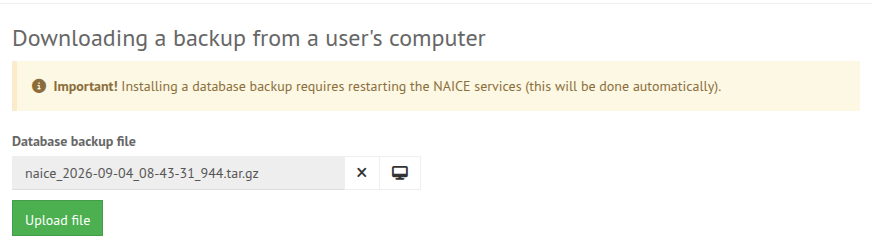
Downloading a backup from the user's computer
To download a backup from the user's computer, open the OVA image web interface, go to the Downloading a backup from a user's computer section of the NAICE → Backup tab.
When you click the button, select a previously created backup file, then click Upload file.
Exporting the server configuration
In addition to creating a database backup, you can also create a copy of the entire NAICE software, including configuration files and the database backup.
To export the server configuration, open the OVA image web interface, then go to the Export server configuration section of the ELTEX → Server settings tab and click Export.

Importing the server configuration
If you need to load a previously created archive with the server configuration of the NAICE software, open the OVA image web interface, go to the Import server configuration section of the ELTEX → Server settings tab, select the required file and load it by clicking Import.
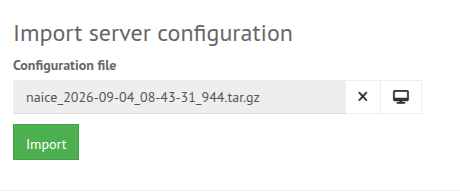
When importing the server configuration, all modules of the NAICE software will be reloaded and the service will be temporarily disconnected.