...
The IPA-ER-020 PACS controller is a multifunctional device designed for integration with the ELTEX access control system. Access may be granted via an RFID key, the "Exit" button, a command from the web interface, or an API command. The controller accommodates readers with Wiegand-26/34/37/40/42/58 interfaces for the retrieval of RFID keys. This device is capable of locally storing up to 10,000 keys and maintaining a log of 50,000 events. The device has a plastic housing and can be mounted on a DIN rail.
...
Figure 13 — "Controllers" page
The The serial number is inserted automatically. Next, click the "Authorize" button.
...
After authorization, a notification will appear on the screen stating that the operation was successful.
Scroll Pagebreak
...
Figure 15 — "Controllers" pageScroll Pagebreak
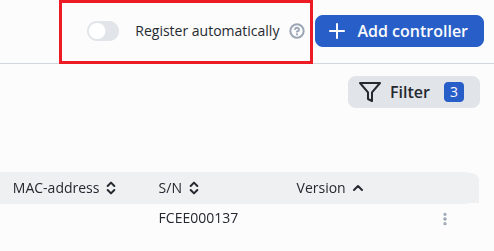
Figure 16 — Automatic controller addition functionscroll-pagebreak
Device control panel
The main elements of the web interface are shown in Figure 8.
...
5 — buttons for saving and canceling configuration changes.Scroll Pagebreak
"Device" menu
This menu contains system information about the device and the status of the controller elements.
...
This submenu displays the current status of the relay, discret inputsdiscret inputs, external intrusion sensor and fire alarm.
...
| 0 | Access denied |
| 1 | Access for relay 1 |
| 2 | Access for relay 2 |
| 3 | Access for relay 1 and 2 |
Scroll Pagebreak
Example of filling import CSV file:
...
- To add a key, click the "+ Add" button, then the form for adding a new key will open;
- To edit a key, click the "Edit" icon next to the key;
- To delete a key, select the appropriate flag to the left of the key and click "Delete";
- Use the "Delete all keys" button to delete all keys.scroll-pagebreak
"Discret Inputs" submenu
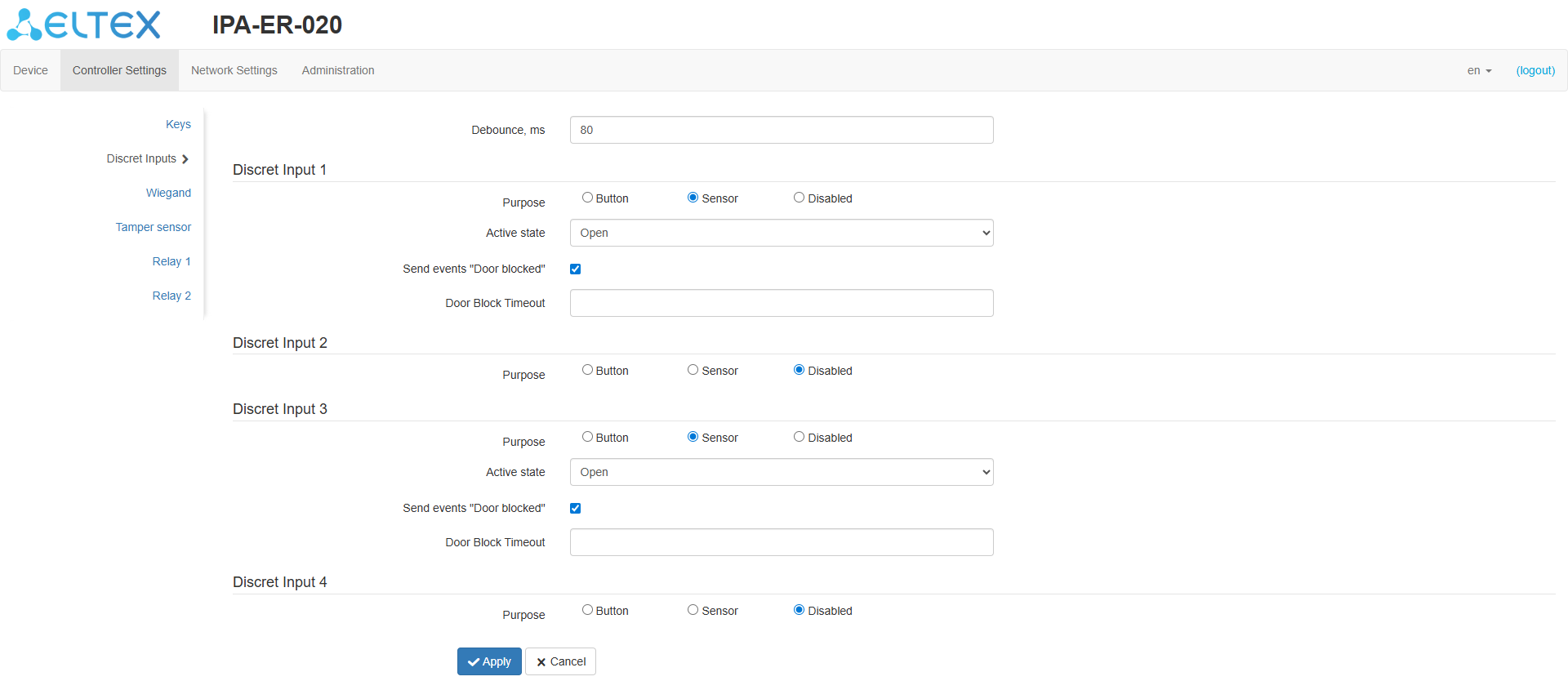
Figure 21 — "Discret Inputs" page
...
- Purpose — select whether a button or sensor is connected to the input. It is also possible to disable the discrete input function when "Disabled" is selected;
- Active state — selection of the state at which the input actuation will be recorded: closed or open;
- Send events "Door blocked" — enables or disables the sending of a door block event. The flag is available only when the discret input destination is "Sensor";
- Door Block Timeout — timeout value in seconds after which a lock event will be sent if the door is not closed. The default is 30 seconds.
Scroll Pagebreak
"Wiegand" submenu
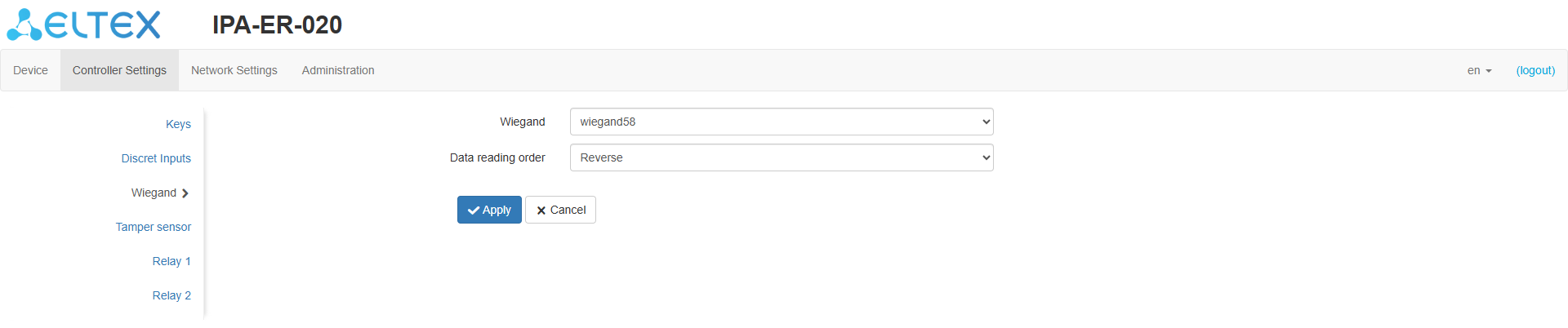
Figure 22 — "Wiegand" page
...
| Подсказка |
|---|
By default, the tamper sensor is disabled. |
Scroll Pagebreak
"Relay 1," "Relay 2" submenus
...
In this menu, the network interface and Ping utility settings are configured.scroll-pagebreak
"Network Settings" submenu
...
| Подсказка |
|---|
The local log file stores the contents when the device is powered down and continues to write when power is restored. |
Scroll Pagebreak
"Security" submenu
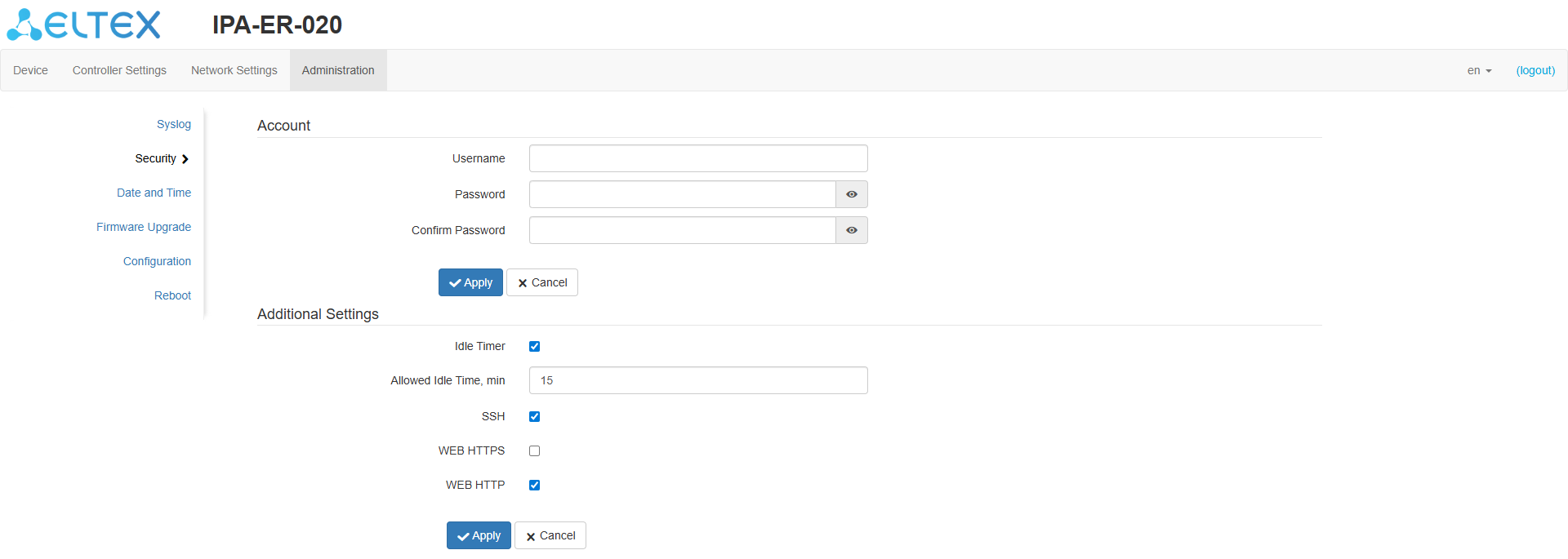
Figure 29 — "Security" page
...
Figure 30 — "Date and Time" pageScroll Pagebreak
This submenu displays the current date and time on the device and configures the following options:
...
"Firmware Upgrade" submenu
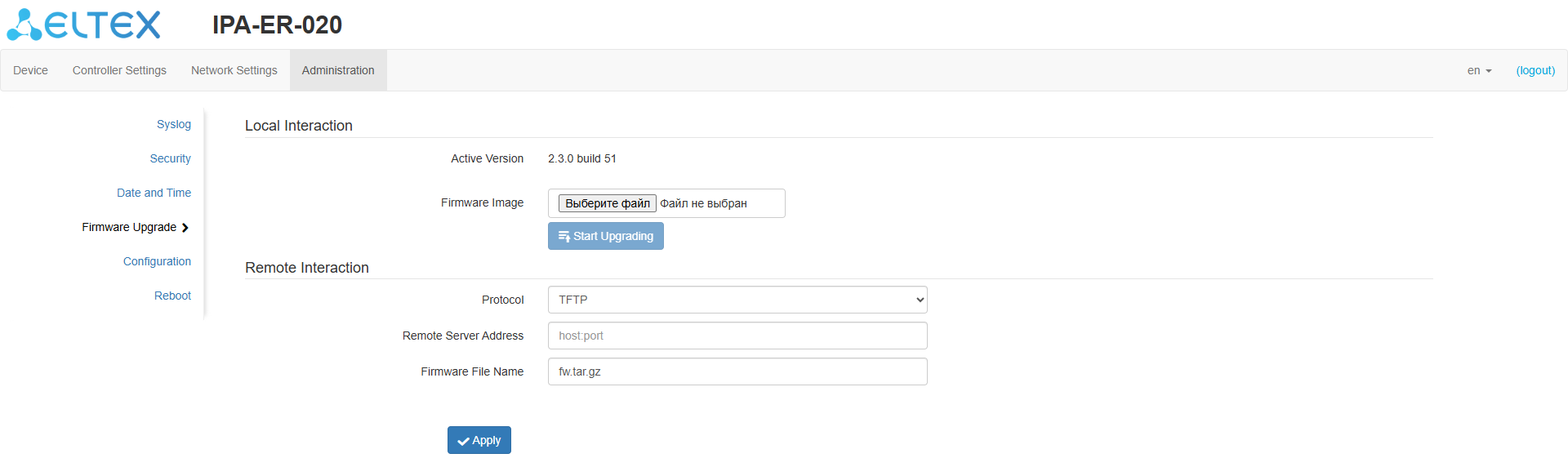
Figure 31 — "Firmware Upgrade" page
...
| Примечание |
|---|
Do not power down the device during the software upgrade process. |
| Scroll Pagebreak |
|---|
"Configuration" submenu
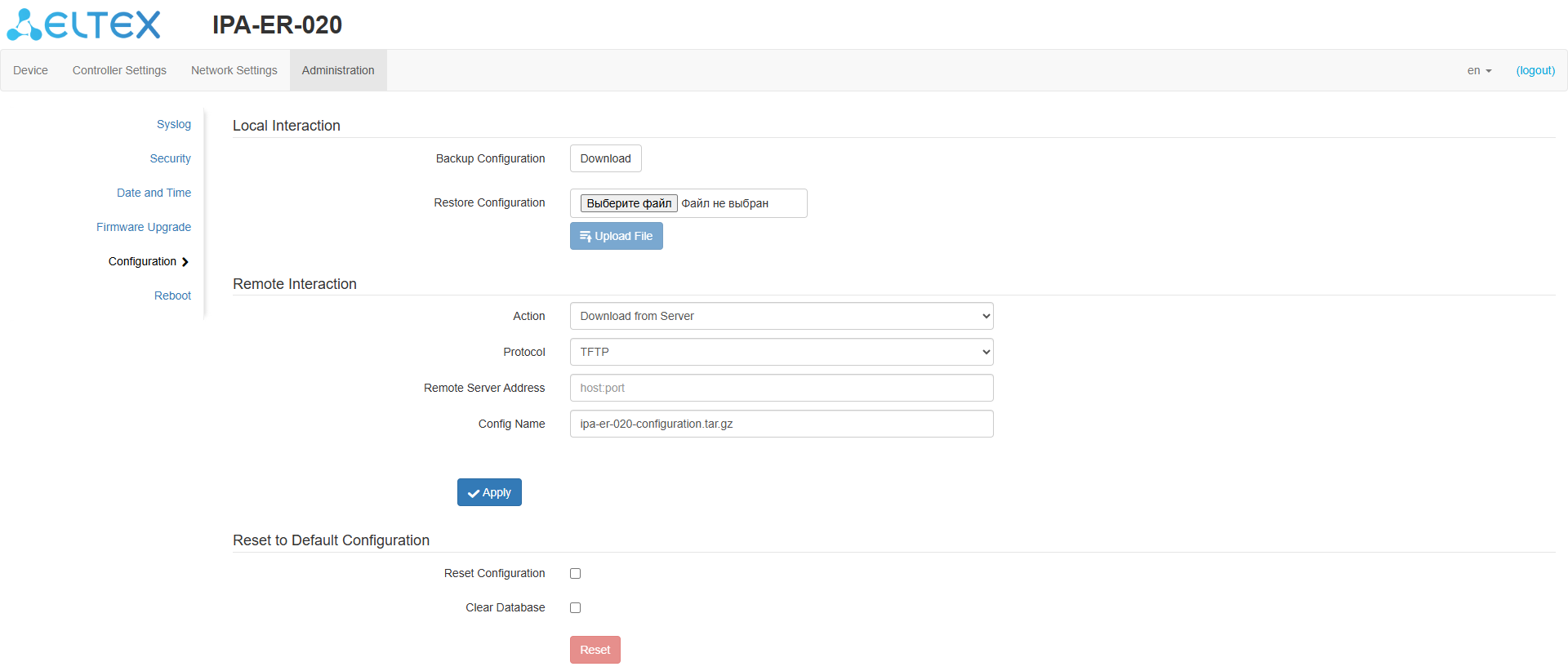
Figure 32 — "Configuration" page
The The following actions are possible in this submenu:
...
| Подсказка |
|---|
A configuration reset can also be performed by holding the RST button on the device for 10 seconds. |
"Reboot" submenu
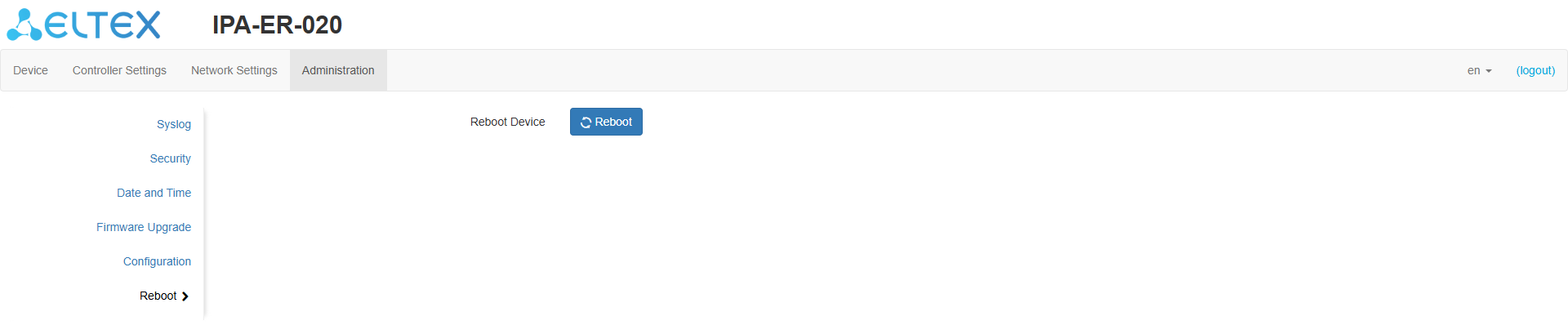
Figure 33 — "Reboot" page
...