...
- Purpose — select whether a button or sensor is connected to the input. It is also possible to disable the discrete input function when "Disabled" is selected;
- Active state — selection of the state at which the input actuation will be recorded: closed or open;
- Send events "Door blocked" — enables or disables the sending of a door block event. The flag is available only when the discret input destination is "Sensor";
- Door Block Timeout — timeout value in seconds after which a lock event will be sent if the door is not closed. The default is 30 seconds.
Scroll Pagebreak
"Wiegand" submenu
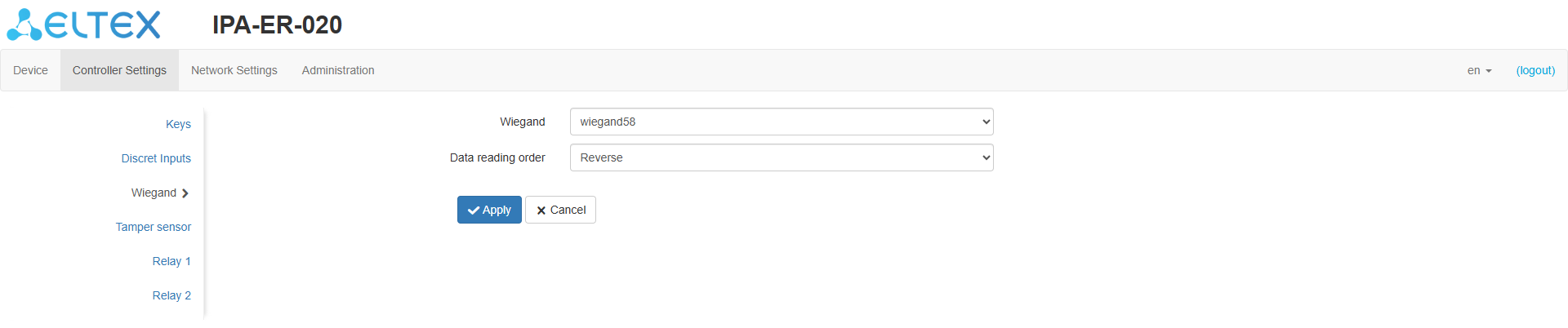
Figure 22 — "Wiegand" page
...
| Подсказка |
|---|
By default, the tamper sensor is disabled. |
Scroll Pagebreak
"Relay 1," "Relay 2" submenus
...
| Подсказка |
|---|
The local log file stores the contents when the device is powered down and continues to write when power is restored. |
...
"Security" submenu
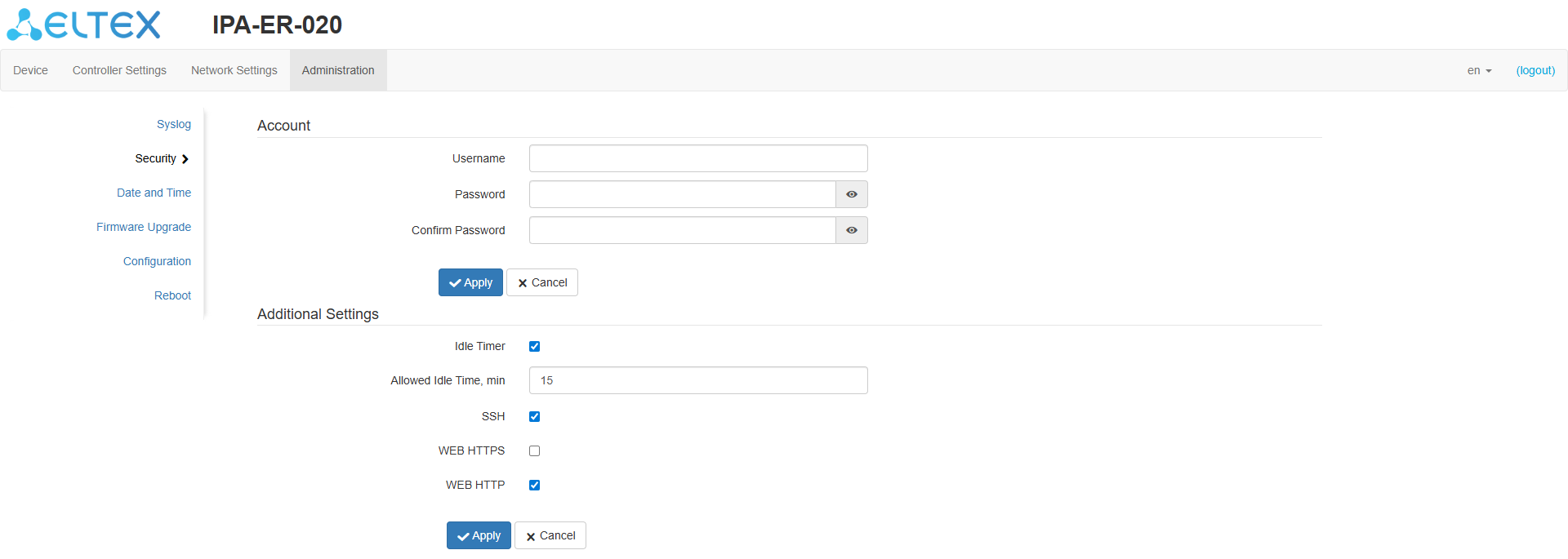
Figure 29 — "Security" page
...
Figure 30 — "Date and Time" pageScroll Pagebreak
This submenu displays the current date and time on the device and configures the following options:
...
"Firmware Upgrade" submenu
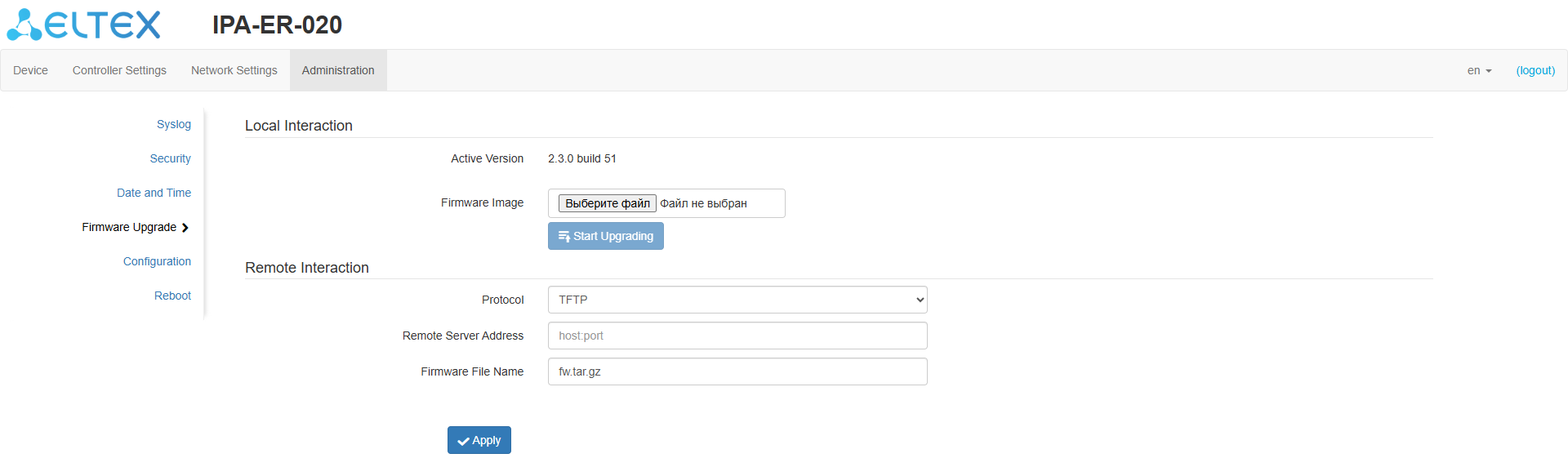
Figure 31 — "Firmware Upgrade" page
...
| Примечание |
|---|
Do not power down the device during the software upgrade process. |
| Scroll Pagebreak |
|---|
"Configuration" submenu
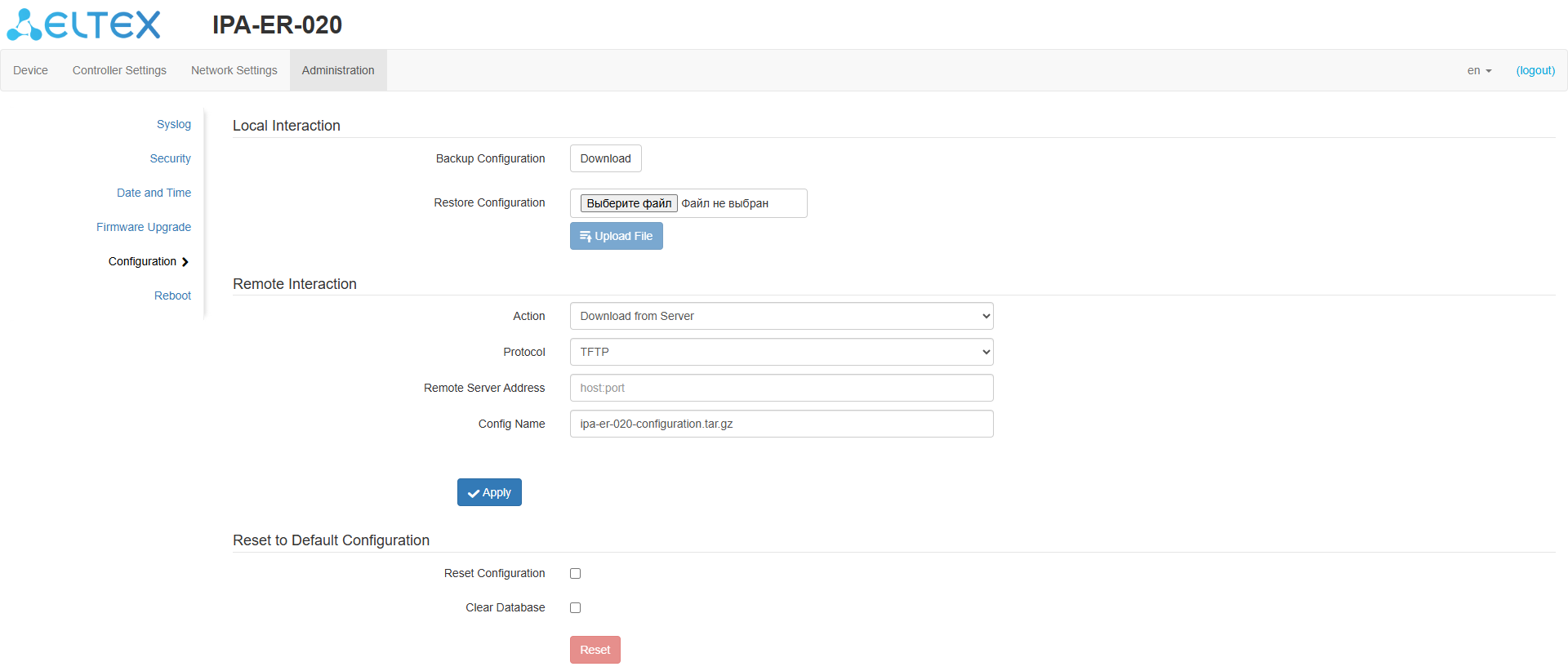
Figure 32 — "Configuration" page
...
| Подсказка |
|---|
A configuration reset can also be performed by holding the RST button on the device for 10 seconds. |
"Reboot" submenu
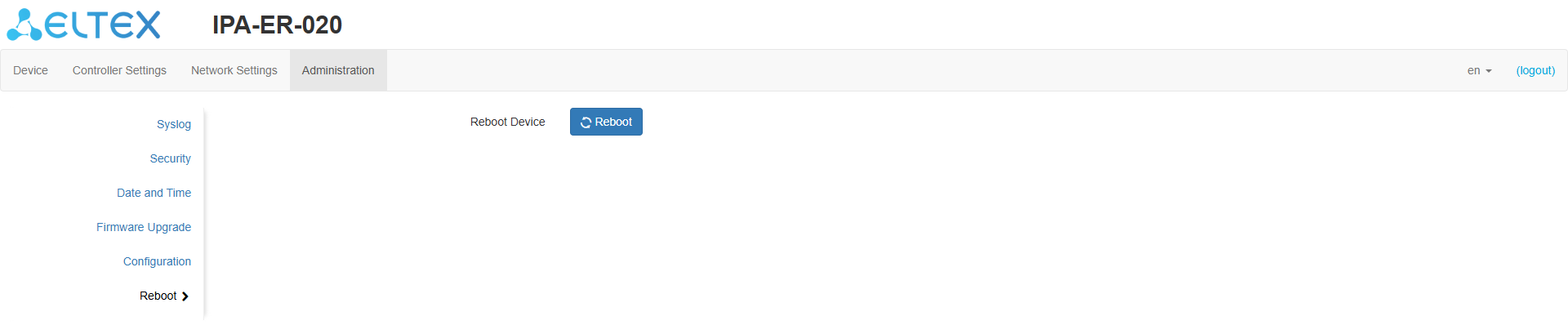
Figure 33 — "Reboot" page
...