Introduction
The Motion detector model is designed to detect the movement of people, vehicles, or objects in the surveillance area.
Motion detector analytics run on the server CPU via the evi-analyzer module.
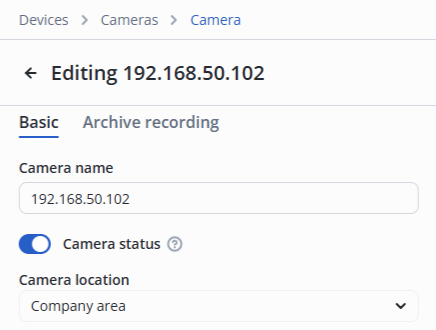
Camera location
Camera location
The camera must be located in the same room as the relay it will control, otherwise the relay will not work on recognition/detection.
Analytics settings
In the camera edit, switch to the Video analytics section.
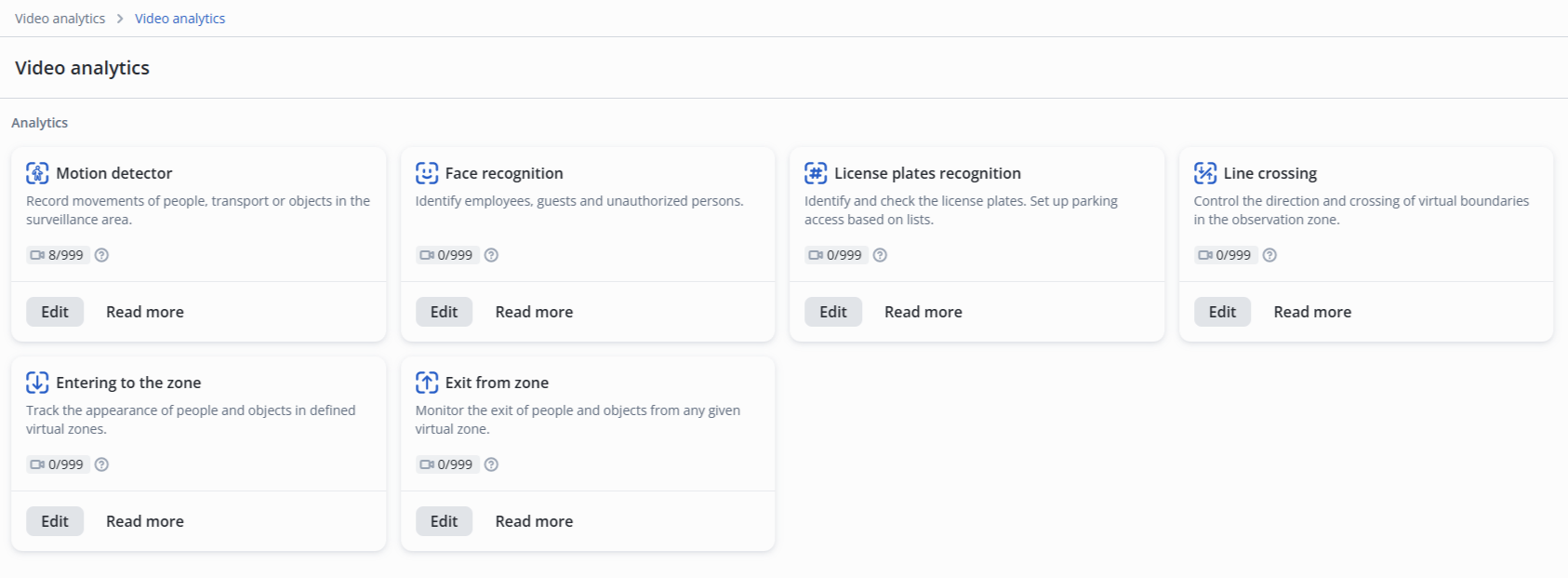
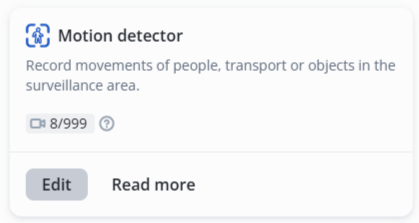
Click the Edit button next to the Motion detector model.
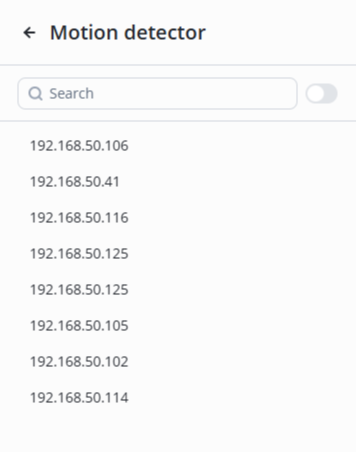
Select the desired camera from the list.
Basic settings
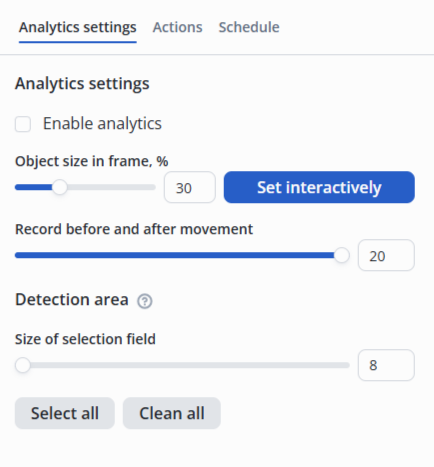
- Object size in frame, % — ratio of the frame height to the object height. It can be set by manually entering a value between 0.1 and 1 in the field or by interactively selecting the size on the image;
- Record before and after movement — maximum possible number of simultaneously recognized objects in a frame;
- Size of selection field — size of the detection area cell.
Detection zone
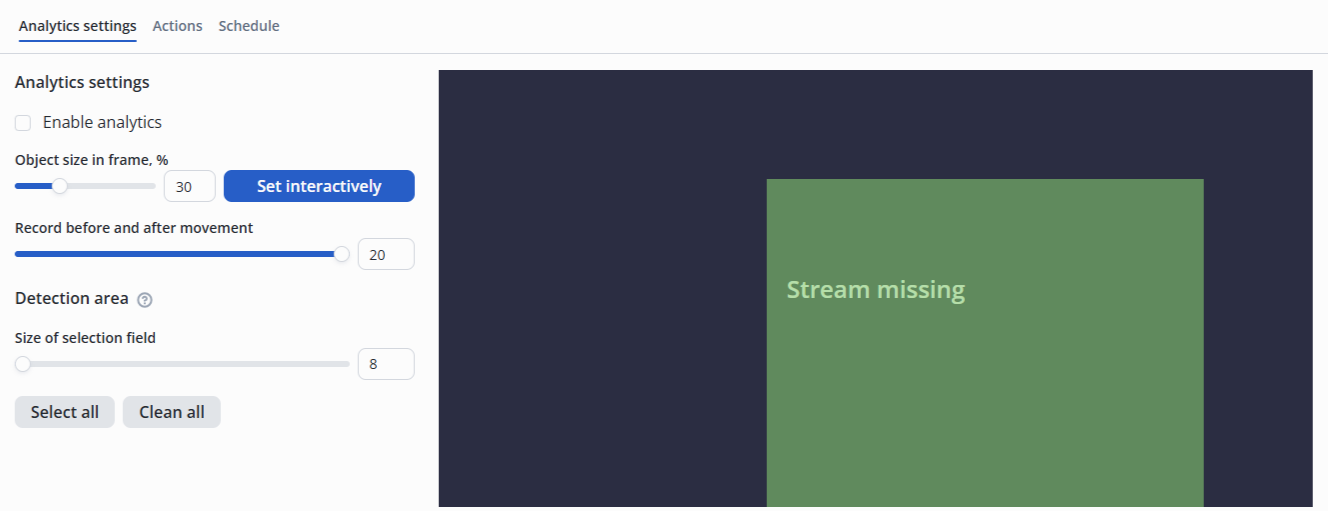
Detection zones — the areas in which recognition occurs.
Actions
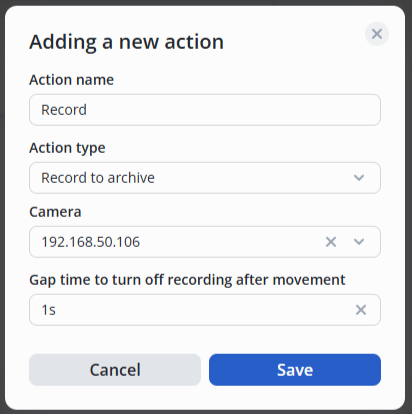
Move the switch to the active position, click the Add action button.

Then select the type of action — Record to archive, set the desired delay for turning off the recording after movement.