For accounting of working hours it is necessary to configure time tracking at the locations that are used as pass points for workers.
When making a through passage, the time tracking counts the time for all workers. In this case, the passage is counted for the first worker passing through; passage for all will be implemented in the next version.
Only turnstiles are involved in time tracking.
Configuring time tracking at the locations
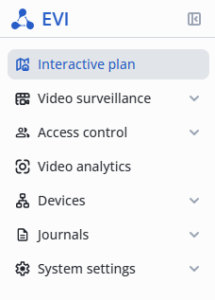
Enter the Interactive plan section to configure the Time tracking.
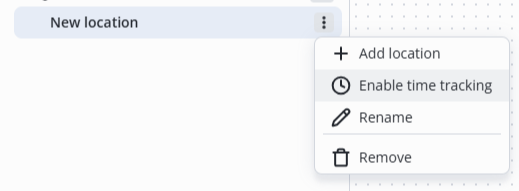
Click on the three dots next to the location and select Enable time tracking.
Time tracking journal
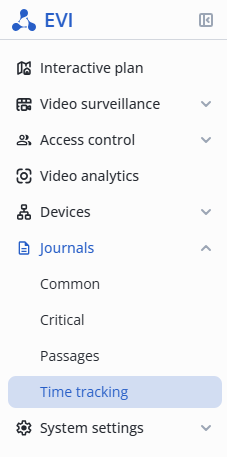
In the Journals section, switch to the Time traking page.
The Journal page provides information on each worker for the current day.
Working hours and days are fixed in the column Total work time and Days worked.

Downloading a report
To generate a report in csv format, click on the Download report button in the upper right corner of the screen.
The report will be downloaded to your computer through your browser according to the selected filter.