To change the display ration for all cameras, click the Change ratio for all streams in view button.

After clicking the Change ratio for all streams in view button, the image ratio from all cameras will change from 16:9 to 4:3.
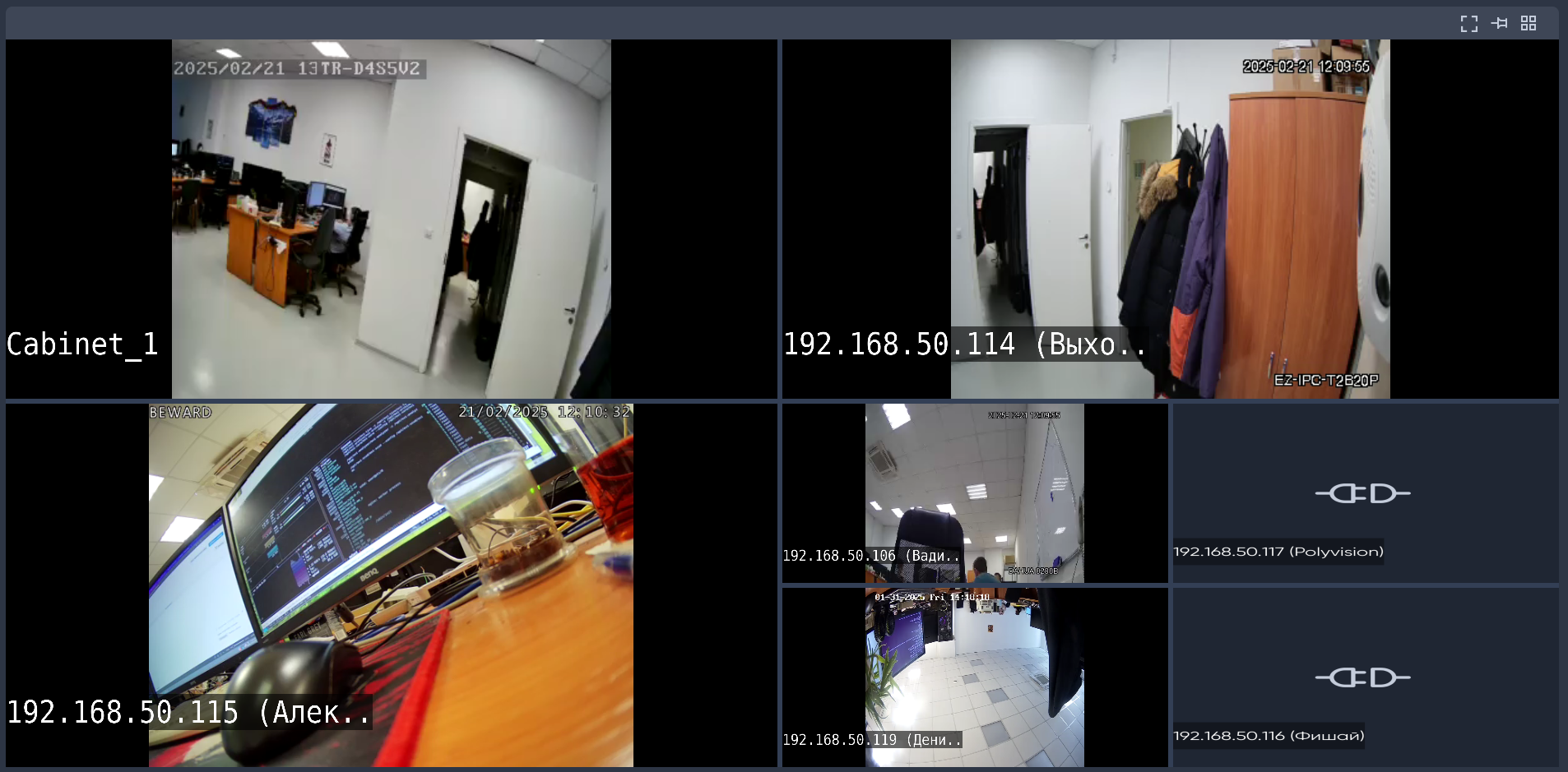
To change the display ration for all cameras, click the Change ratio for all streams in view button.
After clicking the Change ratio for all streams in view button, the image ratio from all cameras will change from 16:9 to 4:3.