Only controllers with firmware version 2.3.0 are compatible with EVI Platform 1.4.0.
The controller can be added to the EVI Platform in two ways:
- Manual addition
- Automatic addition
Manual addition is used when there is no DHCP server on the network and a small number of controllers is used.
Each controller has the server address where the EVI Platform is installed.
For automatic addition, option 43 is specified in the DHCP server to indicate which server to connect to after receiving an IP address from DHCP.
If there are more than 5-10 controllers it is recommended to use automatic addition.
NTP-сервер
It is recommended to configure the NTP server on all controllers for correct operation of the PACS system.
Manual controller addition
Pre-configuration of the IPA-ER PACS controller
For manual addition of a controller, it is necessary to send the controller to a server with the EVI Platform installed.
Enter the web-interface of the IPA-ER-020 controller.
Connect to the web interface of the device via IP address 192.168.1.10 using HTTP protocol.
If the IP address is assigned by a DHCP server, it is necessary to specify the address directly on the server.
The IP address of the computer must be in the subnet with the device, for example, 192.168.1.0/24 by default.
Authorization in controller web interface
On the authorization page, enter the following data in the Login and Password fields:
- Login — admin;
- Password — admin.
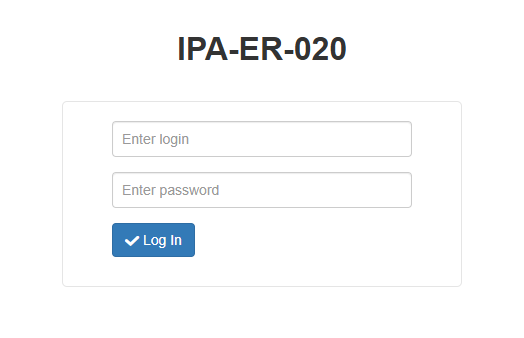
Click the Log In button.
Configuring the IPA-ER controller to work with the EVI Platform
Switch to Network settings, select the EVI Platform tab.
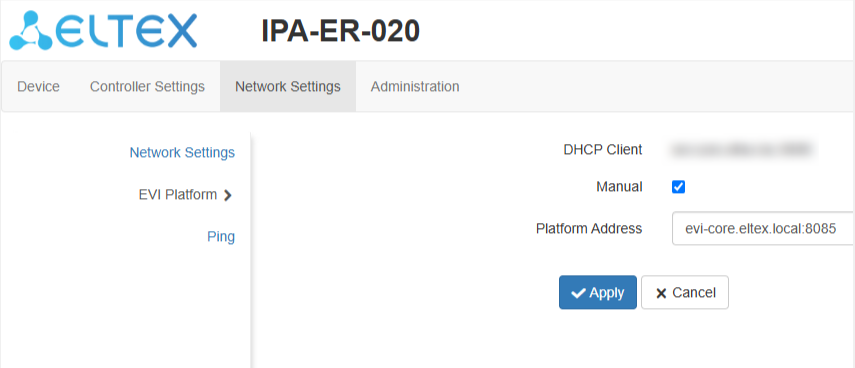
Select Manual option.
Fill in the Platform Address field with the address of the evi-core server:
<IP address evi-core>:8085
Click the Apply button.
Controller authorization in the EVI Platform
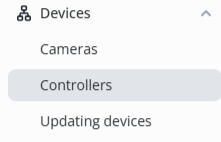
In the web interface, switch to the Controllers page in the Devices section.
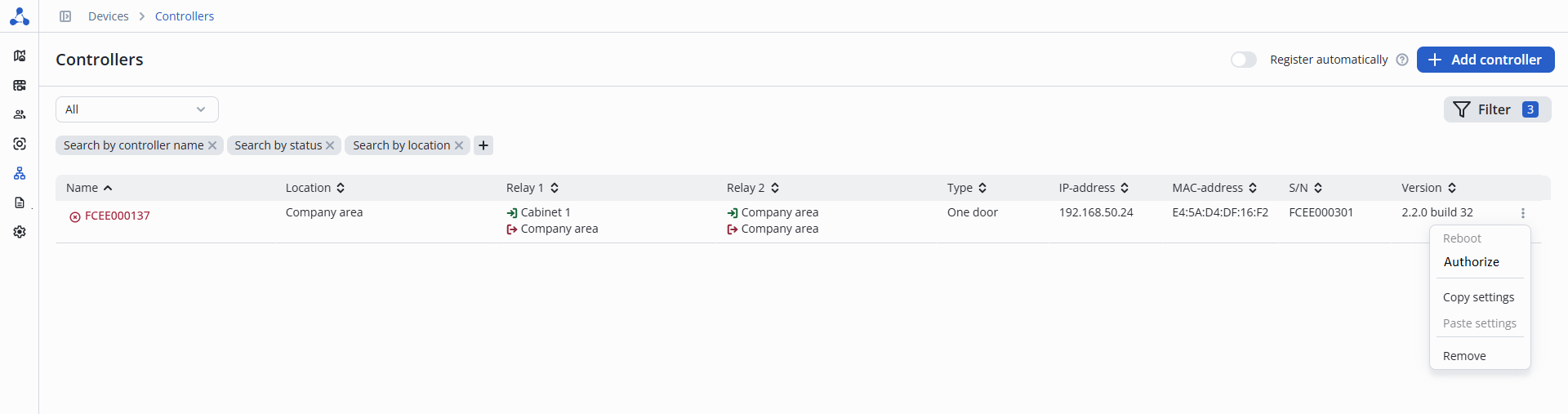
Click the three dots to the right of the firmware Version column and click the Authorize button.
The serial number is automatically substituted, click the Authorize button on the bottom right.
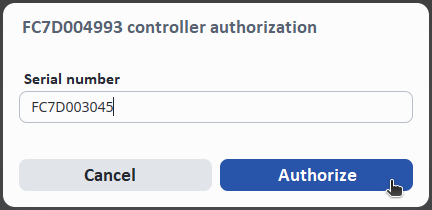
After a successful addition, a notification will appear at the bottom center of the screen indicating that the operation was successful.

Automatic controller addition
The IPA-ER PACS controller has the default address of the EVI Platform server: evi-core.eltex.local.
It is possible to specify this domain name in DNS server. Controllers will automatically come to the EVI Platform.
Configuring 43 DHCP option
If an address other than the default address is required, then a DHCP server must be pre-configured.
To perform this, specify the address of the EVI Platform server in option 43. After that all controllers will automatically arrive at the specified address.
Automatic controllers addition
Switch to the web interface to the Controllers page in the Devices section.
Switch the Register automatically toggle to the active position.

All controllers will then be added to the system automatically.