To remove the view with cameras, click on the Detach view icon.

Select the desired monitor from the list. After selecting the monitor, the view will move.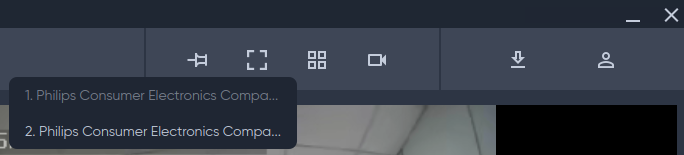
To remove the view with cameras, click on the Detach view icon.
Select the desired monitor from the list. After selecting the monitor, the view will move.